Sound Effects
Vellum Interface SFX
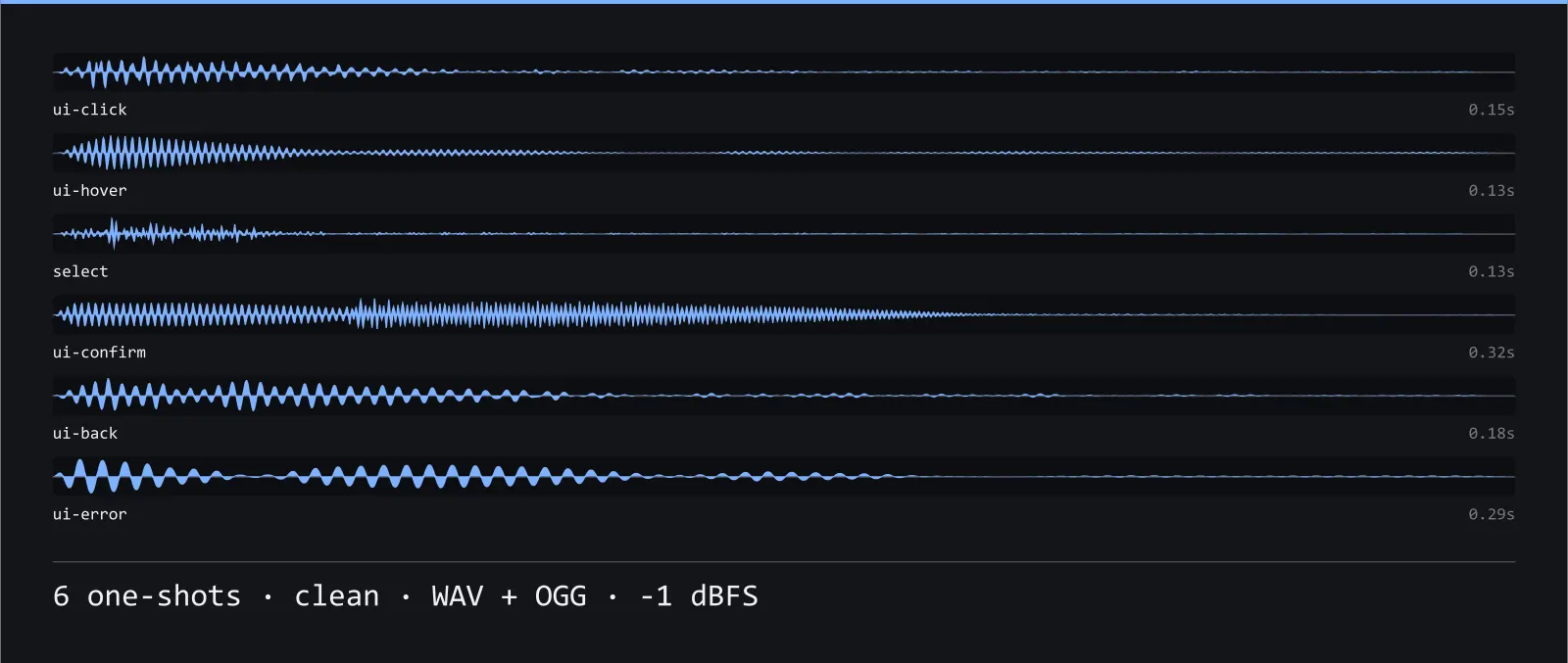
6 clean one-shots for the sounds an interface makes — sine and triangle tones with no distortion at any stage. WAV masters plus OGG.
Listen
6 clips · streams on demandAbout this pack
Vellum Interface SFX is a 6-sound set built from sine and triangle tones with no distortion at any stage. It is meant to sound like a modern phone or console interface, and every clip was synthesised from scratch for this pack — no sampled material, no library content, no model output — which is what makes it safe to hand over under a licence you can actually ship with.
Nothing in this set is loud, nothing is bright and nothing rings: the longest clip is under half a second and the room is short enough to feel like an interface rather than a space. Built to be heard hundreds of times an hour without wearing out.
Interface sounds are heard more often than anything else in a game, so this set is deliberately quiet and short: nothing rings on after the gesture that caused it, and no two clips sit in the same register, so a click landing on top of a hover never turns into one smeared noise.
The set covers 6 files totalling 1.2 seconds, from 130 ms (select) to 0.32 s (ui-confirm). Levels are matched across it: each clip peaks at -1 dBFS with silence trimmed from both ends and a 5 ms fade, so you can drop the folder into one mixer group and set a single volume instead of balancing them one at a time.
Files are 44.1 kHz mono, 16-bit WAV masters with OGG Vorbis alongside, in wav/ and ogg/ folders. The OGG folder is 32 kB against 103 kB of WAV, so ship the OGG unless you need sample-accurate source. The WAV is the master either way — reach for it if you are going to pitch-shift or process further, because re-encoding a lossy file after processing is where artefacts come from.
Good fit for mobile games, menu-heavy strategy titles, editors and tools.
Download
Direct link · no sign-up · no wait pageComplete set — WAV masters, OGG Vorbis, licence and readme
How to use it
- Keep these on their own mixer group with a little headroom. Interface audio that ducks under the music is the usual reason a menu feels unresponsive.
- Unity: drag the ogg/ folder into your project and set Load Type to "Decompress on Load" for anything under half a second, "Compressed in Memory" for the rest.
- Godot: the OGG files import as AudioStreamOggVorbis with no setup — wire one to an AudioStreamPlayer and leave the volume at 0 dB, since the set is already levelled.
- Every clip starts on its transient with no leading silence, so you can trigger them directly without an offset and they land tight against the input that caused them.
License
Creative Commons Zero 1.0 — Public domain. No credit required. Full terms · What this means in practice
Also browse
More Sound Effects
See all →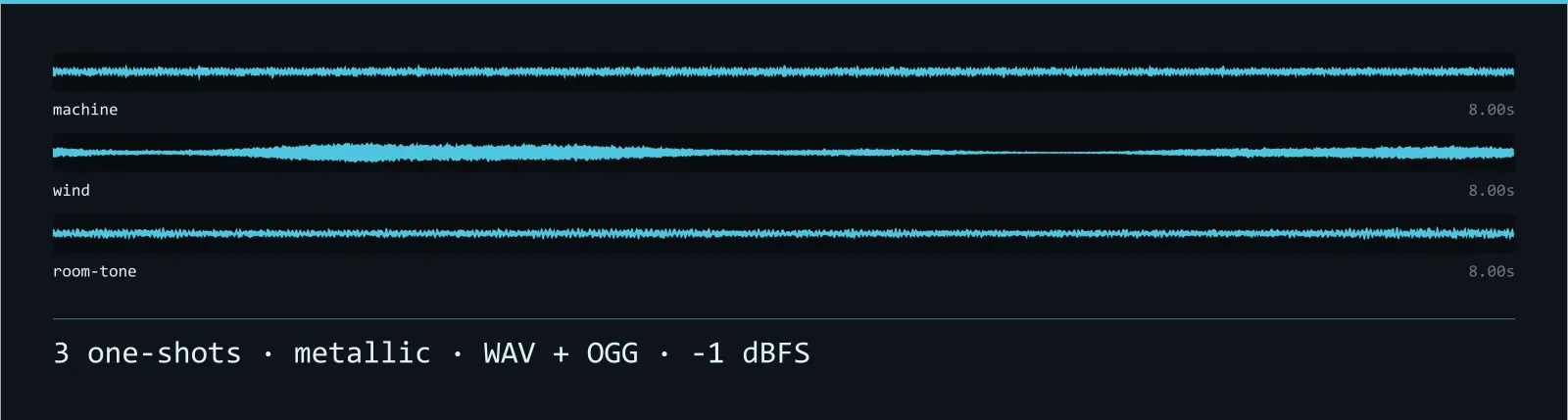
Anvil Ambience SFX
3 metallic seamless loops for a place when nothing is happening — inharmonic partials that refuse to line up on a harmonic series. WAV masters plus OGG.
Anvil Gameplay SFX
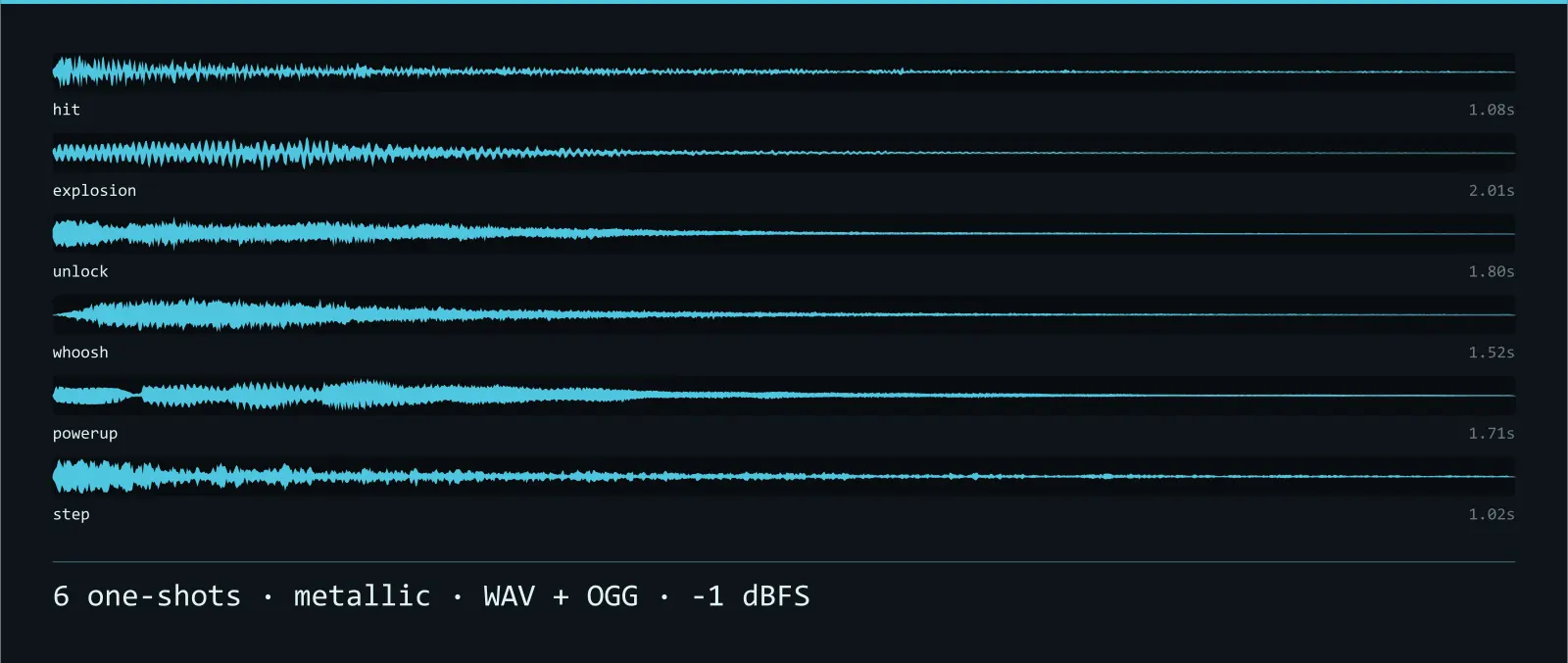
6 metallic one-shots for the sounds events make — inharmonic partials that refuse to line up on a harmonic series. WAV masters plus OGG.
Anvil Interface SFX
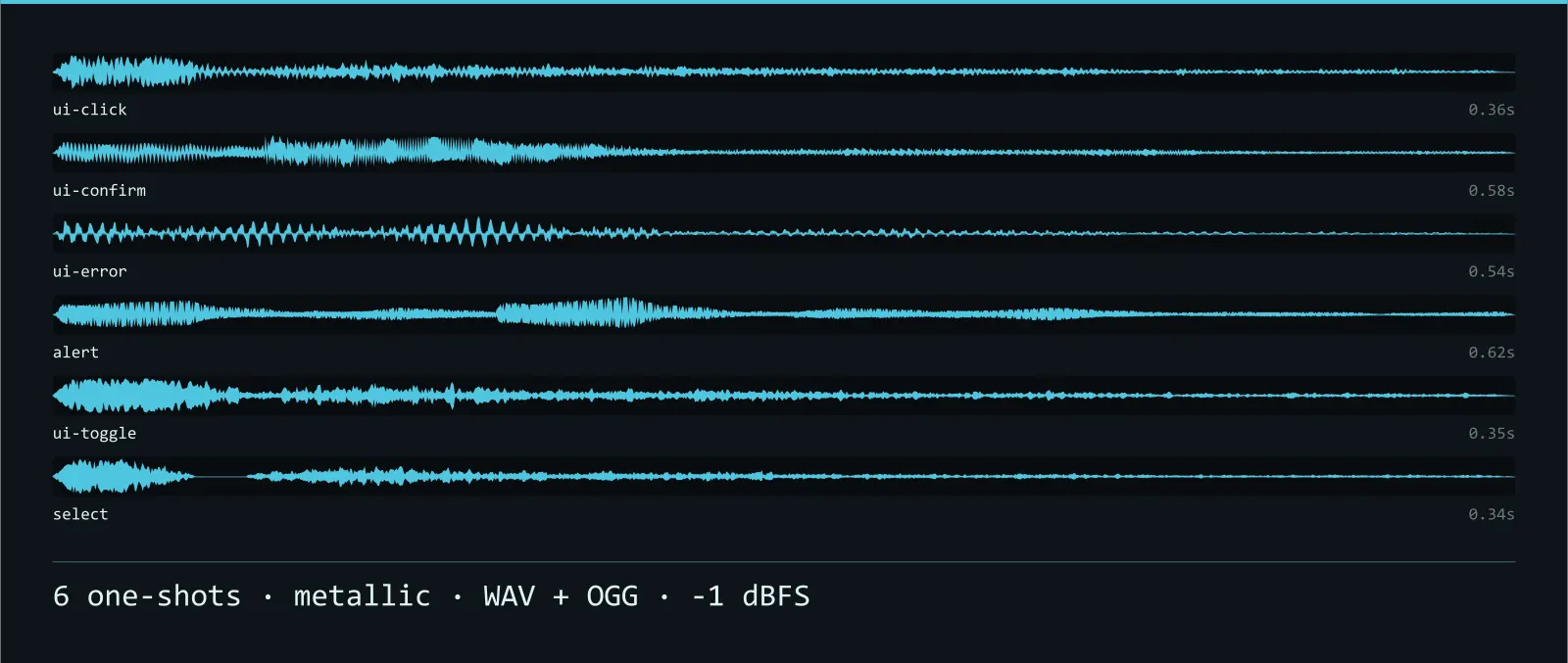
6 metallic one-shots for the sounds an interface makes — inharmonic partials that refuse to line up on a harmonic series. WAV masters plus OGG.
Anvil Variations SFX
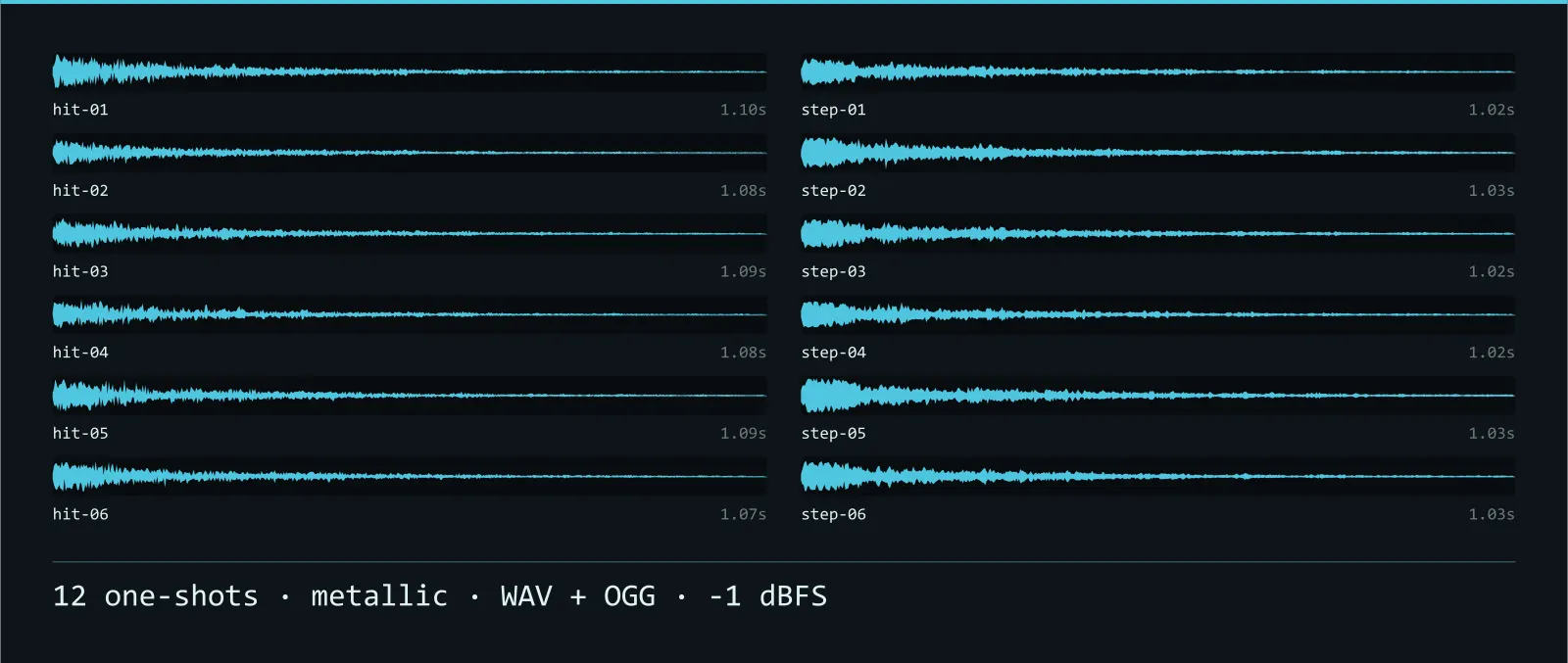
12 metallic takes for one event played over and over — inharmonic partials that refuse to line up on a harmonic series. WAV masters plus OGG.