Music
Timber — Hearth Loop
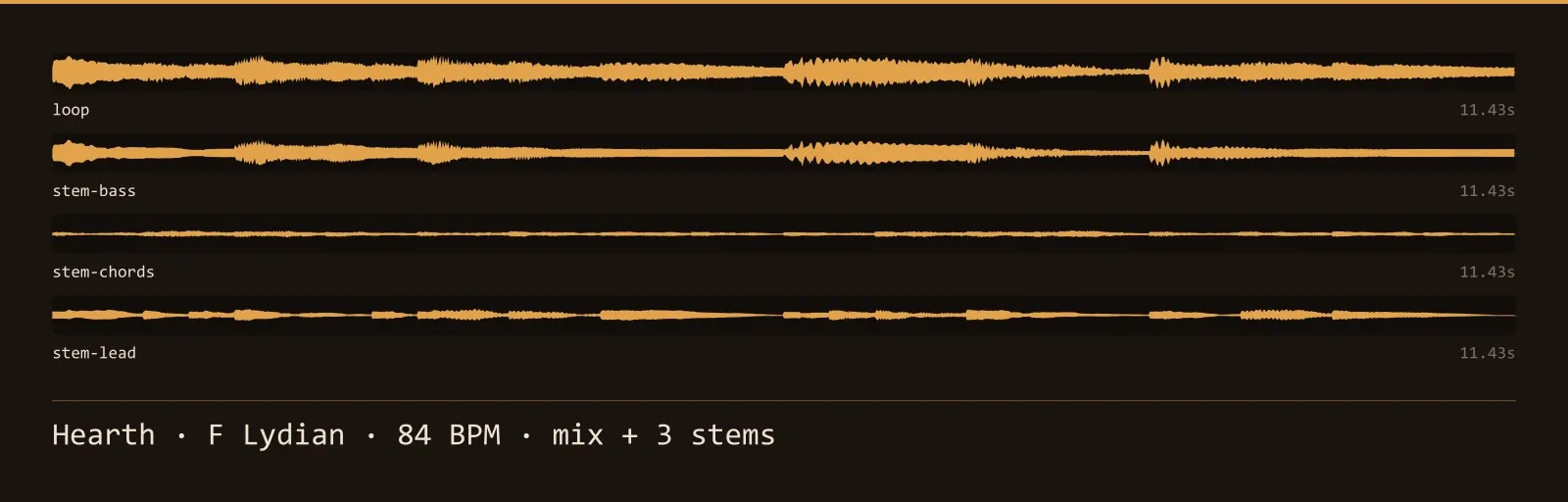
A seamless F Lydian loop at 84 BPM, 11.4 seconds long, with 3 separate stems alongside the full mix. Layer bass, chords and lead independently. WAV masters plus OGG.
Listen
4 clips · streams on demandAbout this pack
Timber — Hearth Loop is a 11.4-second music loop in F Lydian at 84 BPM, written for village, hub and safe-room loop — no percussion, nothing that demands attention.
It loops properly, which is the whole difficulty. A track that fades out and fades back in is not a loop, it is a gap with music either side of it. Here the bar length is an exact number of samples, every reverb tail wraps around into the head rather than being cut off, and the last sample leads into the first without a step. The build measures the discontinuity at the wrap point against the same measurement taken everywhere else in the track and refuses anything that stands out.
The 3 stems — bass, chords and lead — ship as separate files alongside the mix. That is what makes a loop usable rather than merely present: bring the bass in when combat starts and drop back to the rest in a menu, all on the same loop point, without a second track and without a crossfade that drifts out of time.
Nothing here is sampled or model-generated — it is procedural synthesis written for this pack, which is what keeps the licence simple. Files are 44.1 kHz mono, 16-bit WAV masters with OGG Vorbis alongside.
Download
Direct link · no sign-up · no wait pageLoop and stems — WAV masters, OGG Vorbis, licence and readme
How to use it
- Set the clip to loop with no crossfade and no fade-in. The loop point is sample-exact, and a crossfade shortens it while introducing the artefact it is meant to hide.
- Layer the stems rather than switching tracks: they share one timeline, so bringing bass in or out mid-bar stays in time with everything else.
- Keep music on its own mixer group below the sound effects. Music at the same level as an interface click makes both harder to hear.
License
Creative Commons Attribution 4.0 — Free for commercial use. Credit required. Full terms · What this means in practice
"Timber — Hearth Loop" by Oğuzhan Girgin, licensed under CC BY 4.0 — https://www.colorosse.com/assets/audio/music/timber-music-loopAlso browse
More Music
See all →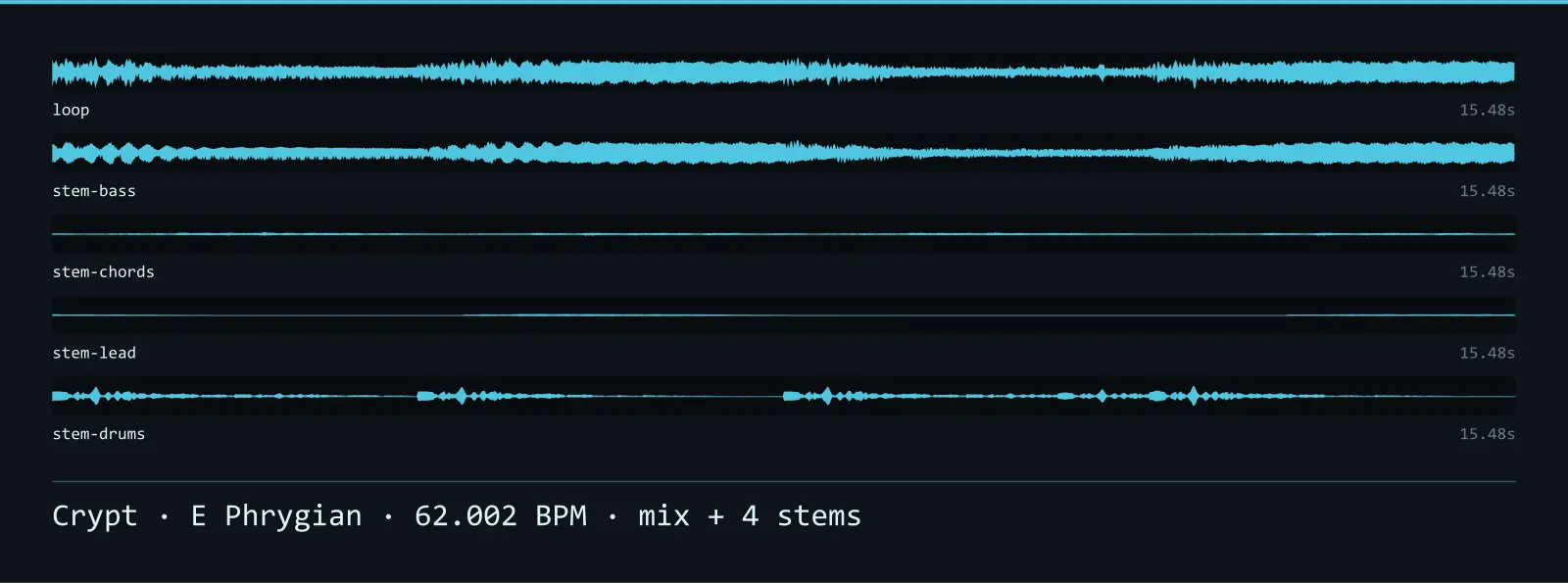
Anvil — Crypt Loop
A seamless E Phrygian loop at 62.002 BPM, 15.5 seconds long, with 4 separate stems alongside the full mix. Layer bass, chords, lead and drums independently. WAV masters plus OGG.
Arcade — Arcade Loop
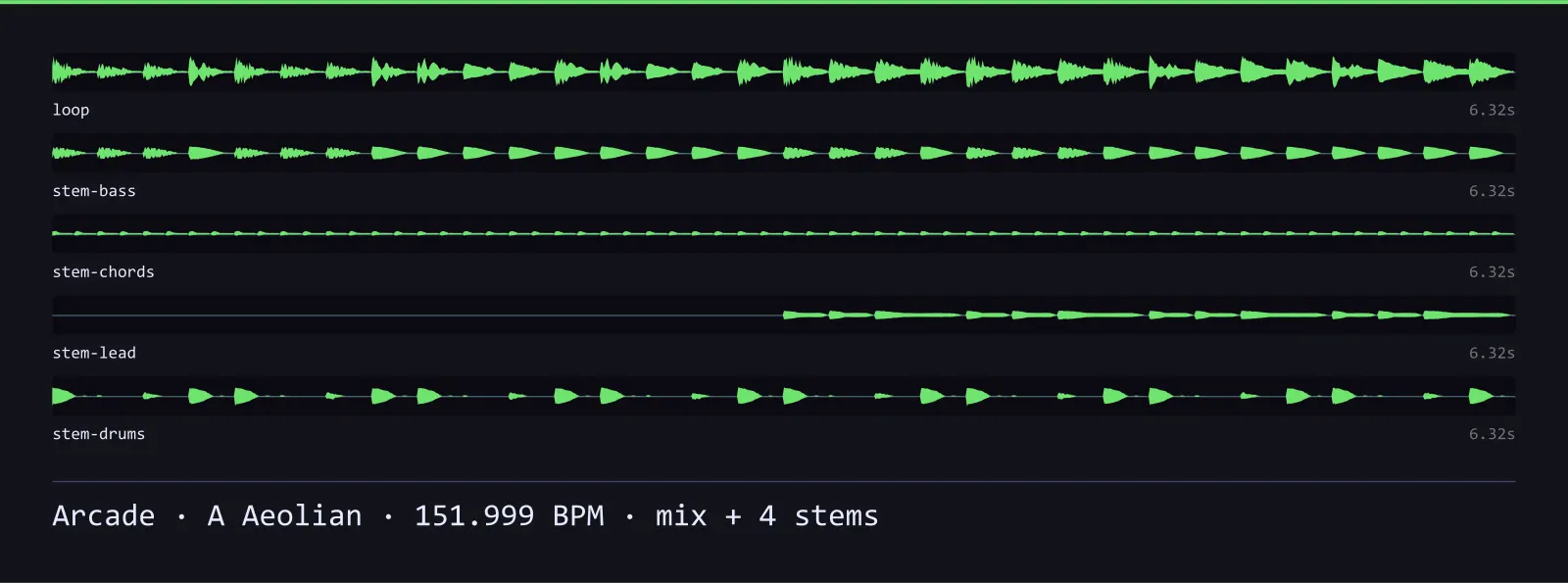
A seamless A Aeolian loop at 151.999 BPM, 6.3 seconds long, with 4 separate stems alongside the full mix. Layer bass, chords, lead and drums independently. WAV masters plus OGG.
Prism — Void Loop
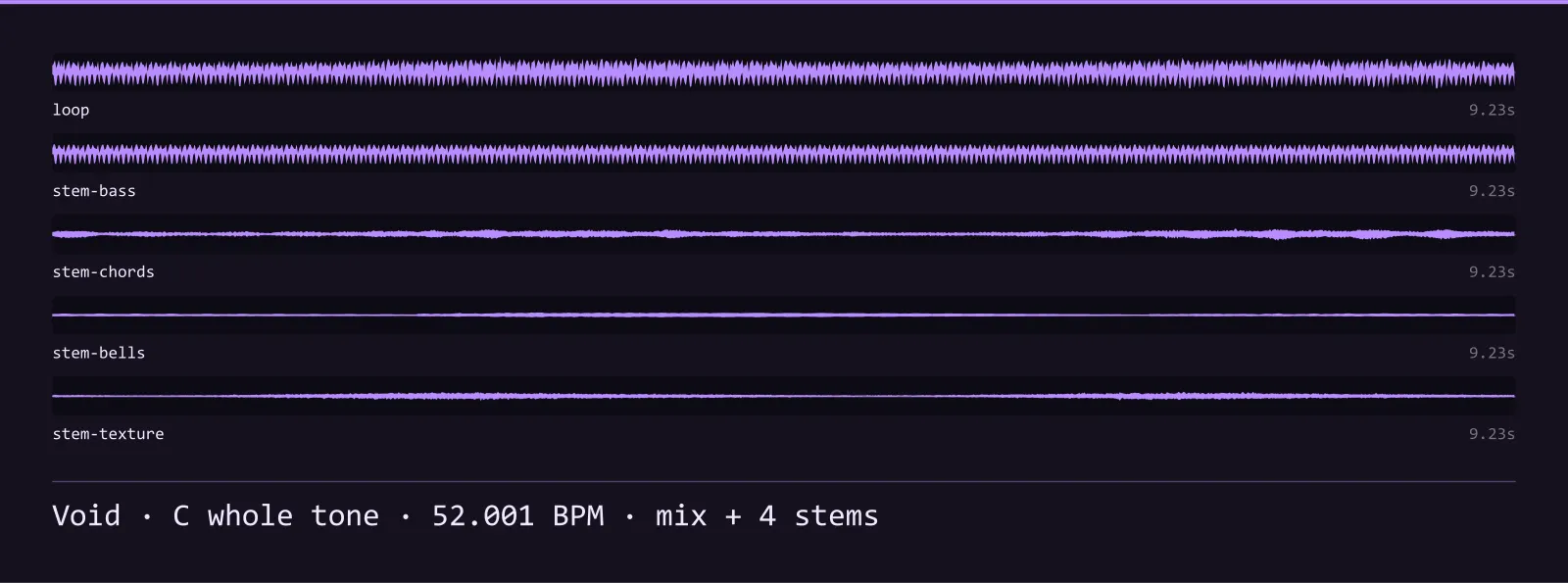
A seamless C whole tone loop at 52.001 BPM, 9.2 seconds long, with 4 separate stems alongside the full mix. WAV masters plus OGG.
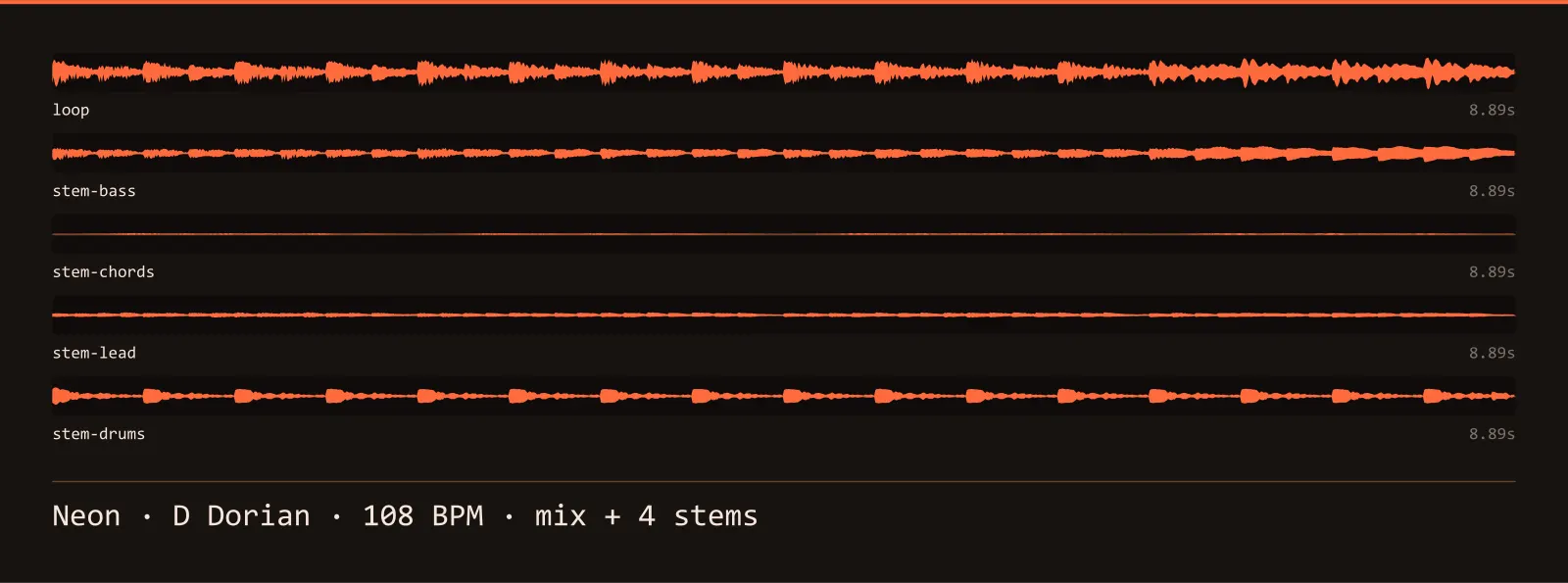
Rust — Neon Loop
A seamless D Dorian loop at 108 BPM, 8.9 seconds long, with 4 separate stems alongside the full mix. Layer bass, chords, lead and drums independently. WAV masters plus OGG.