Hit Effects
Slate Hit Effects
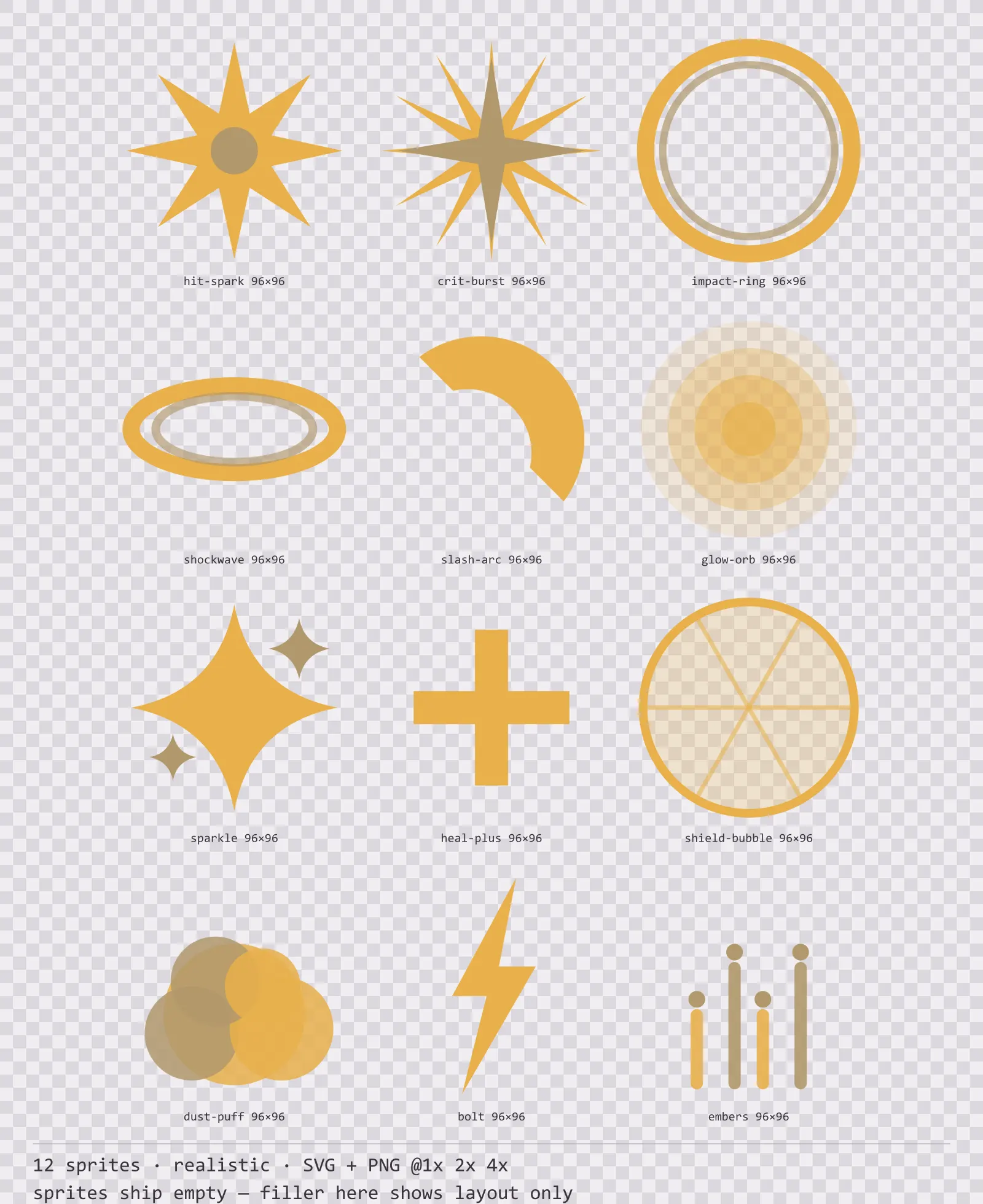
12 realistic impact and effect sprites for dark interfaces — neutral slate with warm gold accents. SVG plus transparent PNG at 1x, 2x and 4x.
About this pack
Slate Hit Effects is a set of 12 impact and effect sprites drawn in the realistic style, where a five-stop specular gradient runs down a brushed metal face with rivets at the corners. It contains a hit spark and a critical burst, an impact ring and a ground shockwave, a slash arc, a glow orb and a sparkle, a heal mark and a shield bubble and a dust puff, a lightning bolt and rising embers.
Every other kit in this catalogue draws the interface. None of them draw the moment one thing hits another, which is the first thing a combat system needs and the last thing a solo developer gets to. An effect sprite also has no outline to hide behind: it lives on top of the game for a few frames and then it is gone.
The brush texture is a 3px line pattern rather than real noise: noise triples the PNG weight for a texture nobody can see at 1x. The shadow is layered rather than blurred so it holds up at 4x.
Inside that style this is the Slate reading of it: a dark interface on a neutral slate palette with warm gold accents, built around a single bordered frame, square-cornered buttons at 128x40, banded bars divided into 10 segments, and outlined icons on a 24px grid. Those measurements are why two families can share an art style without being interchangeable: the style decides how an edge is drawn, the numbers decide what the interface is for.
Every sprite is centred in a square canvas and symmetric about that centre, so the engine only has to scale and fade — an effect anchored off-centre drifts sideways as it grows, and that reads as a bug rather than a burst. The bodies are single-colour with no outline, because an outlined spark reads as a piece of interface rather than as light. The glow orb is built from stacked discs at falling opacity rather than a blur filter: a filter is rasterised differently across engines and turns to mush at 4x.
Every sprite ships as an editable SVG and as transparent PNG at 1x, 2x and 4x, so you can drop the PNGs straight into an engine or open the vector and change a colour. Built to the same measurements as the rest of the Slate family, which means this kit and the Slate panel kit line up without either being resized. A good fit for realistic and simulation interfaces.
Download
Direct link · no sign-up · no wait pageComplete set — SVG sources, PNG exports at 1x/2x/4x, licence and readme

How to use it
- Anchor every effect at the centre of its sprite and scale from there; these are drawn symmetric so that scale and fade is the whole animation.
- Play the hit spark for two or three frames at most. An impact that lingers stops reading as an impact.
- Tint by multiplying rather than replacing the colour — the sprites carry their own light-to-dark falloff, and a flat colour replace throws it away.
- Use additive blending for the spark, burst, glow and sparkle, and normal blending for the dust puff and embers, which are matter rather than light.
License
Creative Commons Attribution 4.0 — Free for commercial use. Credit required. Full terms · What this means in practice
"Slate Hit Effects" by Oğuzhan Girgin, licensed under CC BY 4.0 — https://www.colorosse.com/assets/2d/vfx/slate-hit-effectsWorks with
same grid, same corners, different materialThese kits are built to the same panel, button and icon measurements as Slate Hit Effects, so you can mix them in one screen without re-cutting a nine-slice or renegotiating a margin.
Aqua Hit Effects
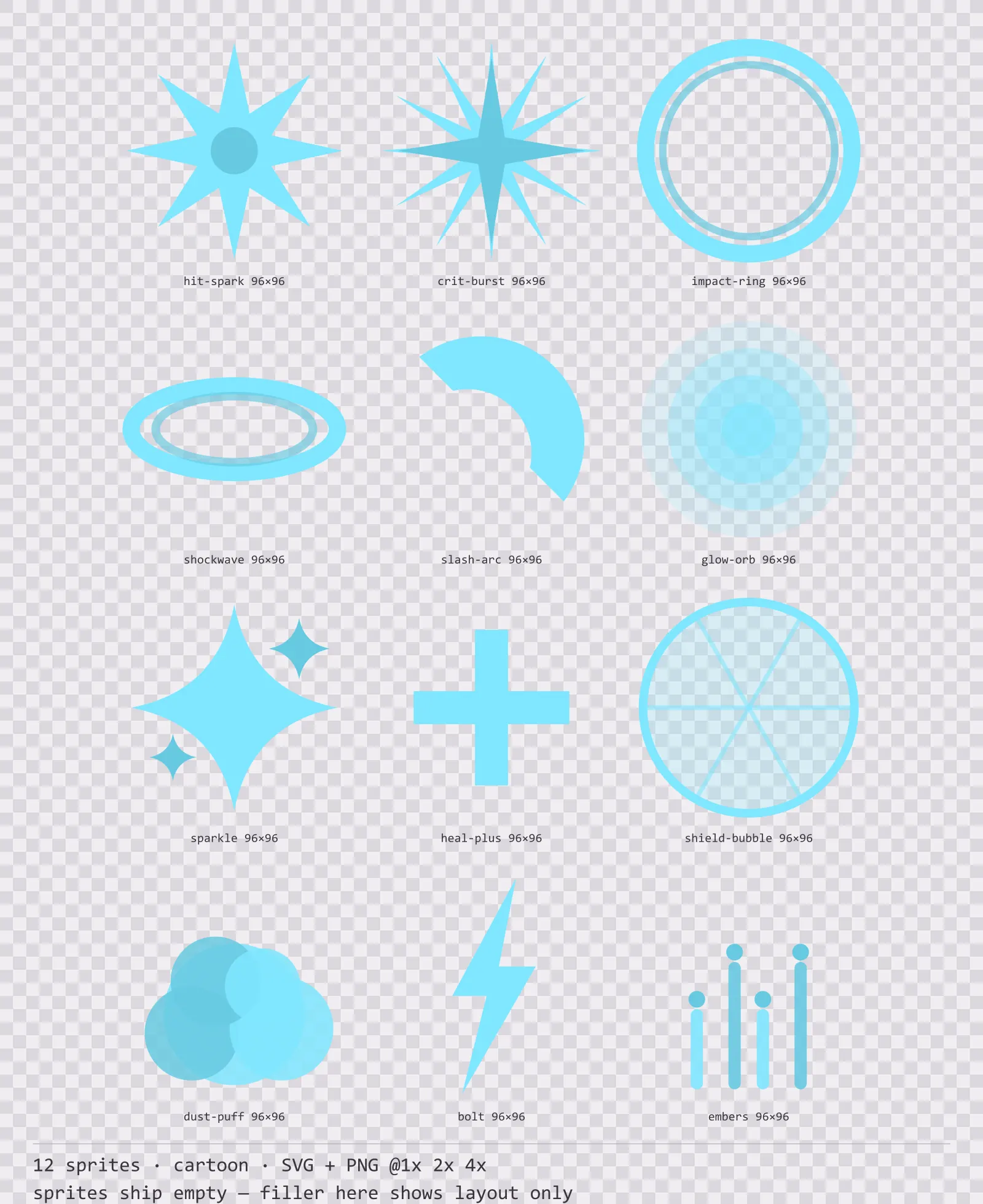
12 cartoon impact and effect sprites for dark interfaces — deep teal with ice blue accents. SVG plus transparent PNG at 1x, 2x and 4x.
Aqua Backdrops
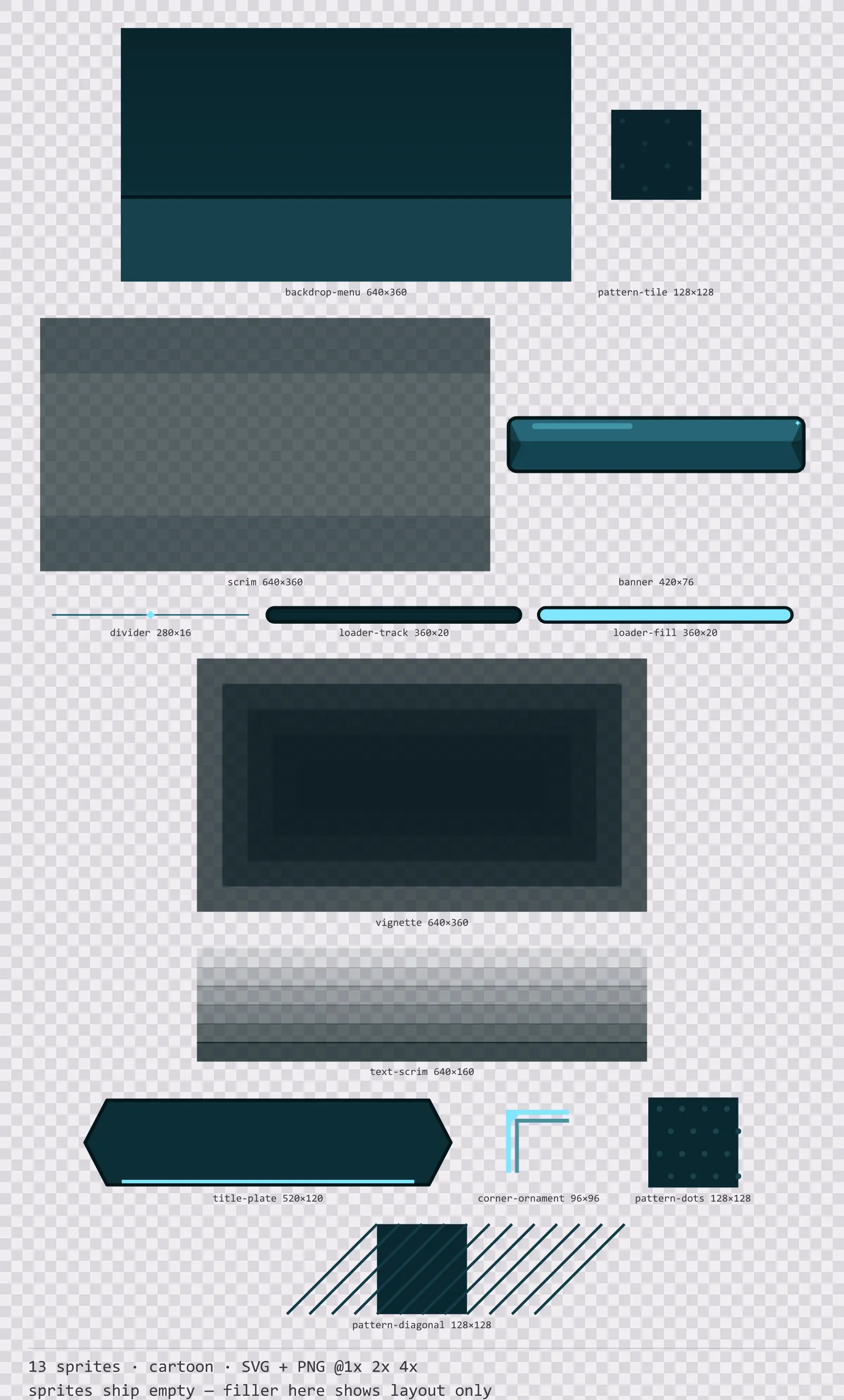
13 cartoon background and overlay pieces for dark interfaces — deep teal with ice blue accents. SVG plus transparent PNG at 1x, 2x and 4x.
Aqua Card Frames
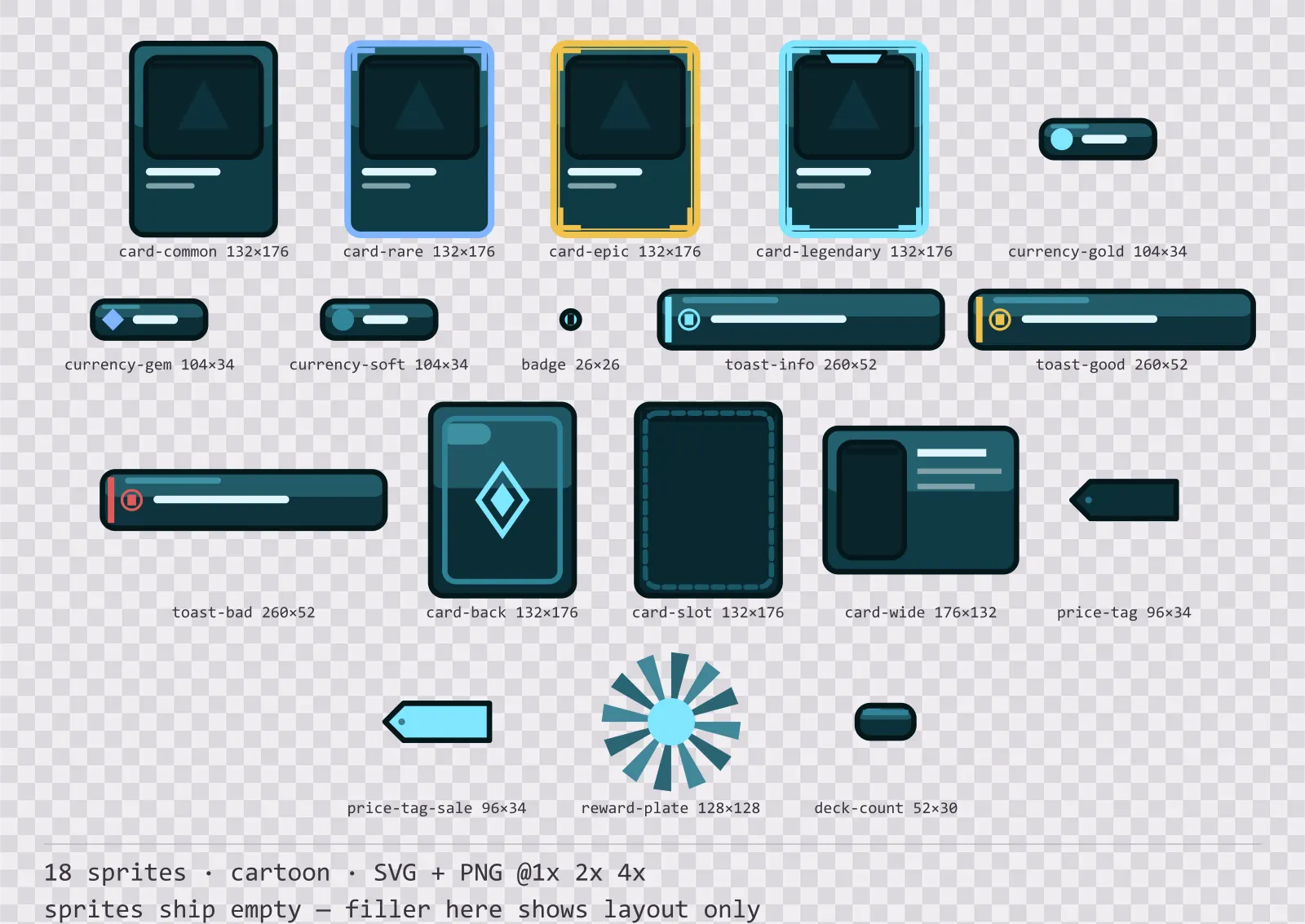
18 cartoon card, currency and notification components for dark interfaces — deep teal with ice blue accents. SVG plus transparent PNG at 1x, 2x and 4x.
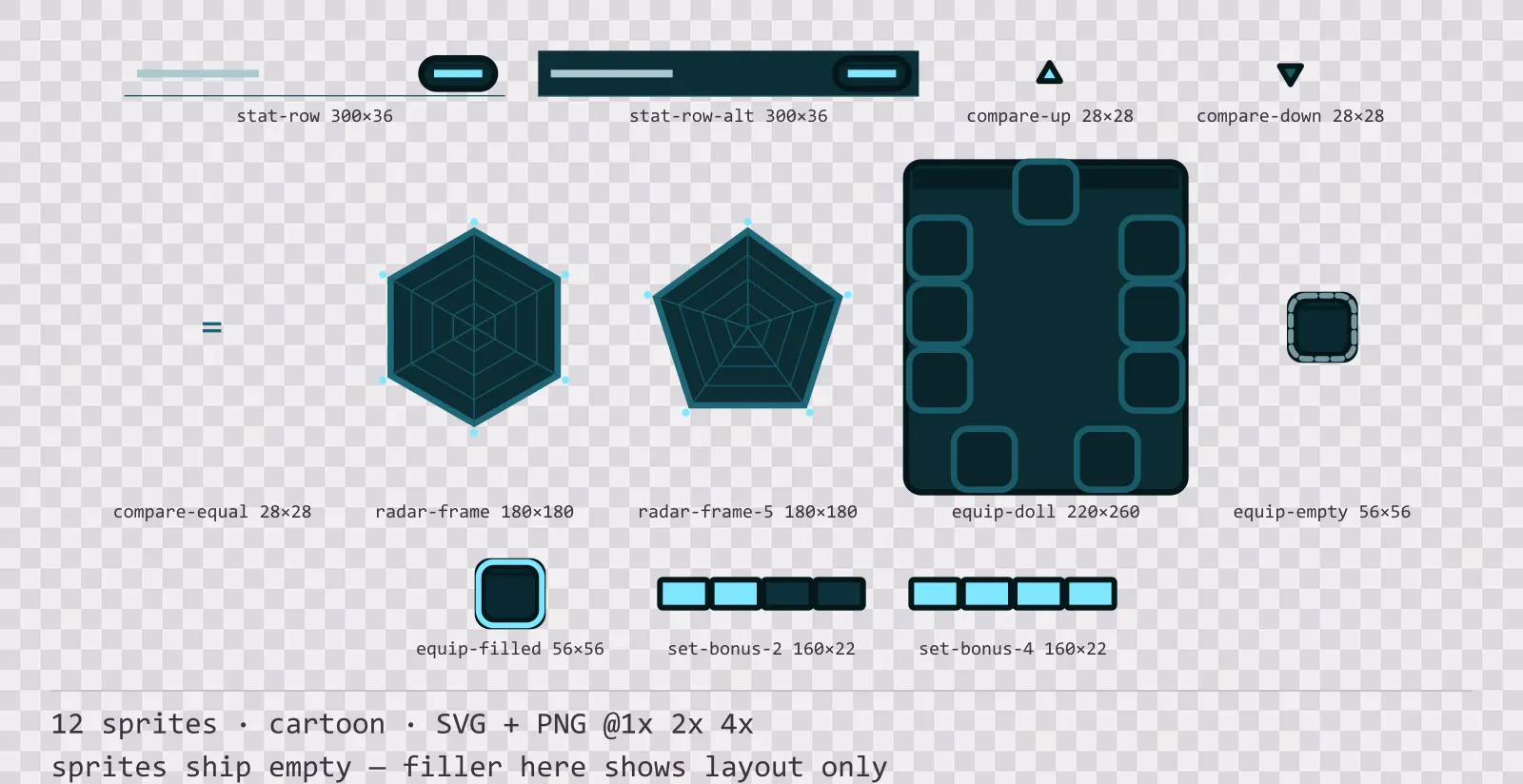
Aqua Character Sheet
12 cartoon character sheet and stat widgets for dark interfaces — deep teal with ice blue accents. SVG plus transparent PNG at 1x, 2x and 4x.
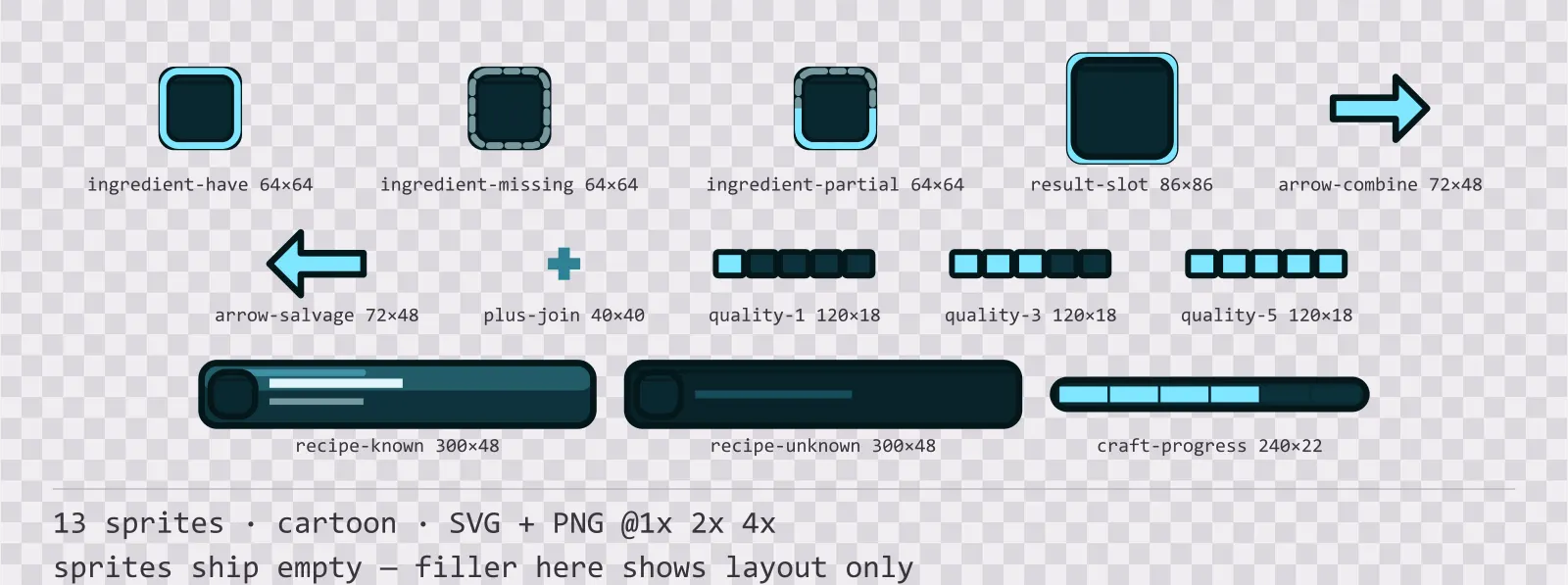
Aqua Crafting UI
13 cartoon crafting and recipe widgets for dark interfaces — deep teal with ice blue accents. SVG plus transparent PNG at 1x, 2x and 4x.
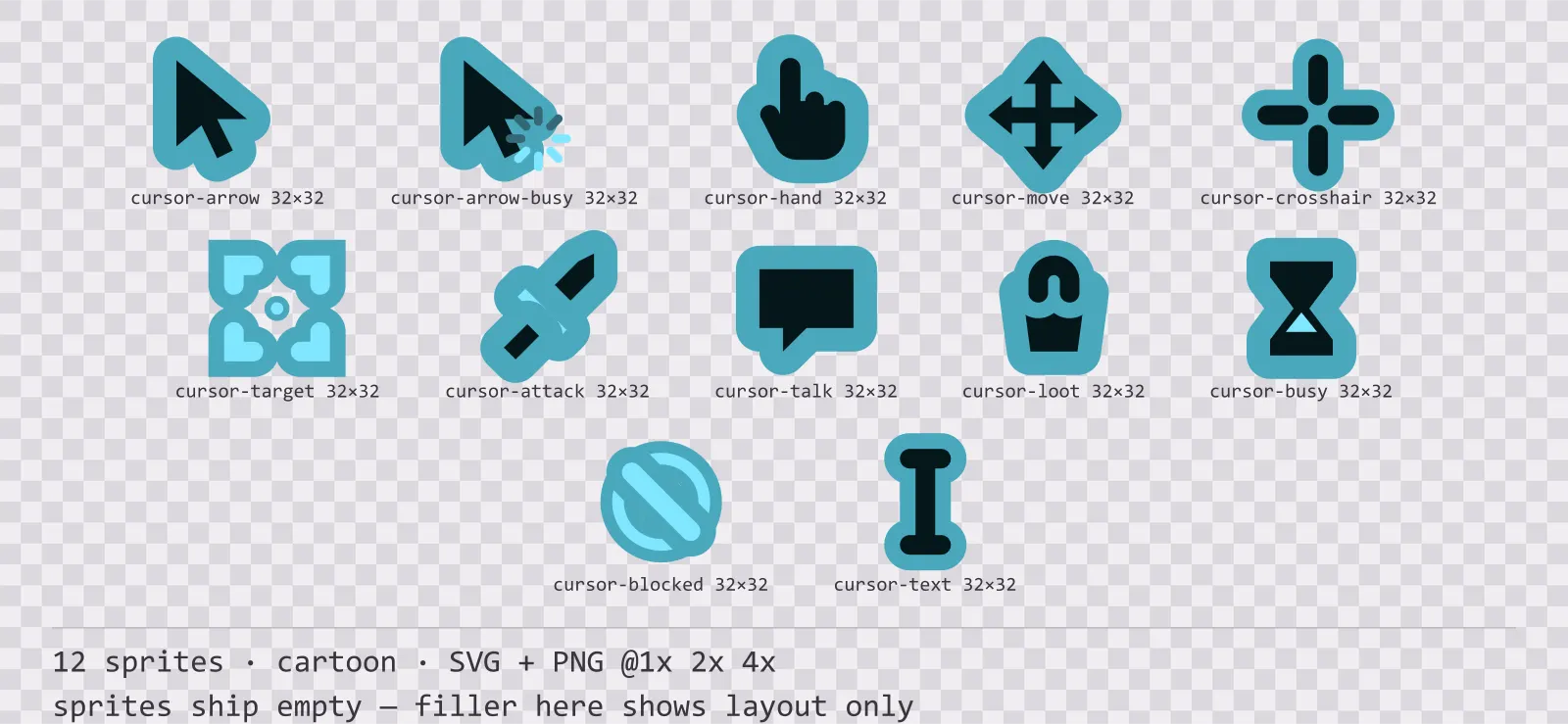
Aqua Cursors
12 cartoon mouse cursors for dark interfaces — deep teal with ice blue accents. SVG plus transparent PNG at 1x, 2x and 4x.
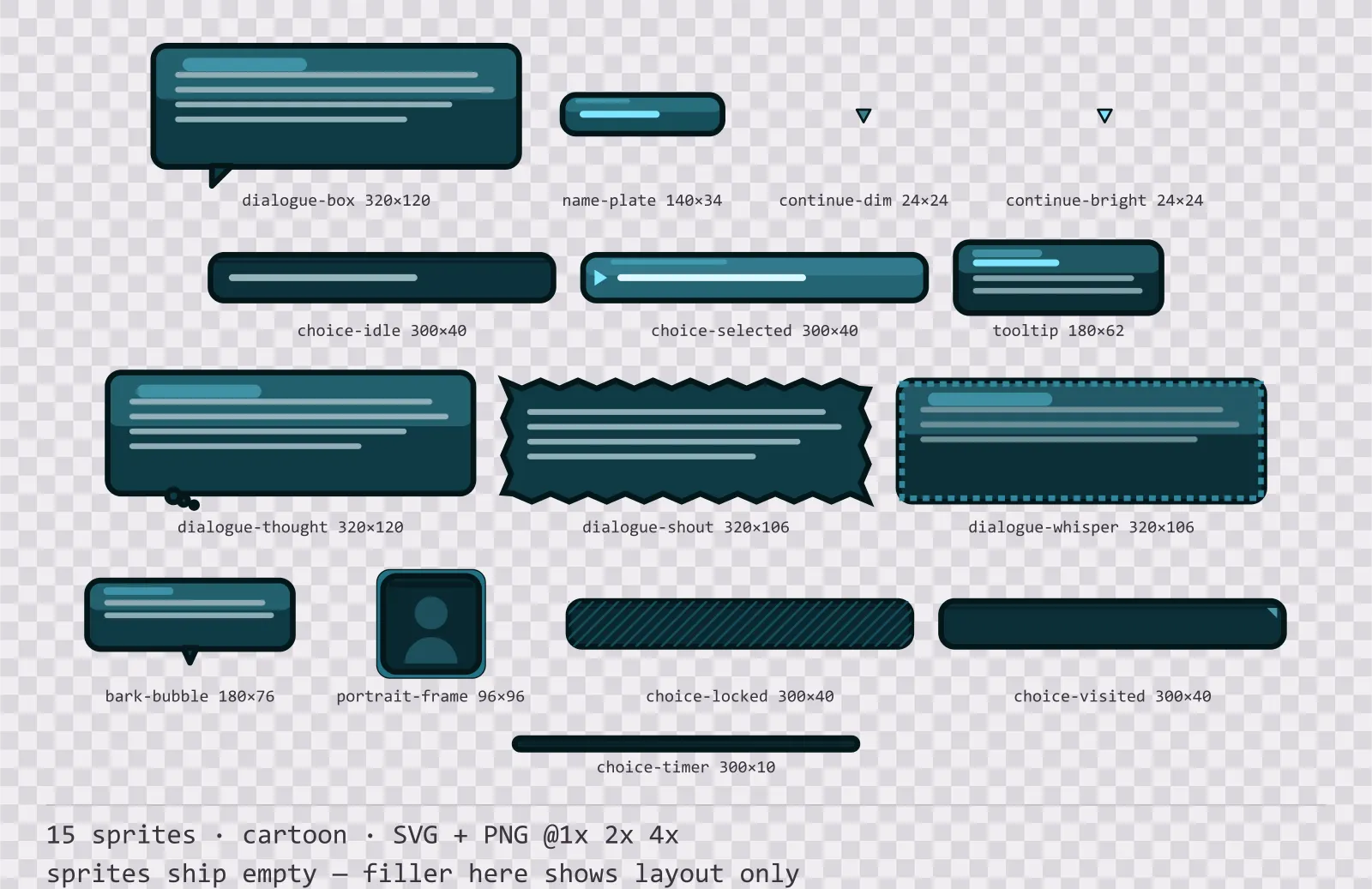
Aqua Dialogue Kit
15 cartoon dialogue components for dark interfaces — deep teal with ice blue accents. SVG plus transparent PNG at 1x, 2x and 4x.
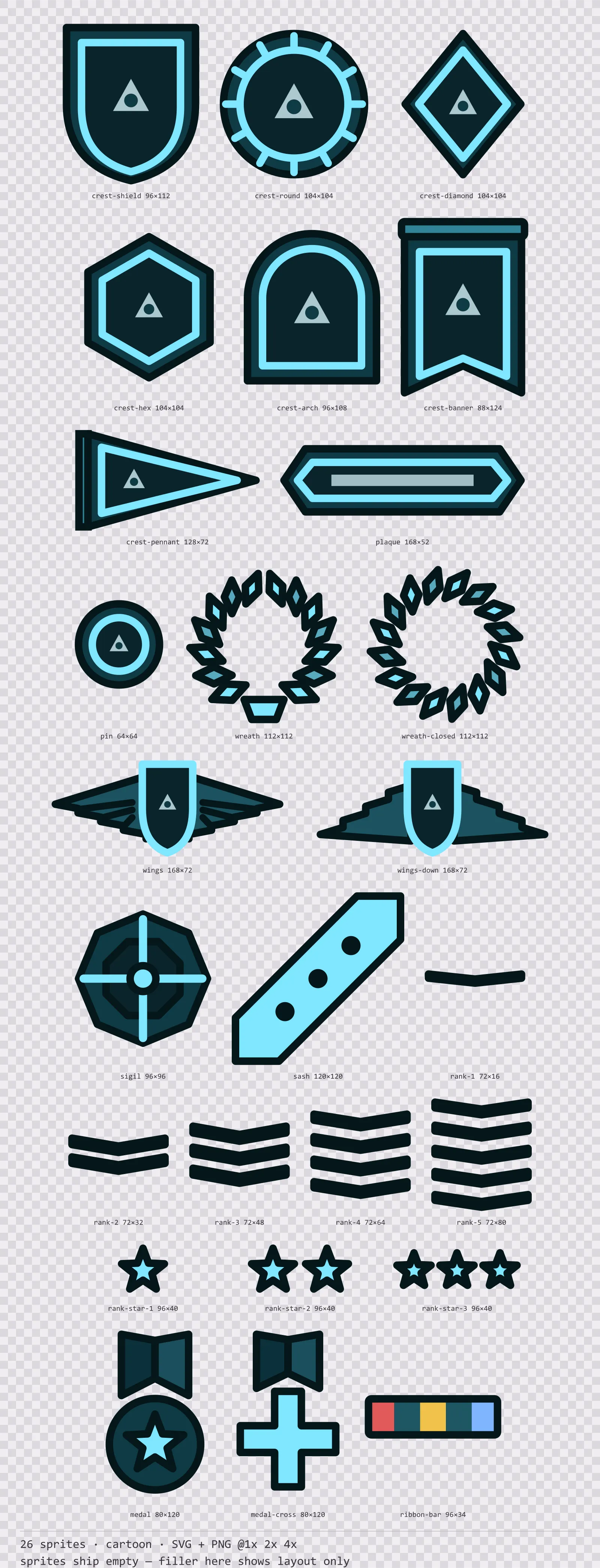
Aqua Emblems
26 cartoon crests, insignia and rank marks for dark interfaces — deep teal with ice blue accents. SVG plus transparent PNG at 1x, 2x and 4x.
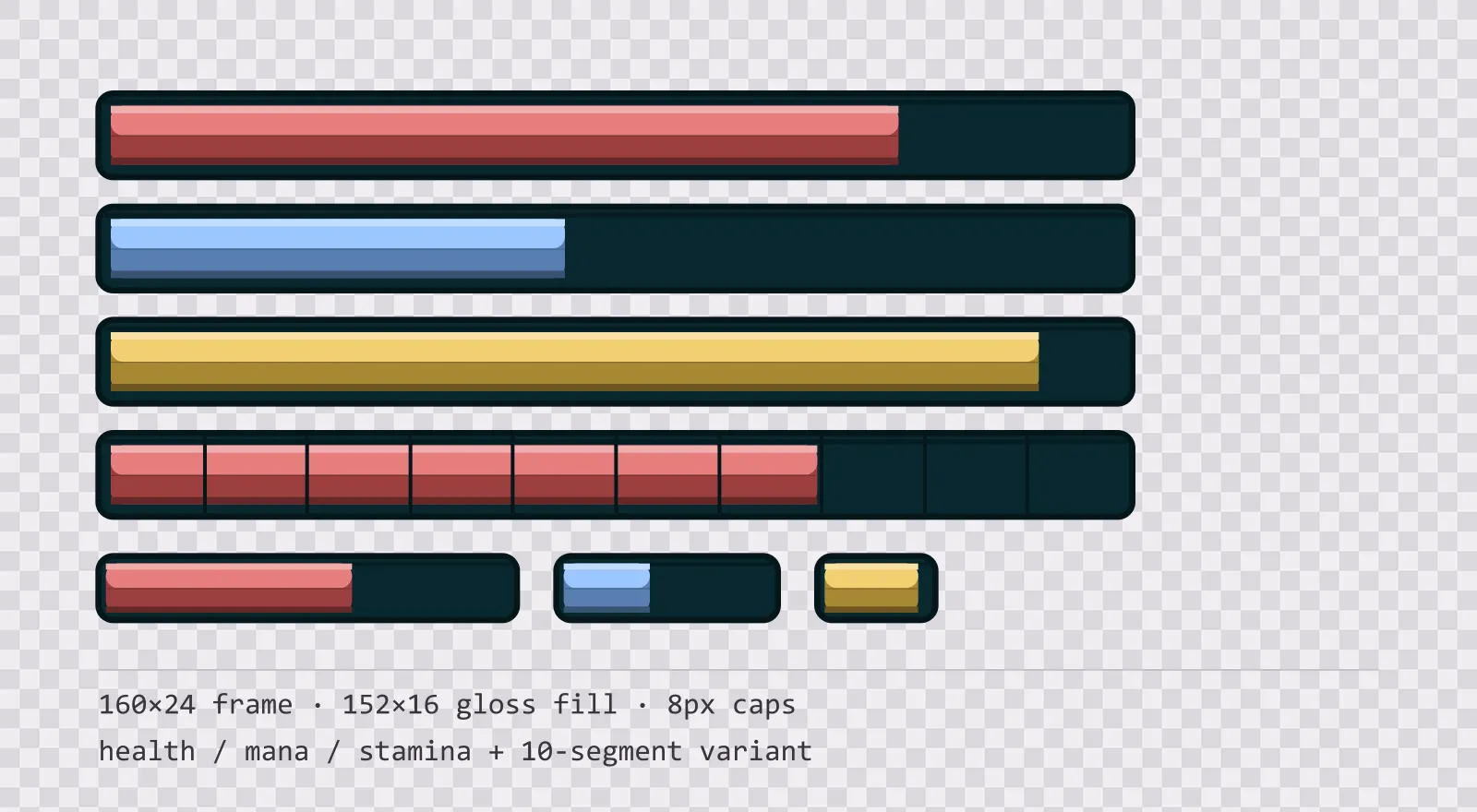
Aqua HUD Bars — health, mana and stamina
16 glassy teal HUD bar sprites: standard, slim and vertical frames, three glossy fills in each, plus segmented, ghost and shield variants. SVG plus transparent PNG.
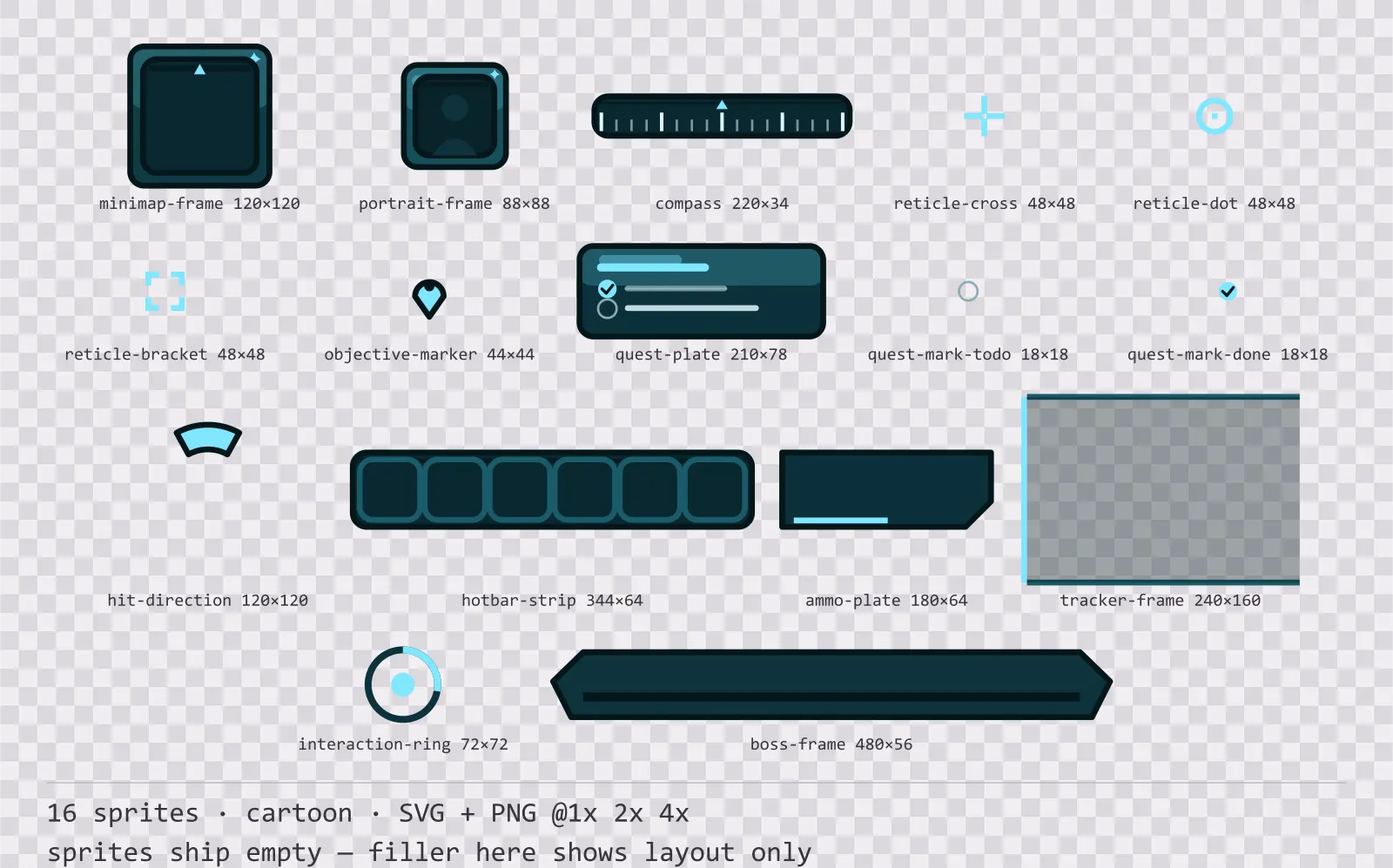
Aqua HUD Frames
16 cartoon heads-up display frames for dark interfaces — deep teal with ice blue accents. SVG plus transparent PNG at 1x, 2x and 4x.
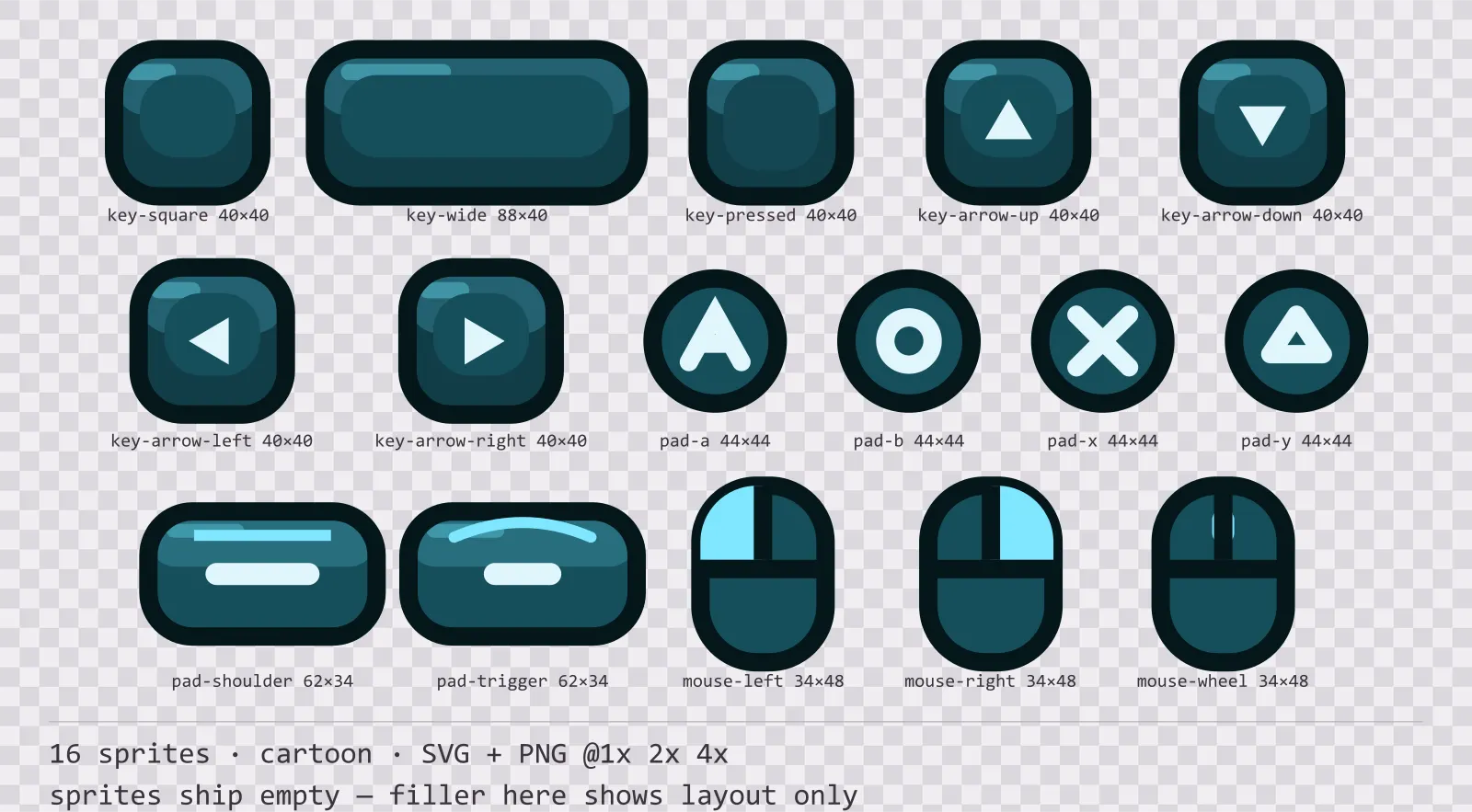
Aqua Input Prompts
16 cartoon input prompt sprites for dark interfaces — deep teal with ice blue accents. SVG plus transparent PNG at 1x, 2x and 4x.
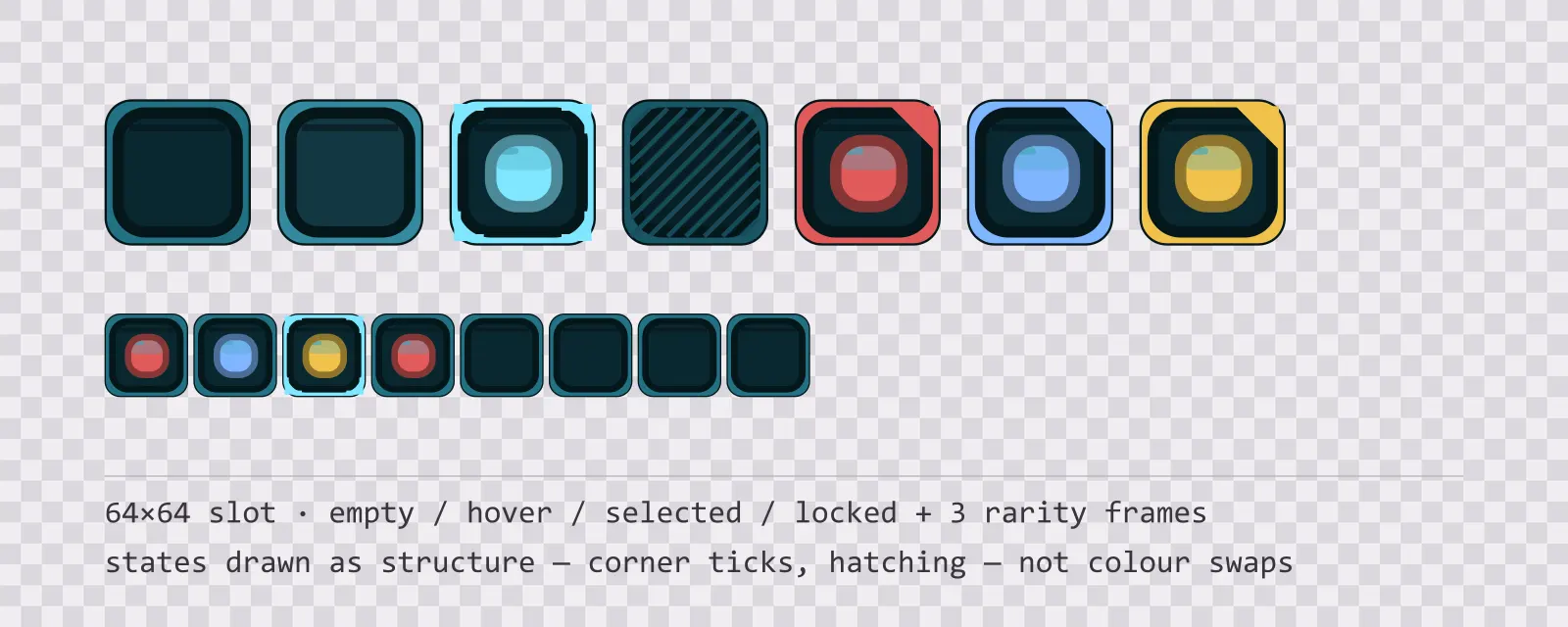
Aqua Inventory Slots — 64px grid
13 64×64 glassy teal inventory slots: empty, hover, selected, locked, blocked and drop states, round and hex equipment slots, a hotbar slot and three rarity frames.
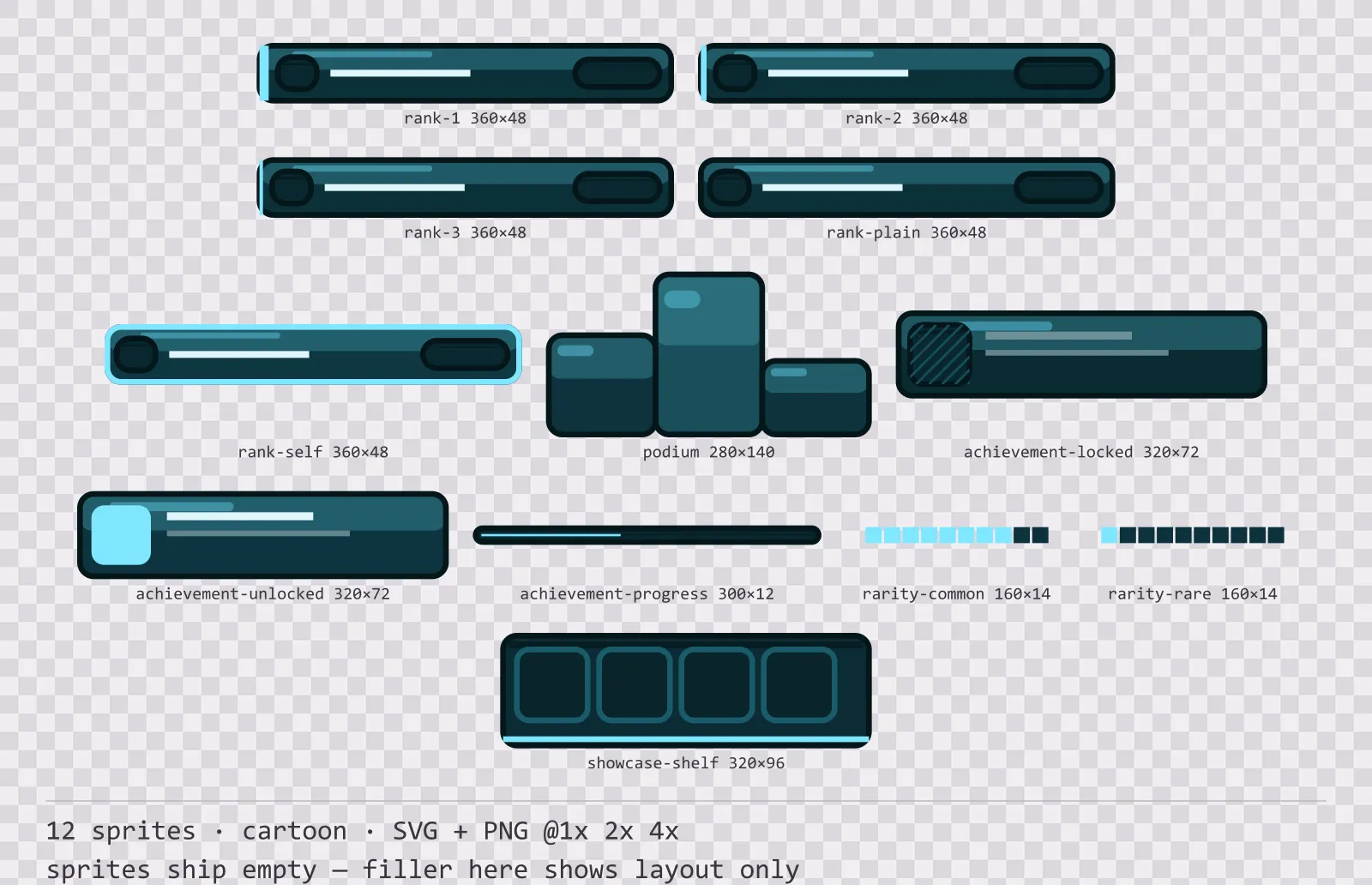
Aqua Leaderboard
12 cartoon leaderboard and achievement widgets for dark interfaces — deep teal with ice blue accents. SVG plus transparent PNG at 1x, 2x and 4x.
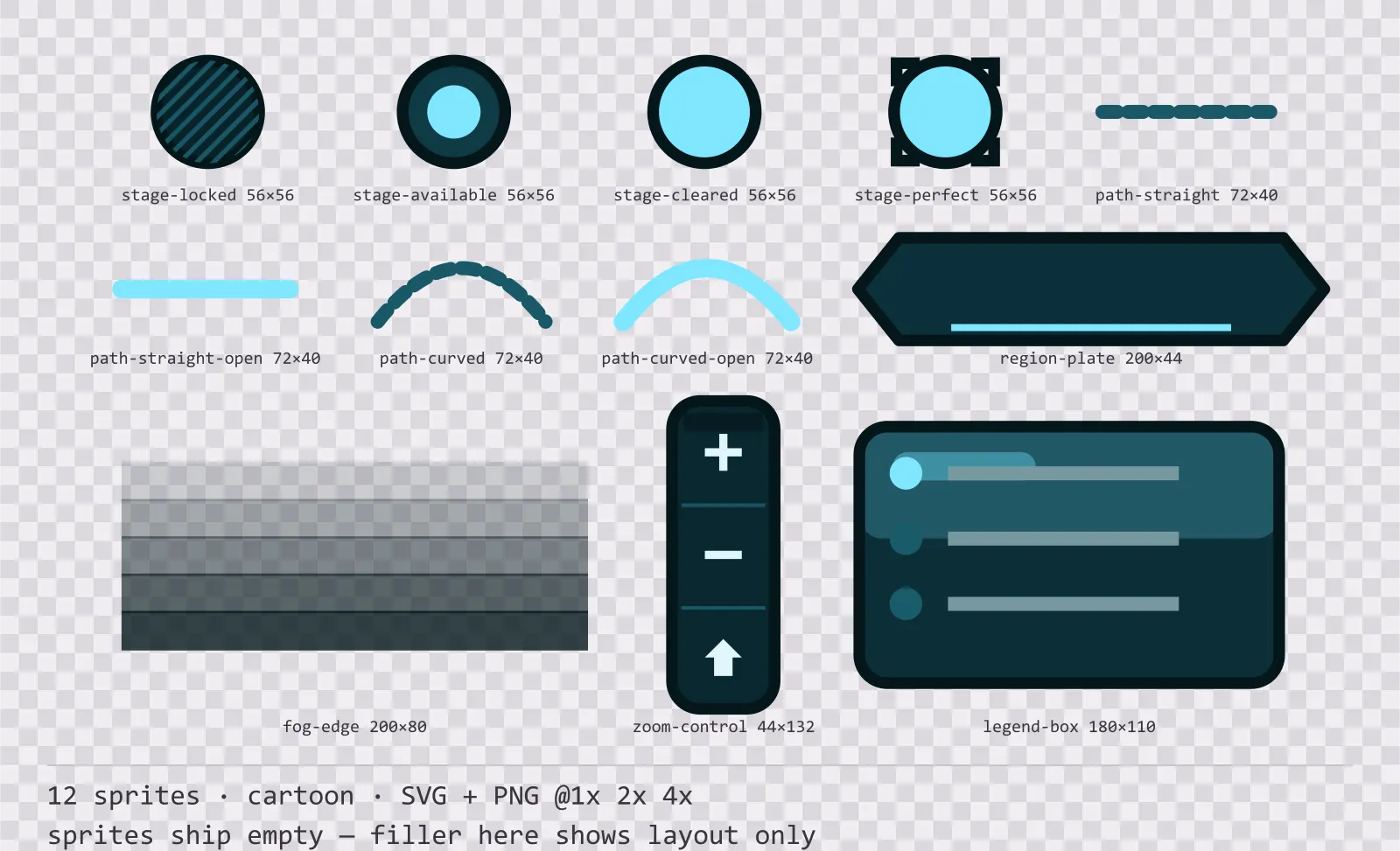
Aqua Level Select
12 cartoon level select and world map pieces for dark interfaces — deep teal with ice blue accents. SVG plus transparent PNG at 1x, 2x and 4x.
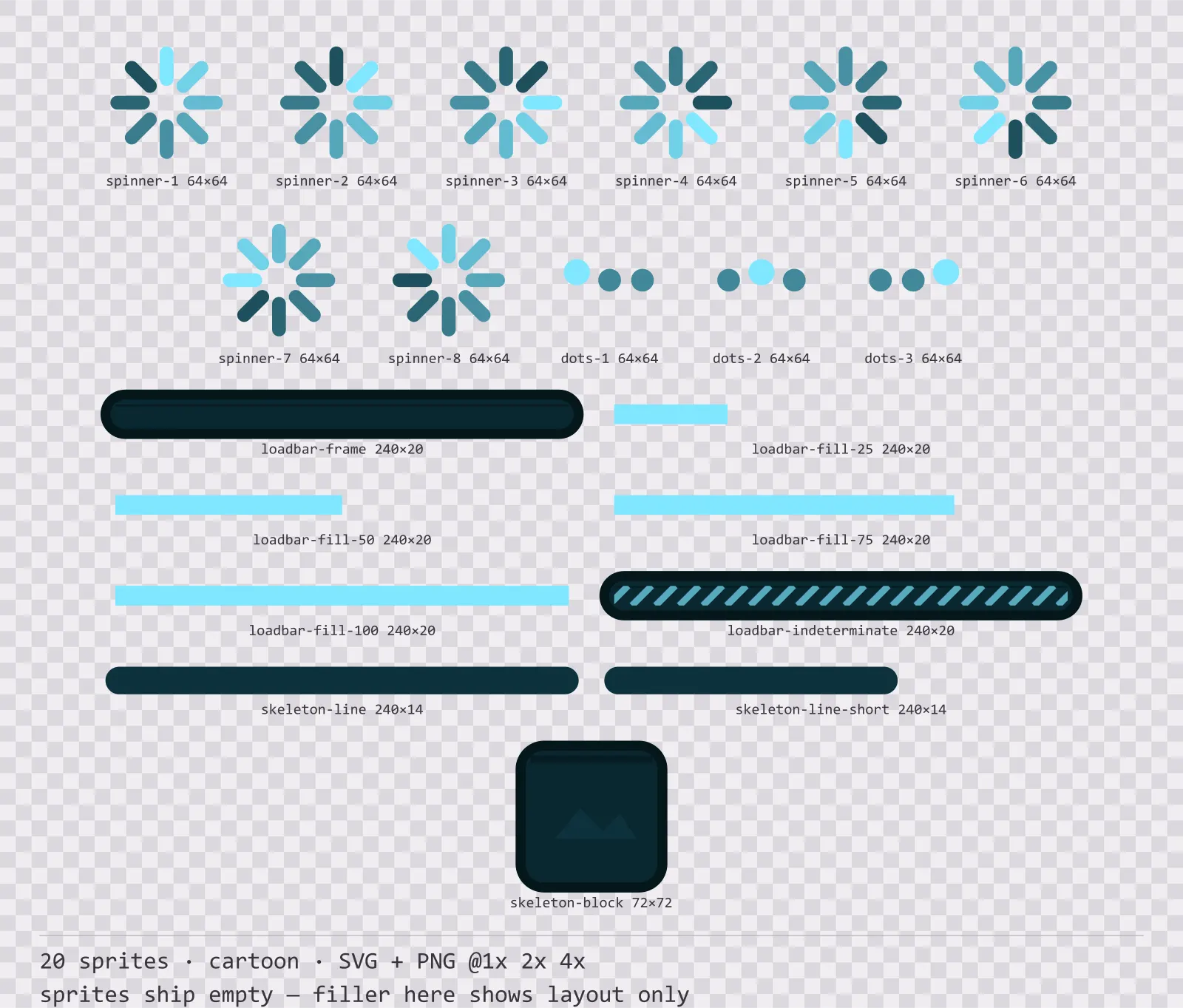
Aqua Loading
20 cartoon loading and waiting indicators for dark interfaces — deep teal with ice blue accents. SVG plus transparent PNG at 1x, 2x and 4x.
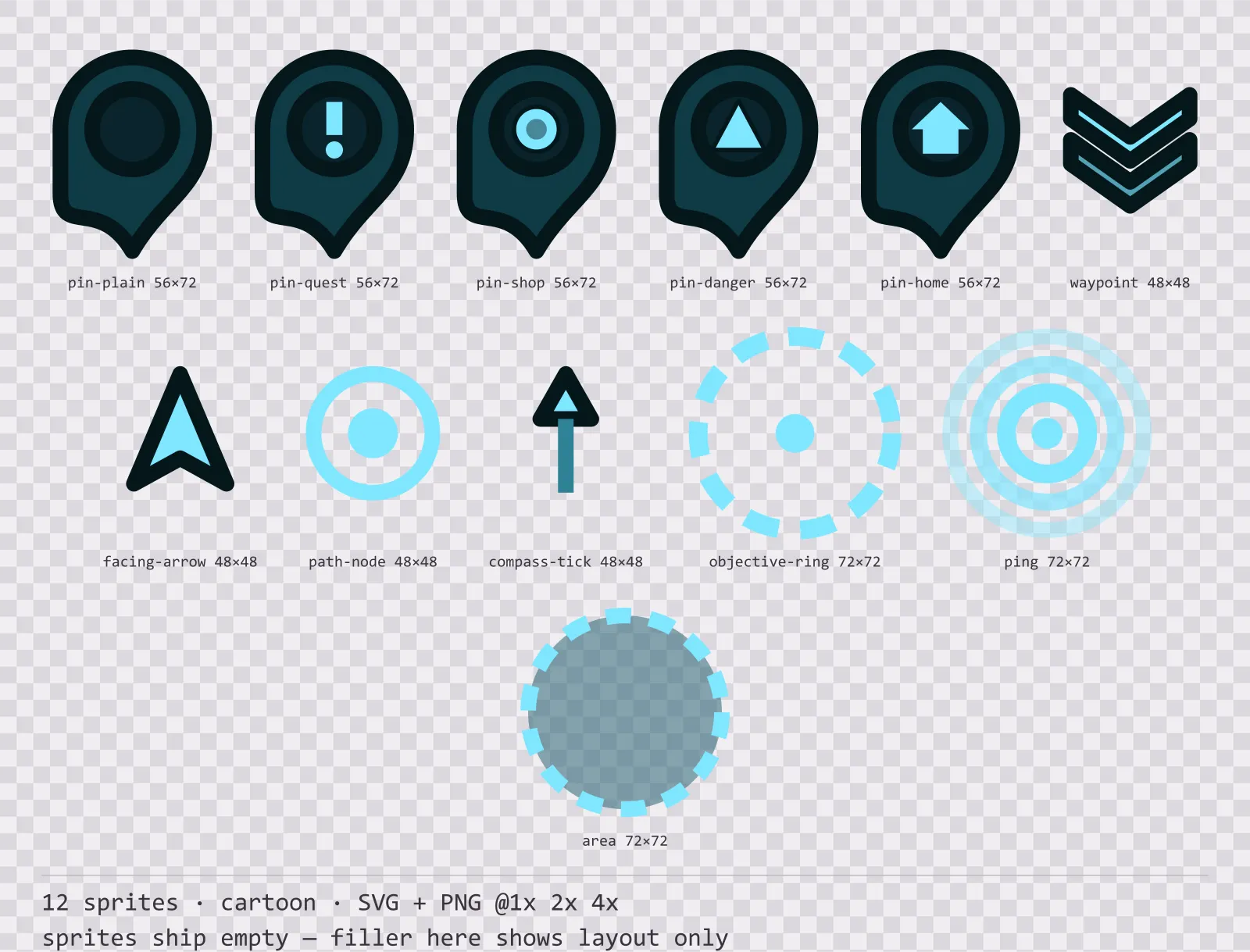
Aqua Map Markers
12 cartoon map markers and world indicators for dark interfaces — deep teal with ice blue accents. SVG plus transparent PNG at 1x, 2x and 4x.
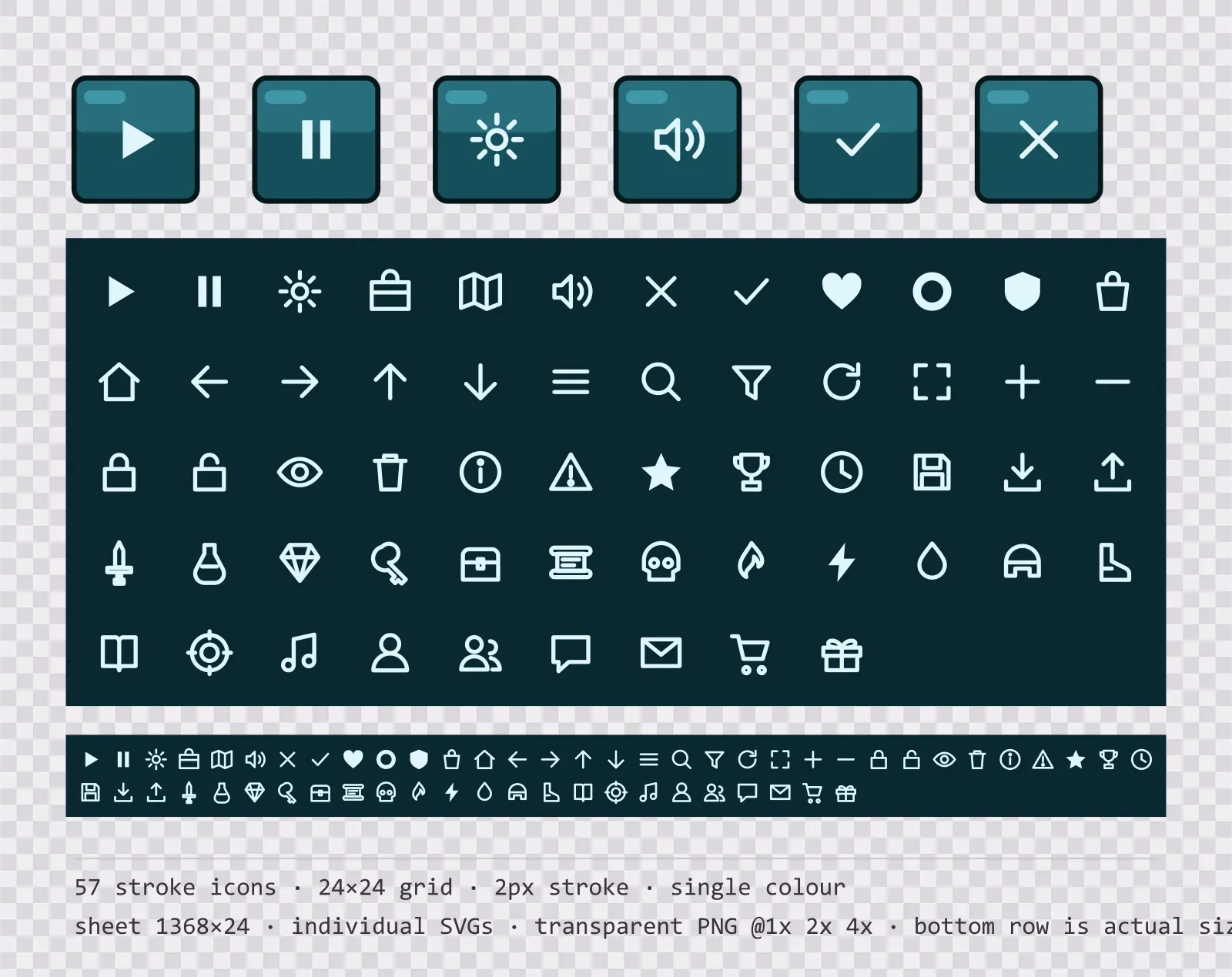
Aqua Menu Icons — 24px outlined set
57 single-colour outlined glassy teal menu icons on a 24×24 grid, including play, pause, settings and 54 more. Sheet plus individual files.
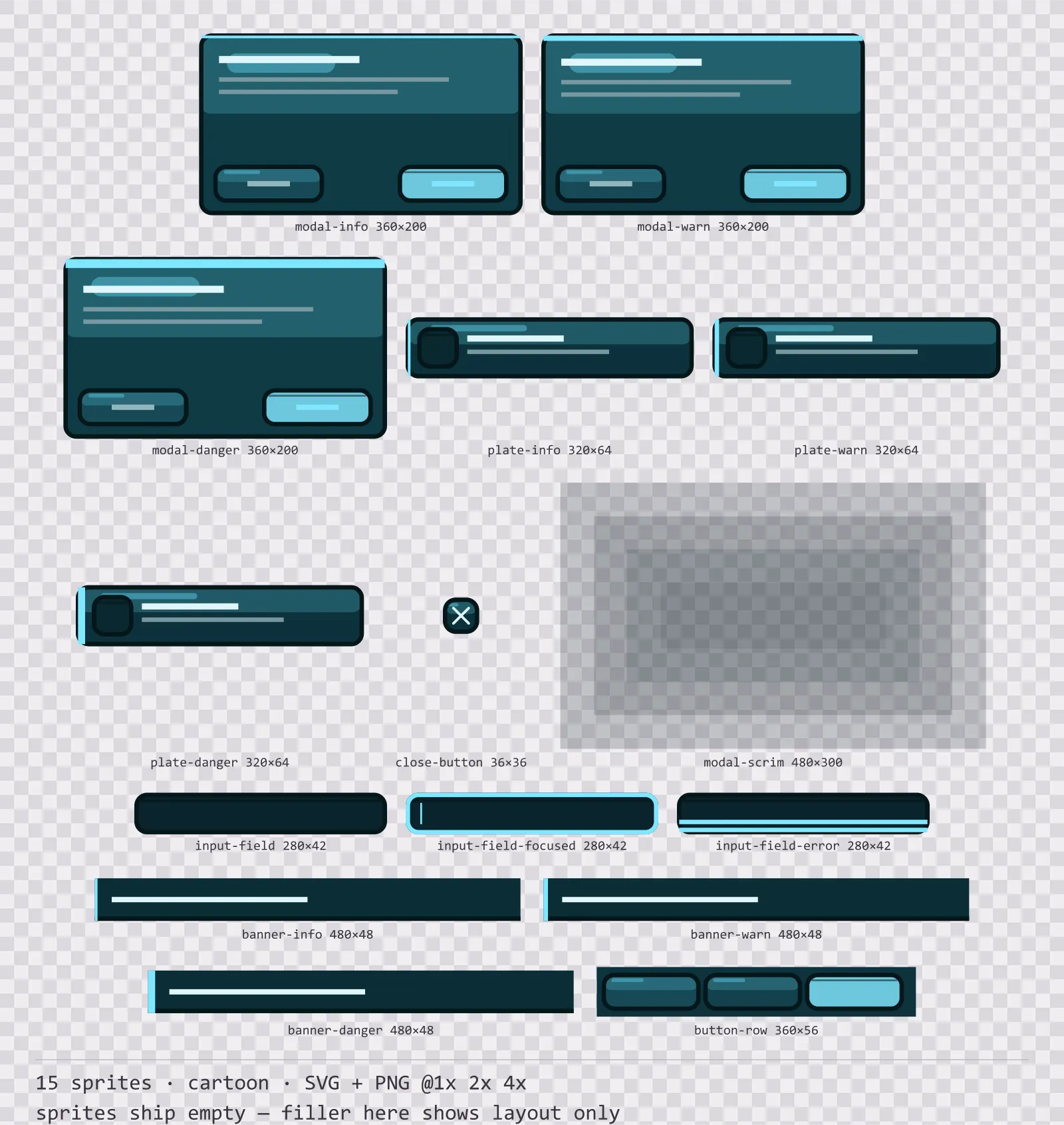
Aqua Modals
15 cartoon modal dialogs and system notices for dark interfaces — deep teal with ice blue accents. SVG plus transparent PNG at 1x, 2x and 4x.
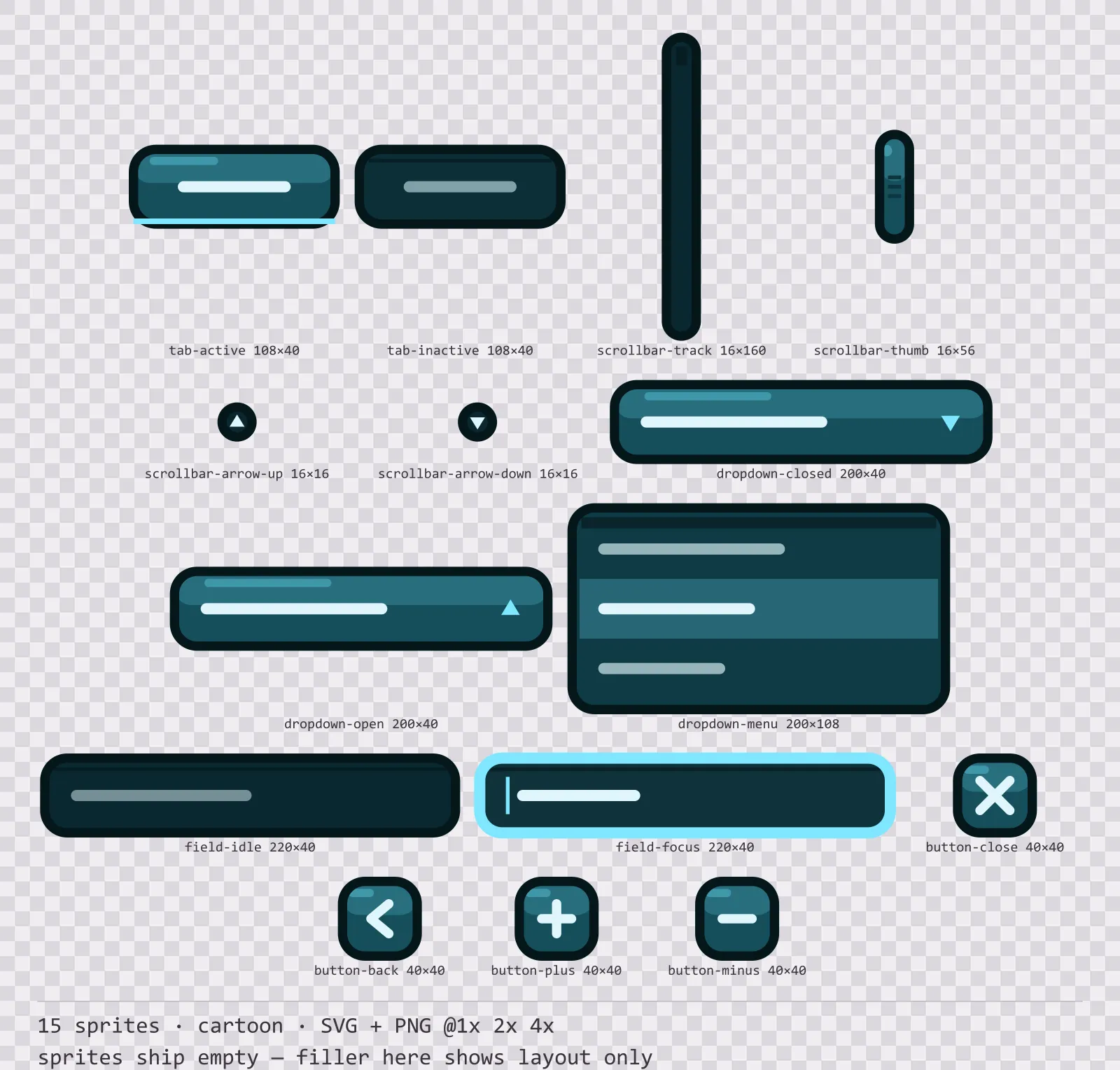
Aqua Navigation Kit
15 cartoon navigation and input components for dark interfaces — deep teal with ice blue accents. SVG plus transparent PNG at 1x, 2x and 4x.
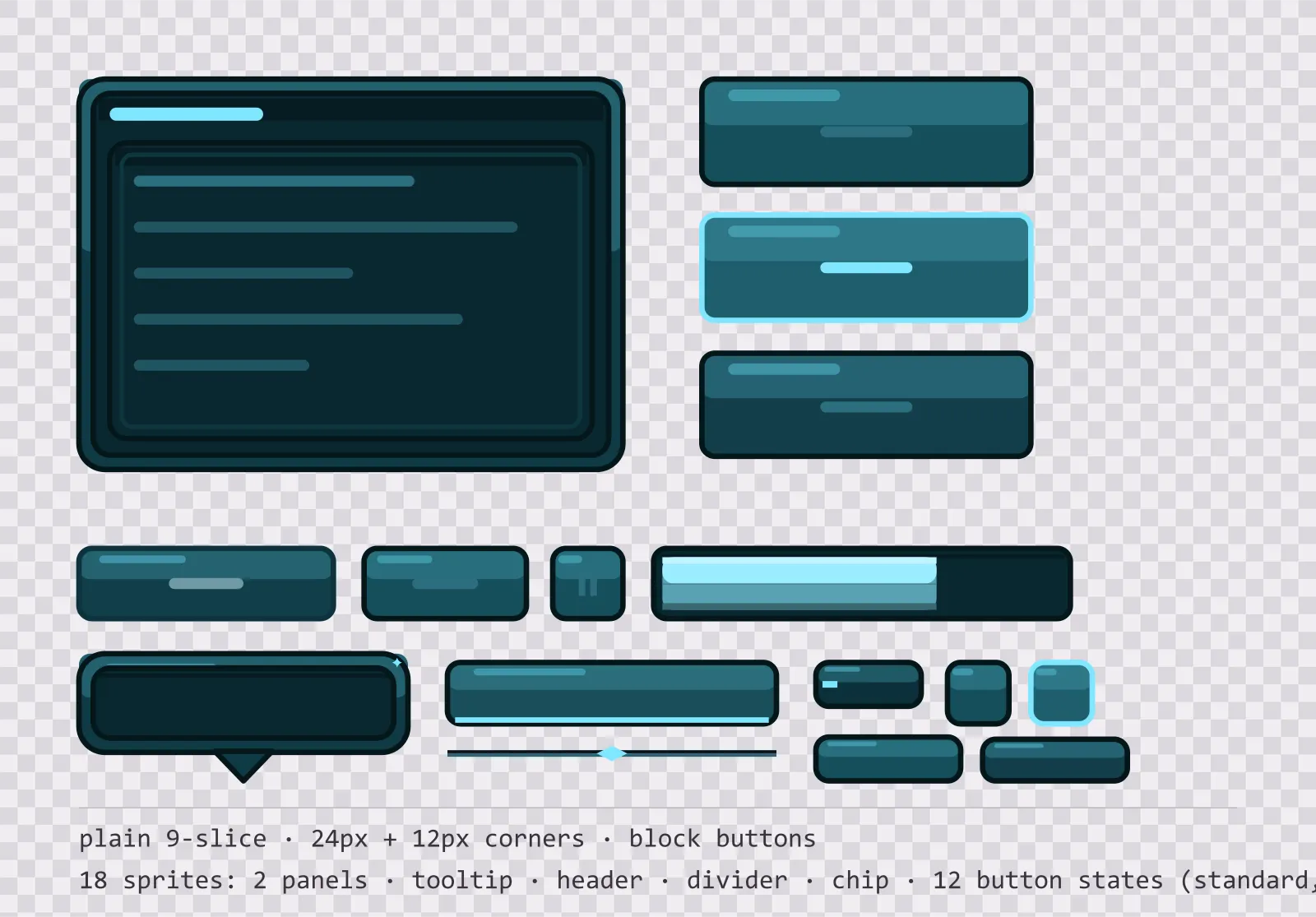
Aqua Panel UI Kit — single-framed panels and buttons
18 glassy teal interface sprites: single-framed nine-slice panels, a tooltip, a header bar, a divider, a chip and twelve square button states. SVG plus transparent PNG.
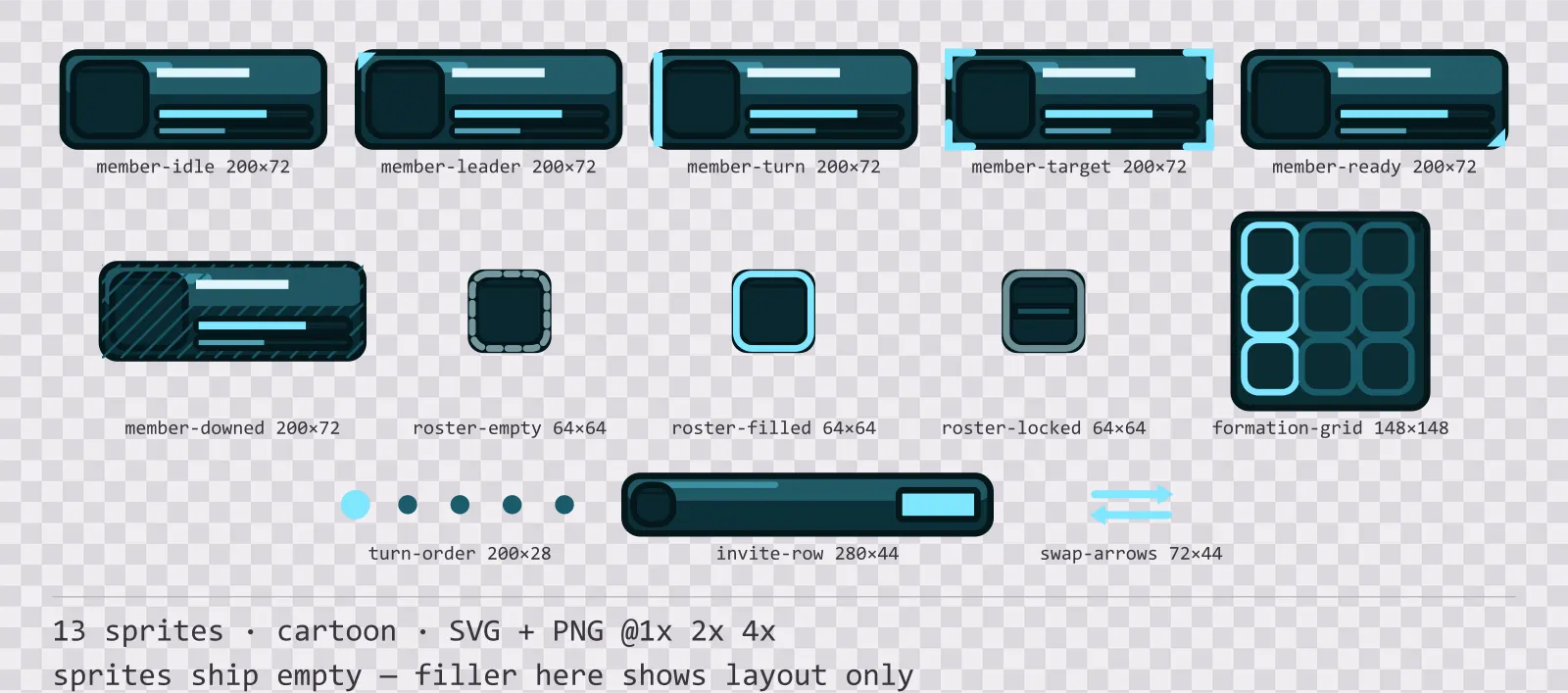
Aqua Party UI
13 cartoon party and roster widgets for dark interfaces — deep teal with ice blue accents. SVG plus transparent PNG at 1x, 2x and 4x.
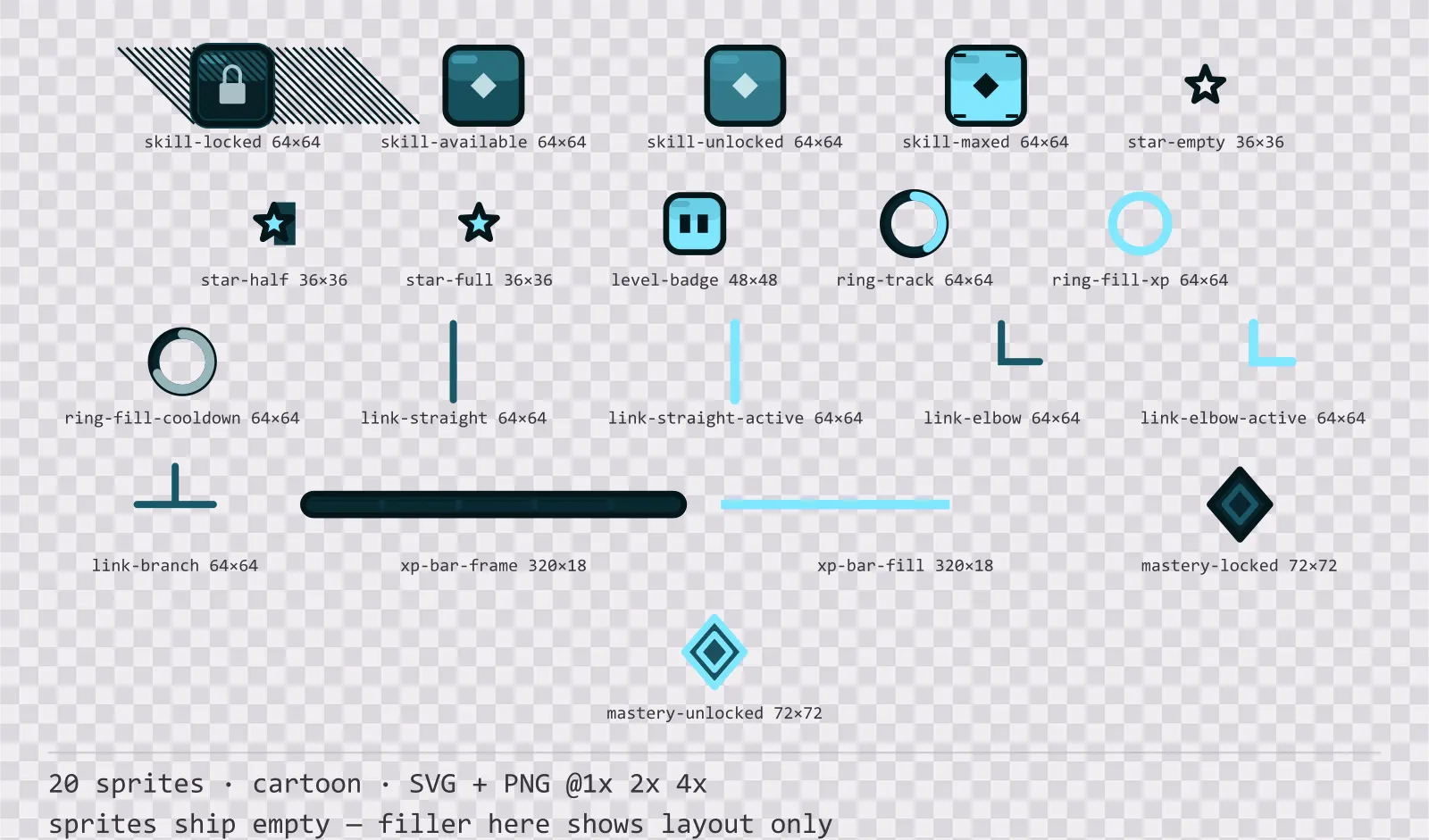
Aqua Progression Kit
20 cartoon progression and reward components for dark interfaces — deep teal with ice blue accents. SVG plus transparent PNG at 1x, 2x and 4x.
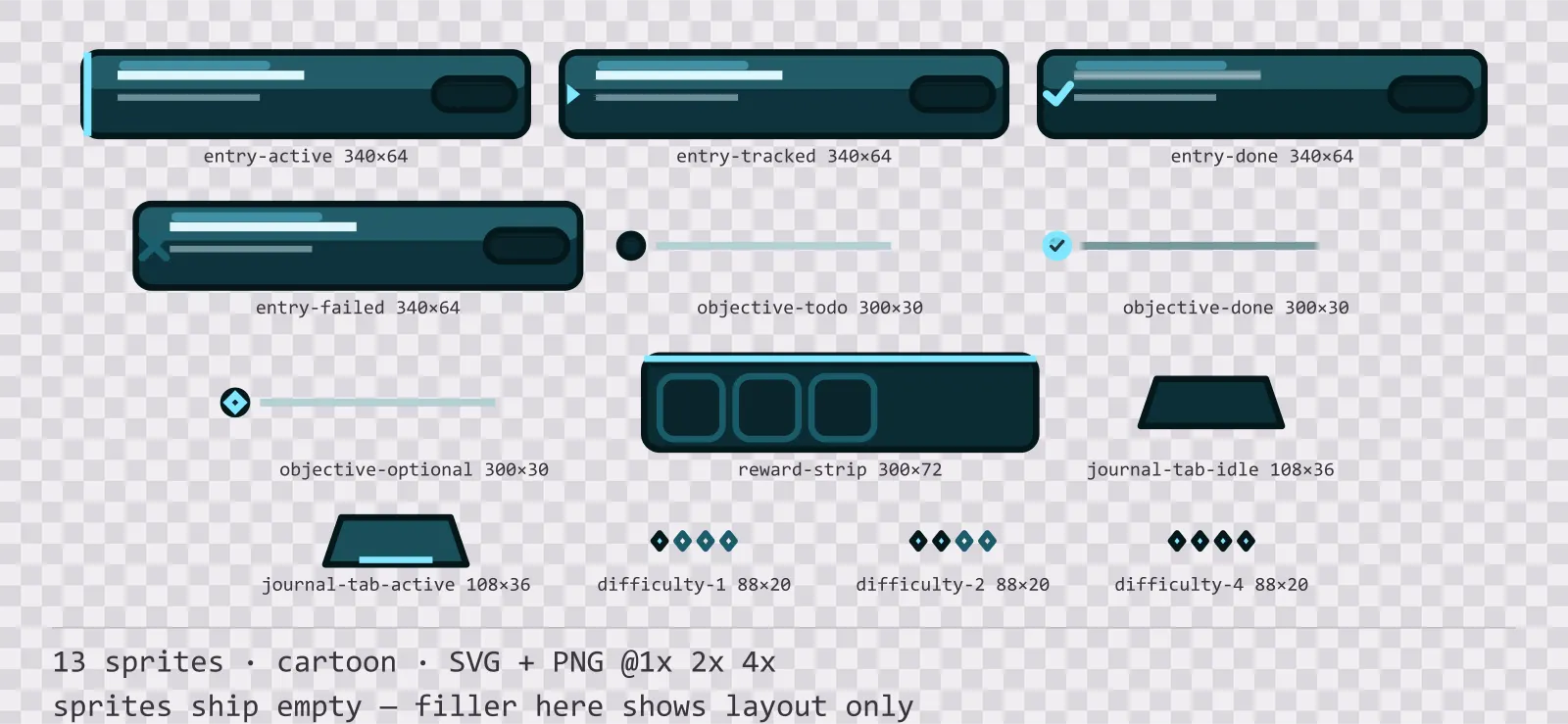
Aqua Quest Log
13 cartoon quest log and objective widgets for dark interfaces — deep teal with ice blue accents. SVG plus transparent PNG at 1x, 2x and 4x.
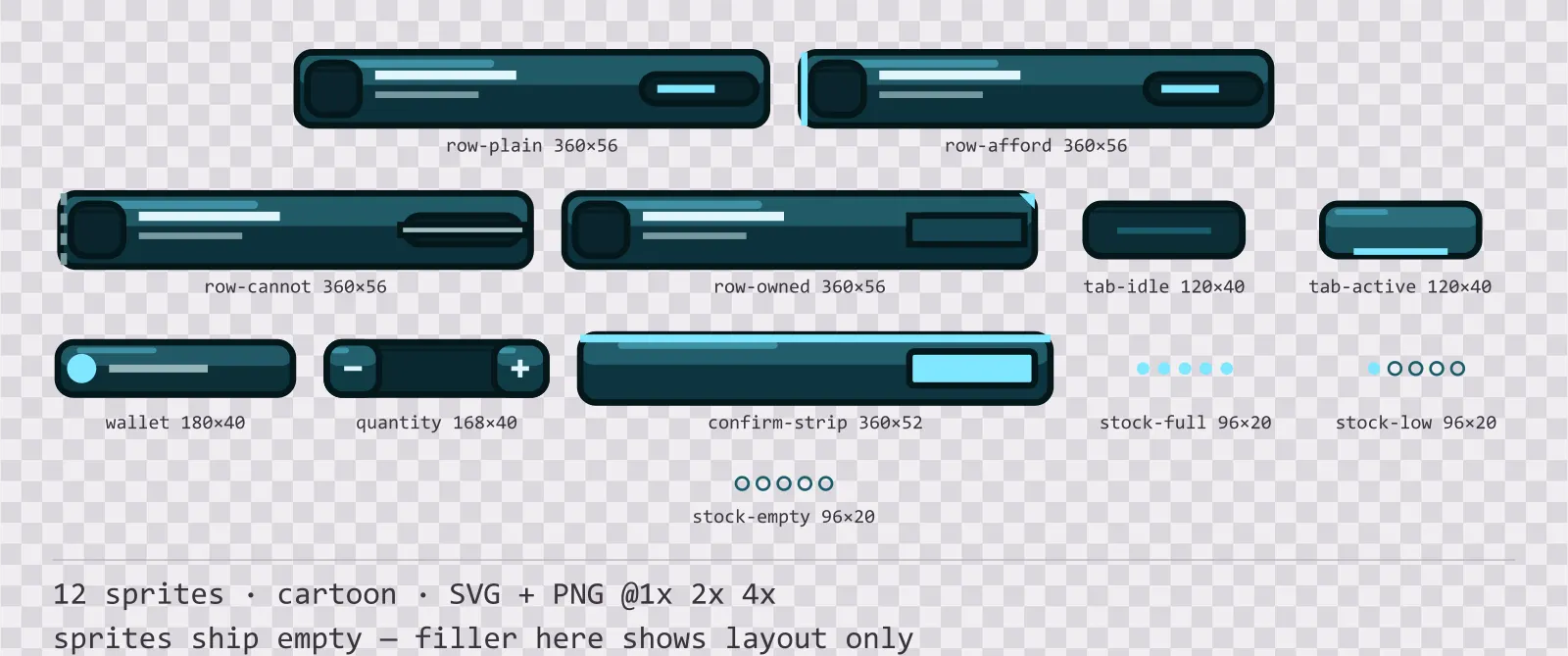
Aqua Shop UI
12 cartoon shop and economy widgets for dark interfaces — deep teal with ice blue accents. SVG plus transparent PNG at 1x, 2x and 4x.
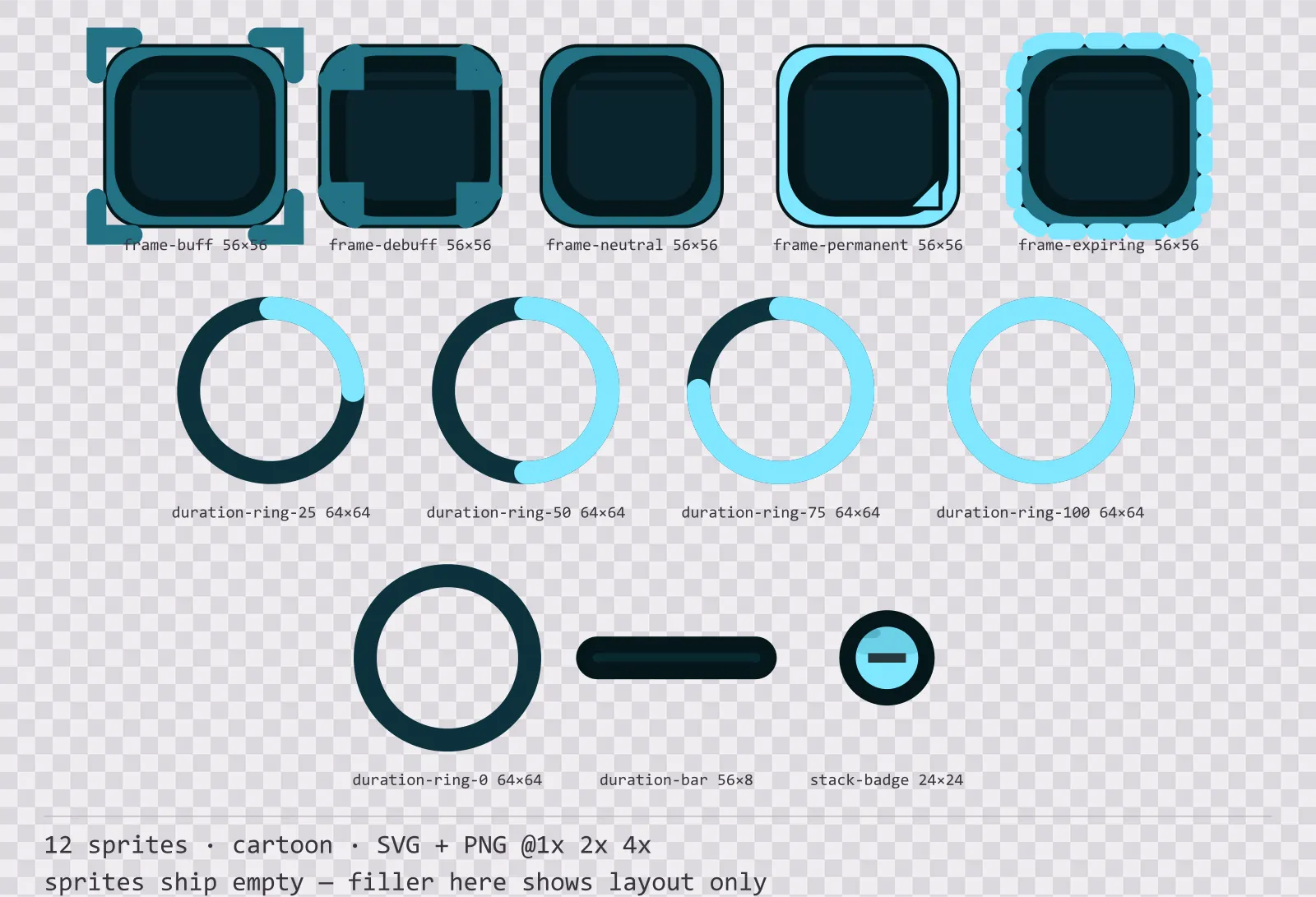
Aqua Status Effects
12 cartoon status effect frames and duration indicators for dark interfaces — deep teal with ice blue accents. SVG plus transparent PNG at 1x, 2x and 4x.
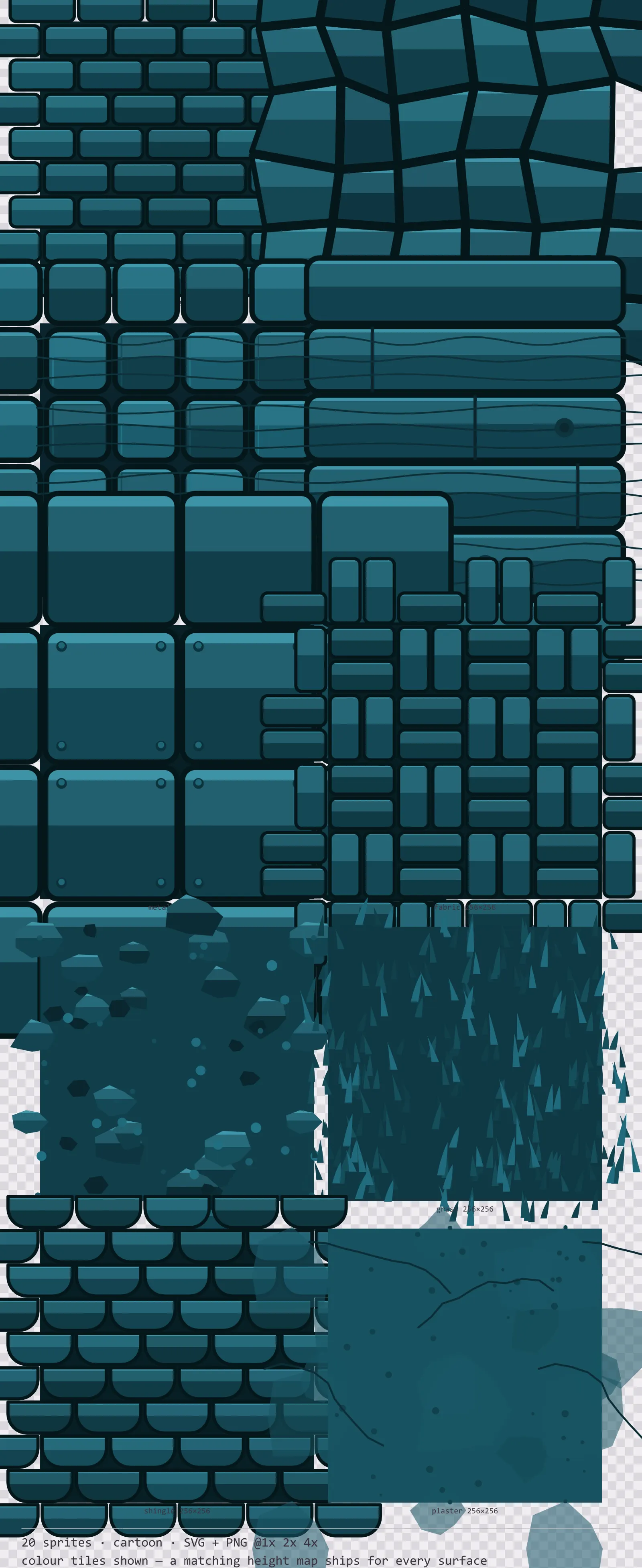
Aqua Seamless Textures
20 cartoon tiling surface textures for dark interfaces — deep teal with ice blue accents. SVG plus transparent PNG at 1x, 2x and 4x.
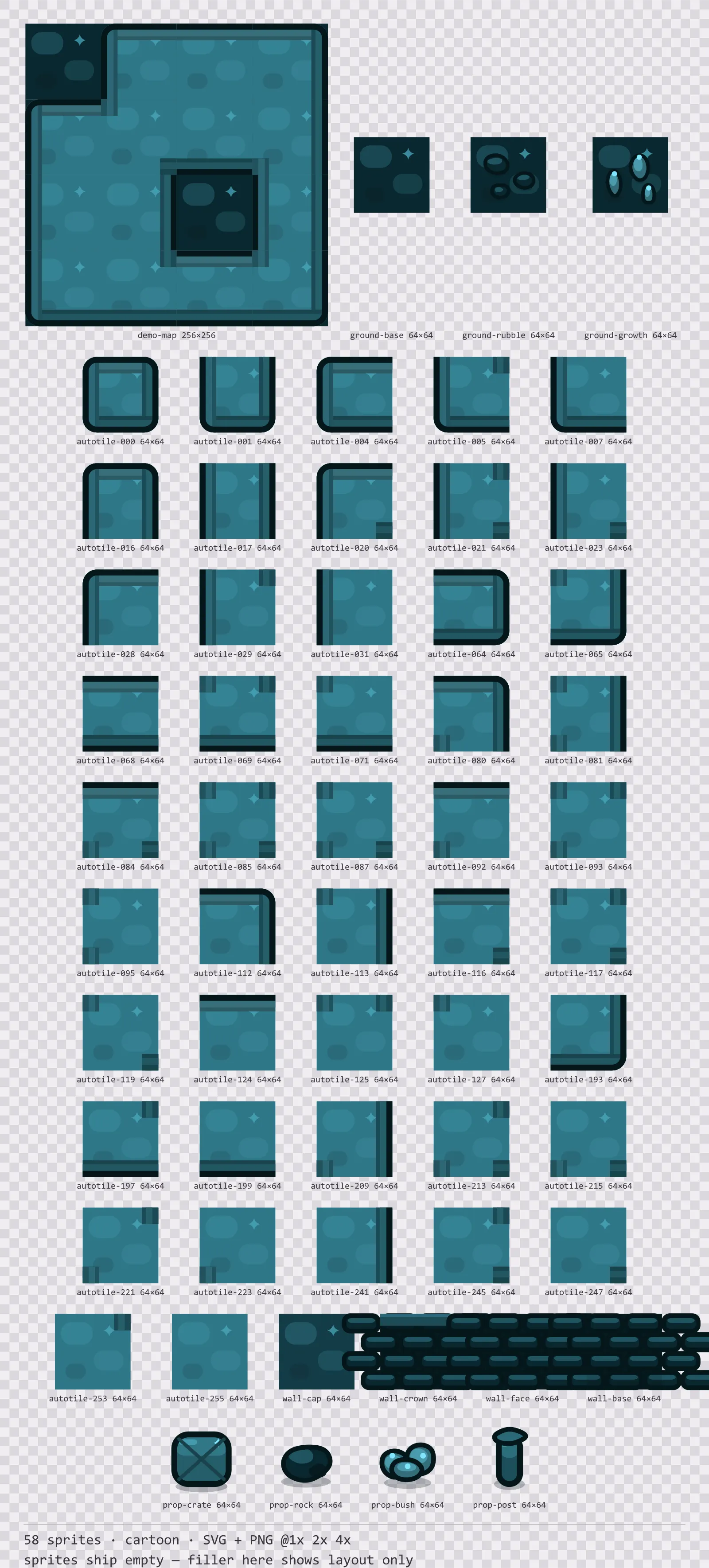
Aqua Tileset
58 cartoon tiles for dark interfaces — deep teal with ice blue accents. SVG plus transparent PNG at 1x, 2x and 4x.
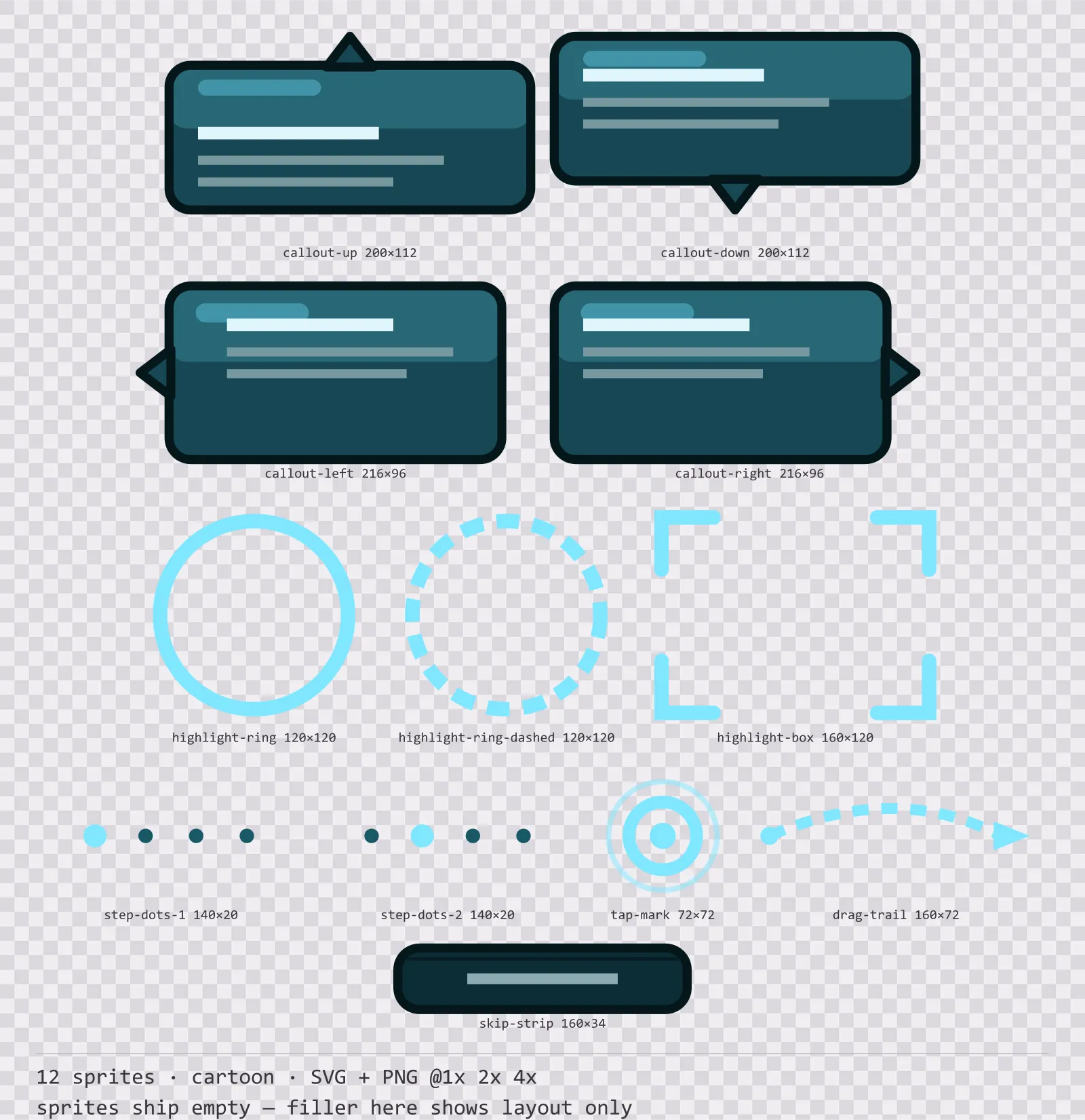
Aqua Tutorial UI
12 cartoon tutorial and onboarding markers for dark interfaces — deep teal with ice blue accents. SVG plus transparent PNG at 1x, 2x and 4x.
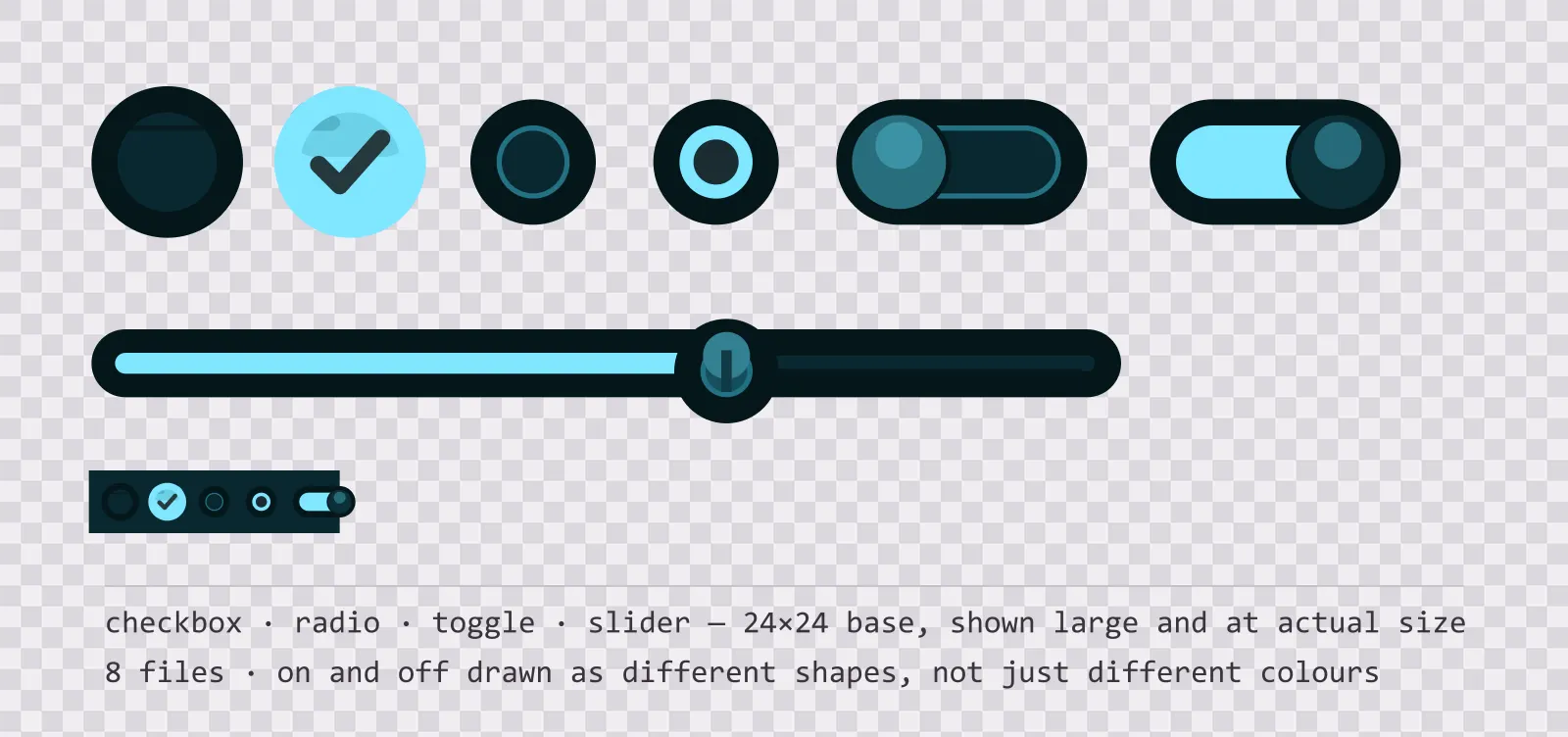
Aqua UI Controls — checkbox, toggle and slider
19 glassy teal interface controls: checkbox, radio, toggle, slider and stepper, with on, off, partial and disabled states drawn as different shapes. SVG plus PNG.
Also browse
More Hit Effects
See all →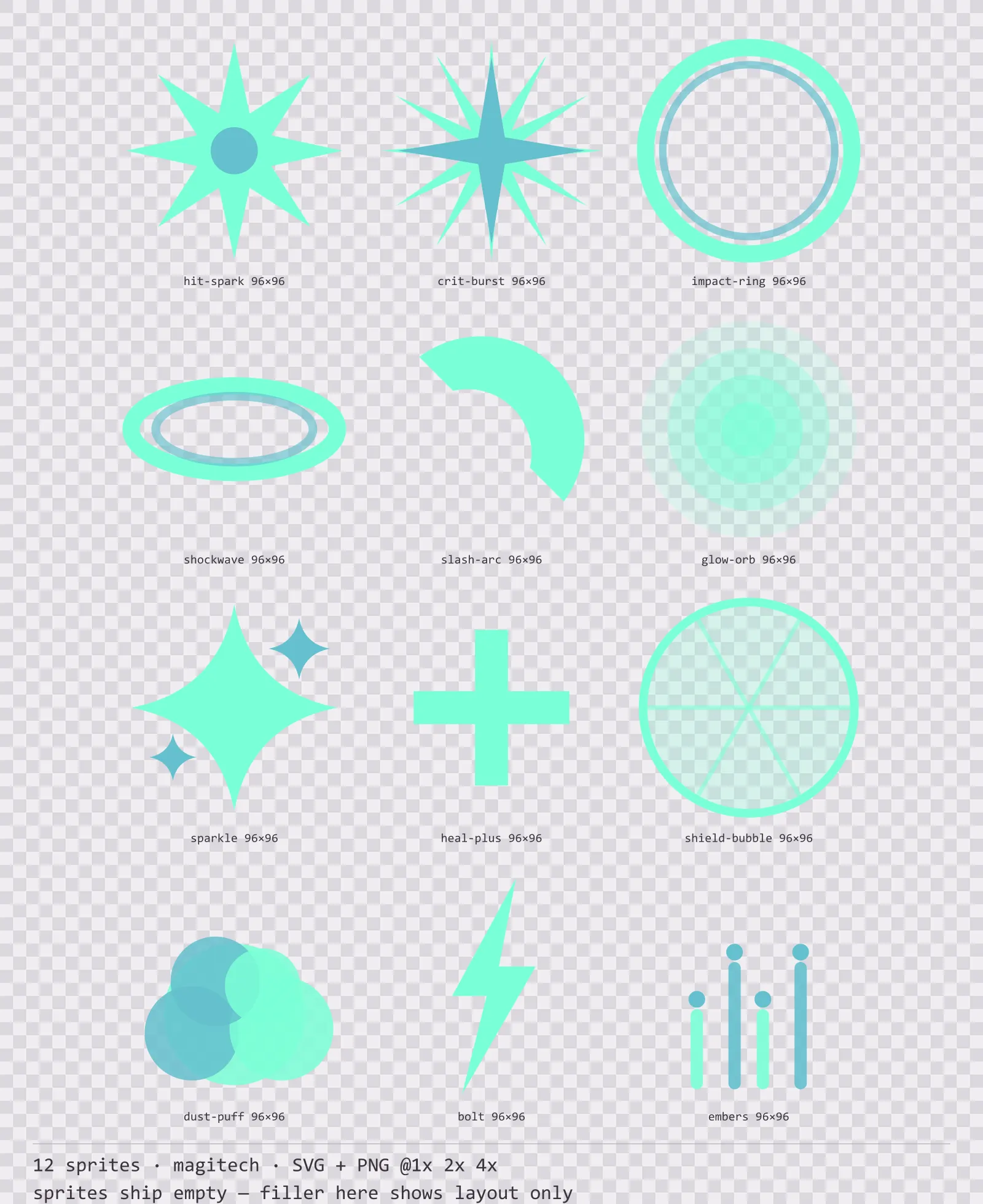
Aetherlab Hit Effects
12 magitech impact and effect sprites for dark interfaces — lab navy with aether cyan accents. SVG plus transparent PNG at 1x, 2x and 4x.
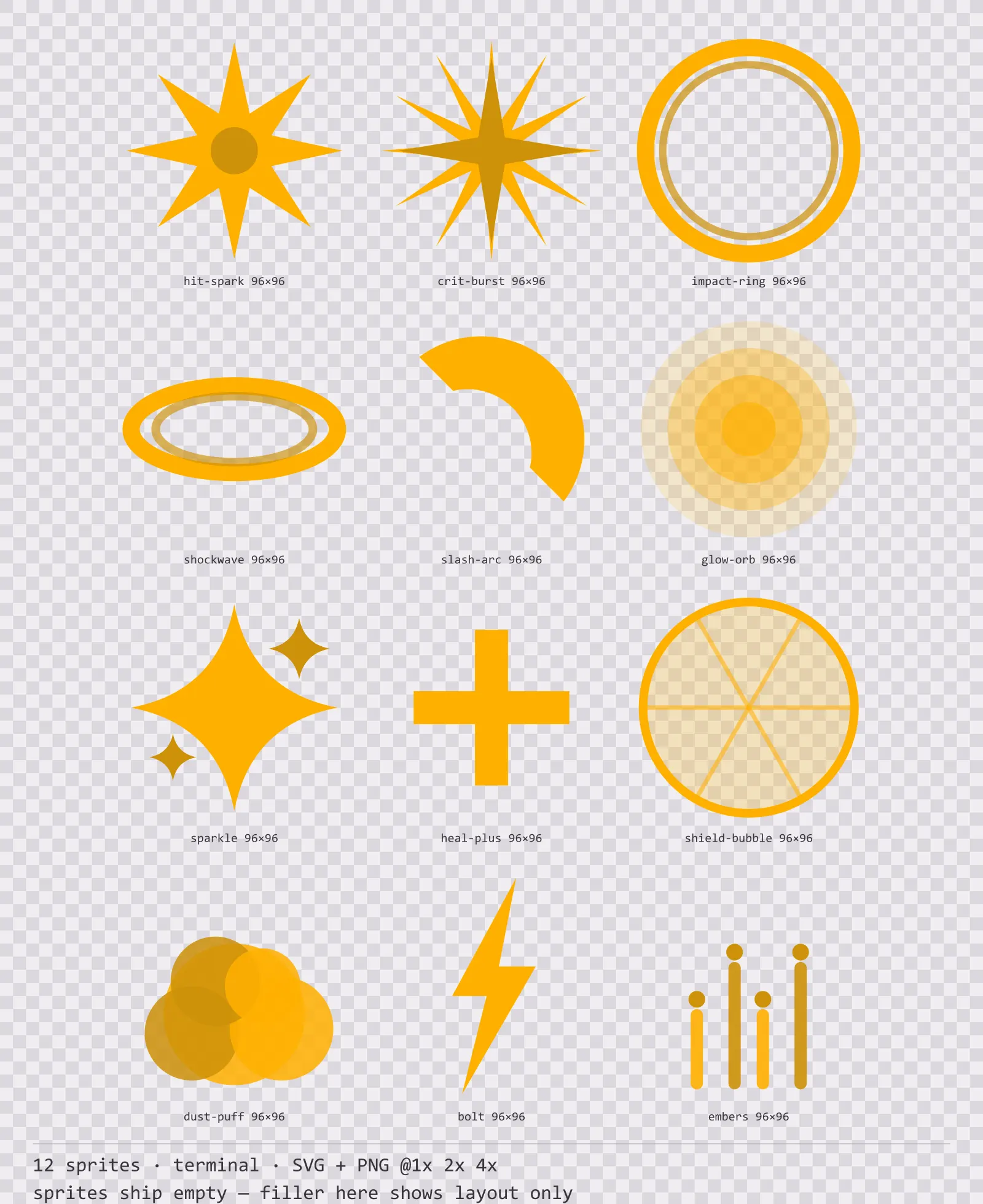
Amberterm Hit Effects
12 terminal impact and effect sprites for dark interfaces — warm black with CRT amber accents. SVG plus transparent PNG at 1x, 2x and 4x.
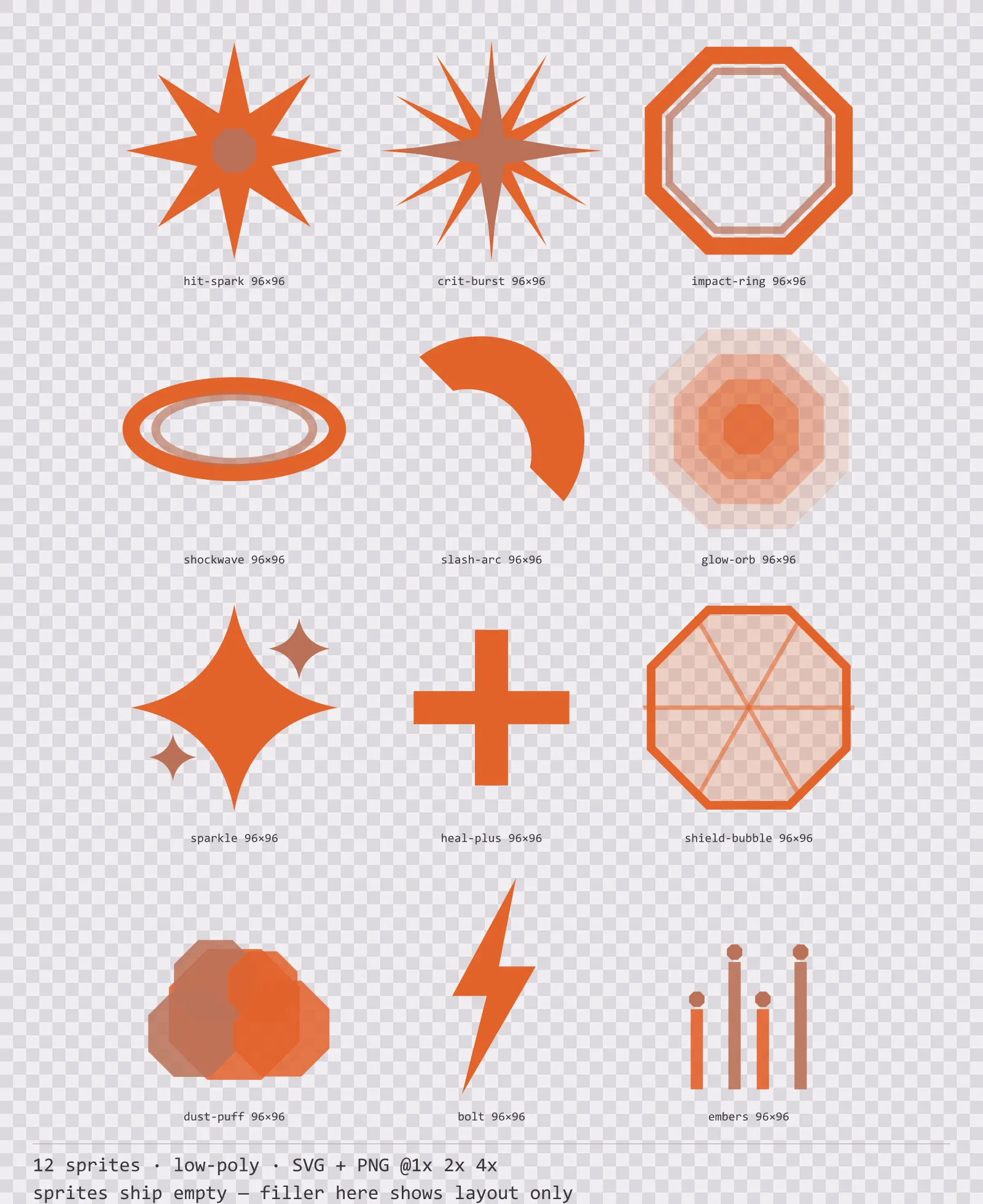
Basalt Hit Effects
12 low-poly impact and effect sprites for dark interfaces — ash grey with magma orange accents. SVG plus transparent PNG at 1x, 2x and 4x.
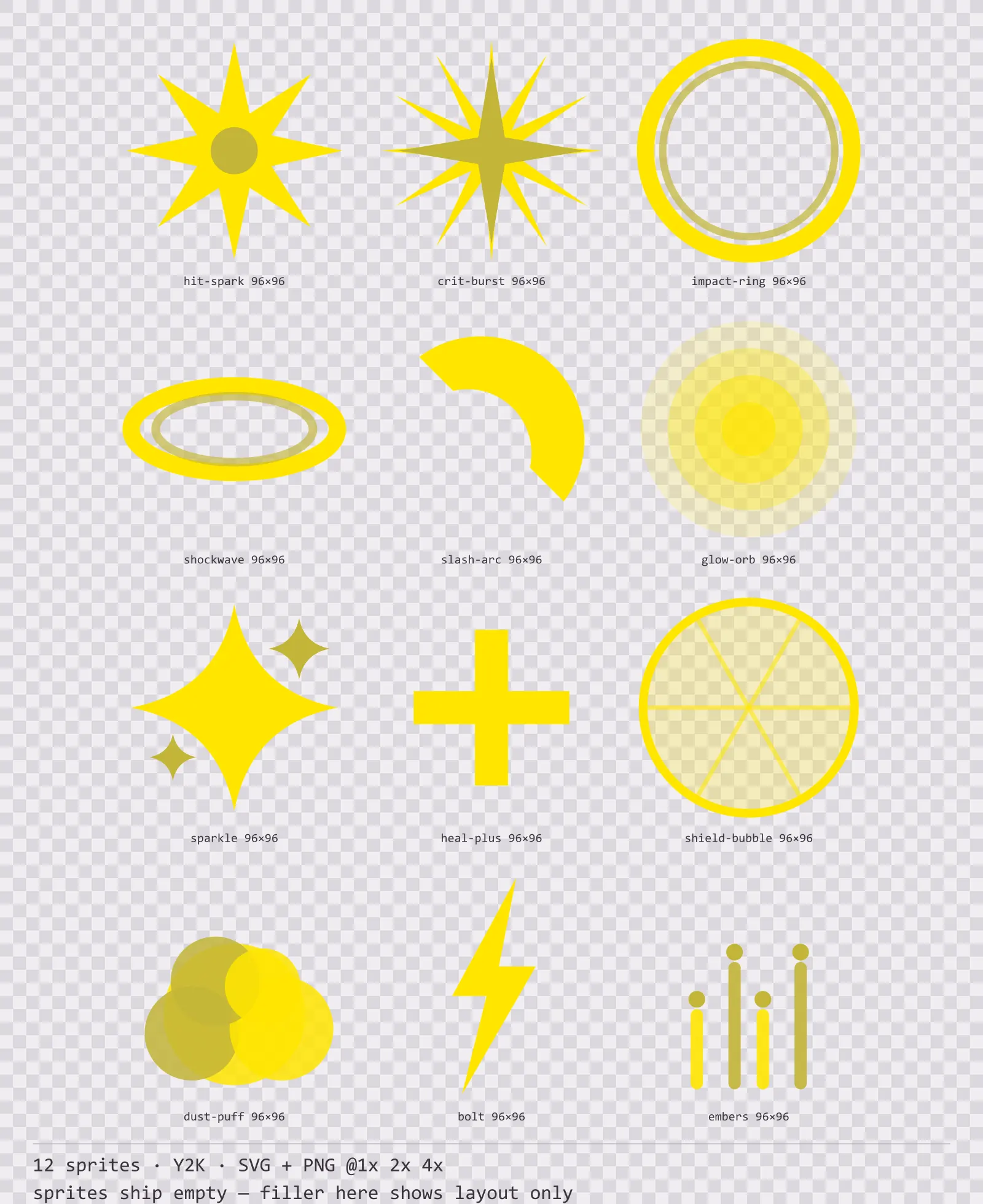
Bitrush Hit Effects
12 Y2K impact and effect sprites for dark interfaces — ink black with signal yellow accents. SVG plus transparent PNG at 1x, 2x and 4x.