UI Packs
Slate Inventory Slots — 64px grid
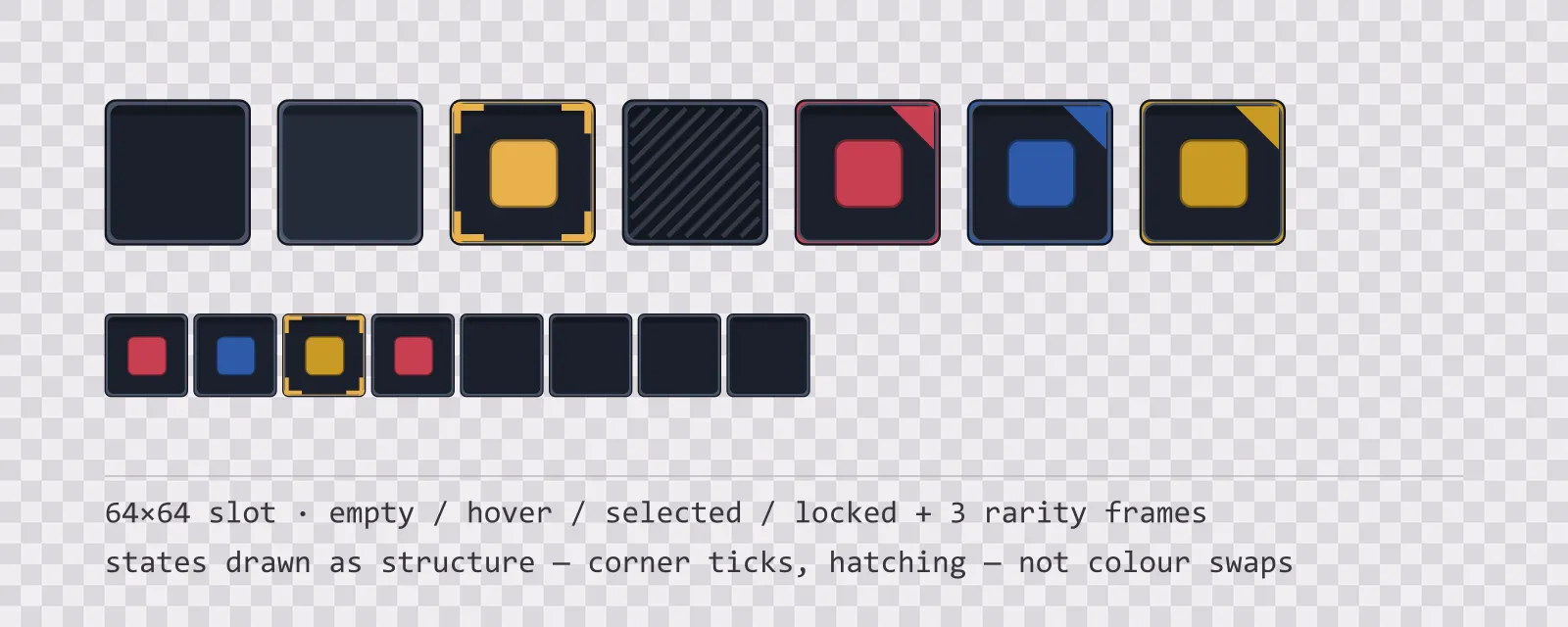
13 64×64 dark slate inventory slots: empty, hover, selected, locked, blocked and drop states, round and hex equipment slots, a hotbar slot and three rarity frames.
About this pack
Inventory slots at 64px with four states and the rarity frames. The empty socket is recessed with a light edge along the top and a shadow along the bottom, which is the whole trick: an inventory grid is read as a grid of holes, and a slot that does not look like a hole reads as a button.
An inventory grid does not need a panel, it needs a square that tiles. Every slot here is 64×64 with the same outer bounds — the one exception is the two-cell slot for large items, which is 128×64 and is a separate file rather than a stretched square, because stretching a slot that is not nine-sliced deforms its corners. Put them 68 px apart and the borders read as a single grid rather than a row of separate boxes.
The states are drawn as structure, not colour. The selected slot gets corner ticks, the locked slot gets diagonal hatching, the hover slot lifts its border a step, the blocked slot carries a cross and the drop target a dashed accent frame. This is deliberate: the inventory screen is the noisiest surface in most games, sitting under item art in every hue at once, and a state that is only a border colour is invisible the moment a red sword is sitting in the slot.
Blocked and locked are separate sprites on purpose. A locked slot can be opened later; a blocked one is refusing the item currently on the cursor. Drawing them the same way is how an inventory ends up teaching a player the wrong rule. The equipment slots break the square for the same reason — an accessory socket is round and a gem socket is hexagonal, so the shape says what belongs there before any tooltip does.
The three rarity frames reuse the health, mana and stamina colours from the rest of the family, each with a corner marker as well as a coloured border — so a player sorting by rarity is reading two signals, and neither of them is competing with the item art in the middle of the slot.
Everything is included as editable SVG and as flat transparent PNG at 1x, 2x and 4x. The slot interiors are transparent, so whatever you render behind the grid shows through instead of a baked background colour.
Download
Direct link · no sign-up · no wait pageComplete set — SVG sources, PNG exports at 1x/2x/4x, licence and readme


How to use it
- Lay the slots out on a 68 px pitch — the 64 px sprite plus a 4 px gutter — and the borders stay one pixel apart instead of doubling up.
- Draw the item icon centred in the slot at roughly 45 px; the inner recess is 58 px, so anything larger will touch the border and lose the frame.
- Swap the whole slot sprite for the selected and locked states rather than overlaying a tint, because the corner ticks and hatching are part of the sprite.
- The rarity frames are drop-in replacements for the empty slot — same bounds, same recess — so a rarity change is a single texture swap with no layout change.
License
Creative Commons Attribution 4.0 — Free for commercial use. Credit required. Full terms · What this means in practice
"Slate Inventory Slots — 64px grid" by Oğuzhan Girgin, licensed under CC BY 4.0 — https://www.colorosse.com/assets/2d/ui/slate-inventory-slotsWorks with
same grid, same corners, different materialThese kits are built to the same panel, button and icon measurements as Slate Inventory Slots — 64px grid, so you can mix them in one screen without re-cutting a nine-slice or renegotiating a margin.
Aqua Inventory Slots — 64px grid
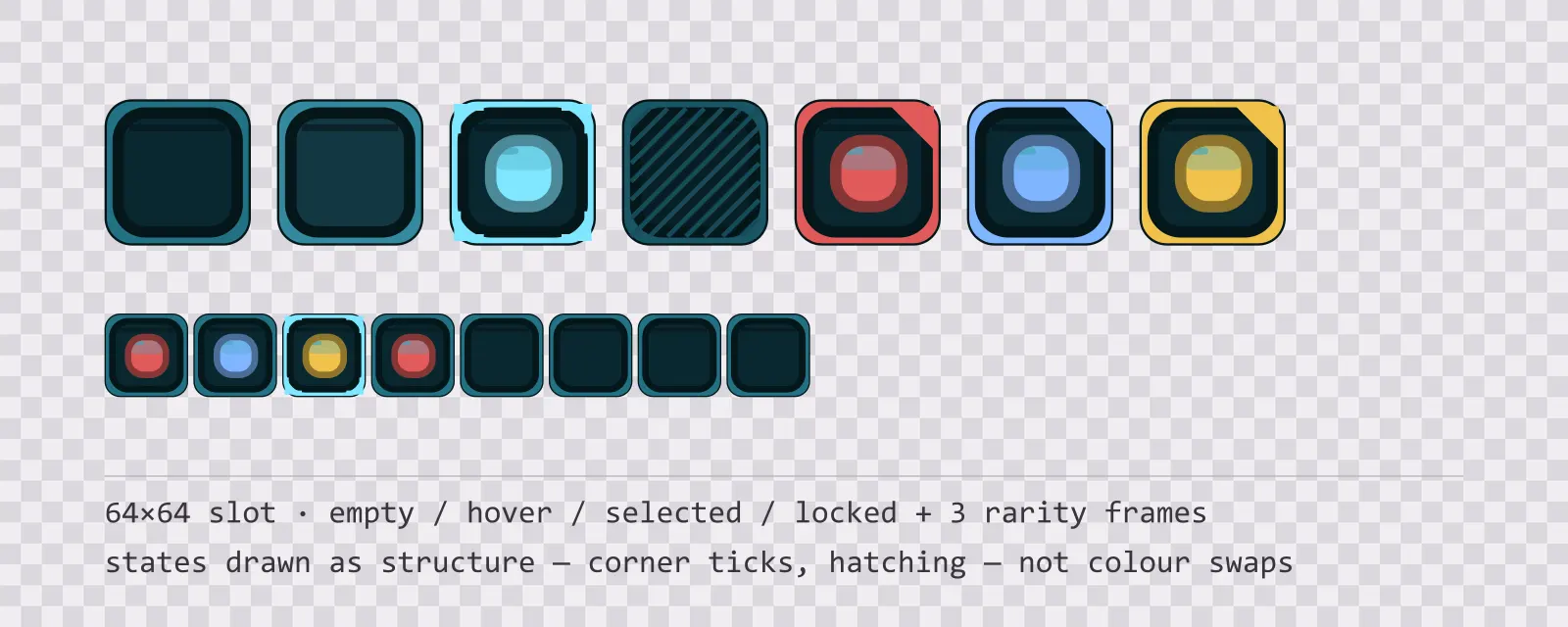
13 64×64 glassy teal inventory slots: empty, hover, selected, locked, blocked and drop states, round and hex equipment slots, a hotbar slot and three rarity frames.
Aqua Backdrops
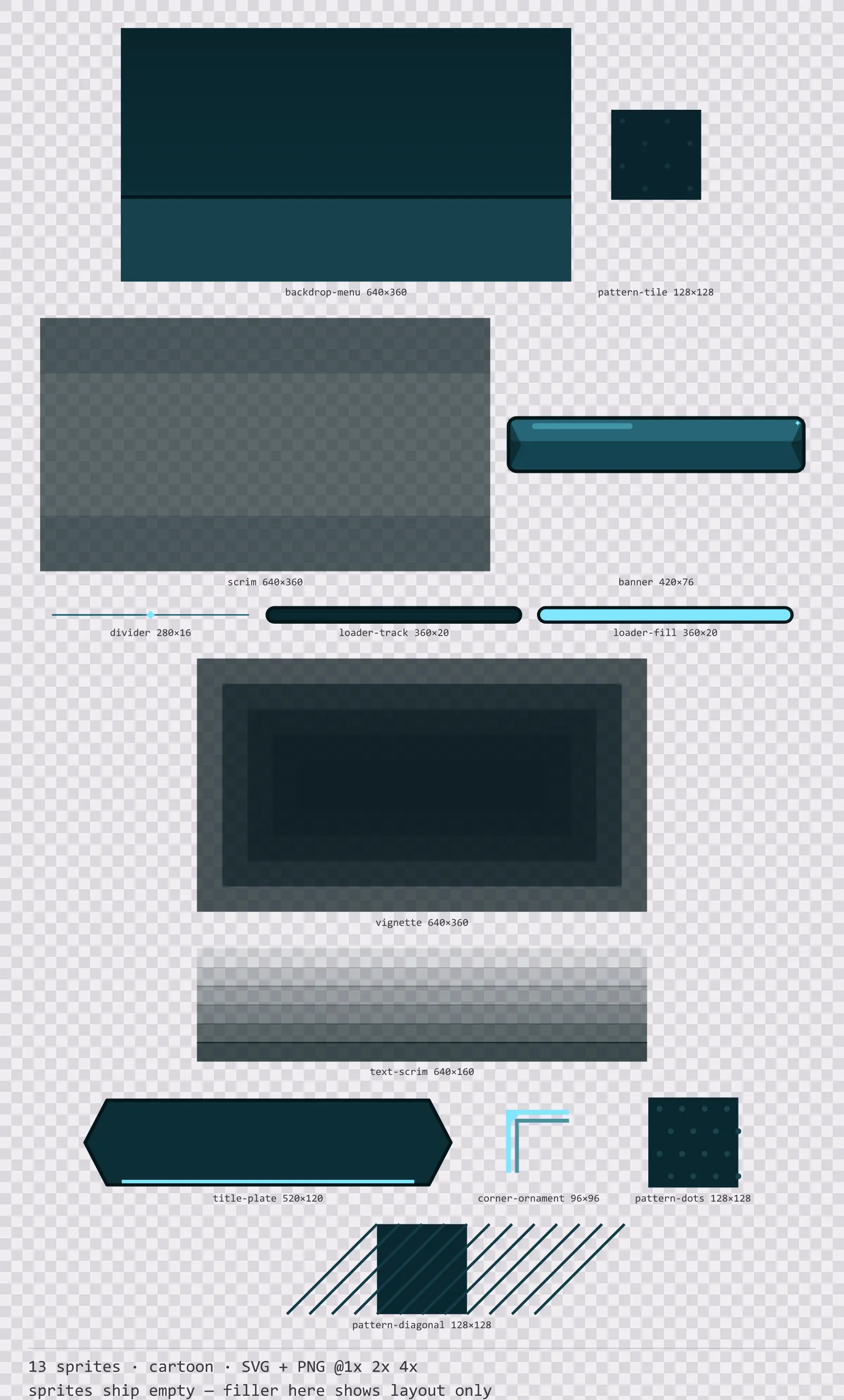
13 cartoon background and overlay pieces for dark interfaces — deep teal with ice blue accents. SVG plus transparent PNG at 1x, 2x and 4x.
Aqua Card Frames
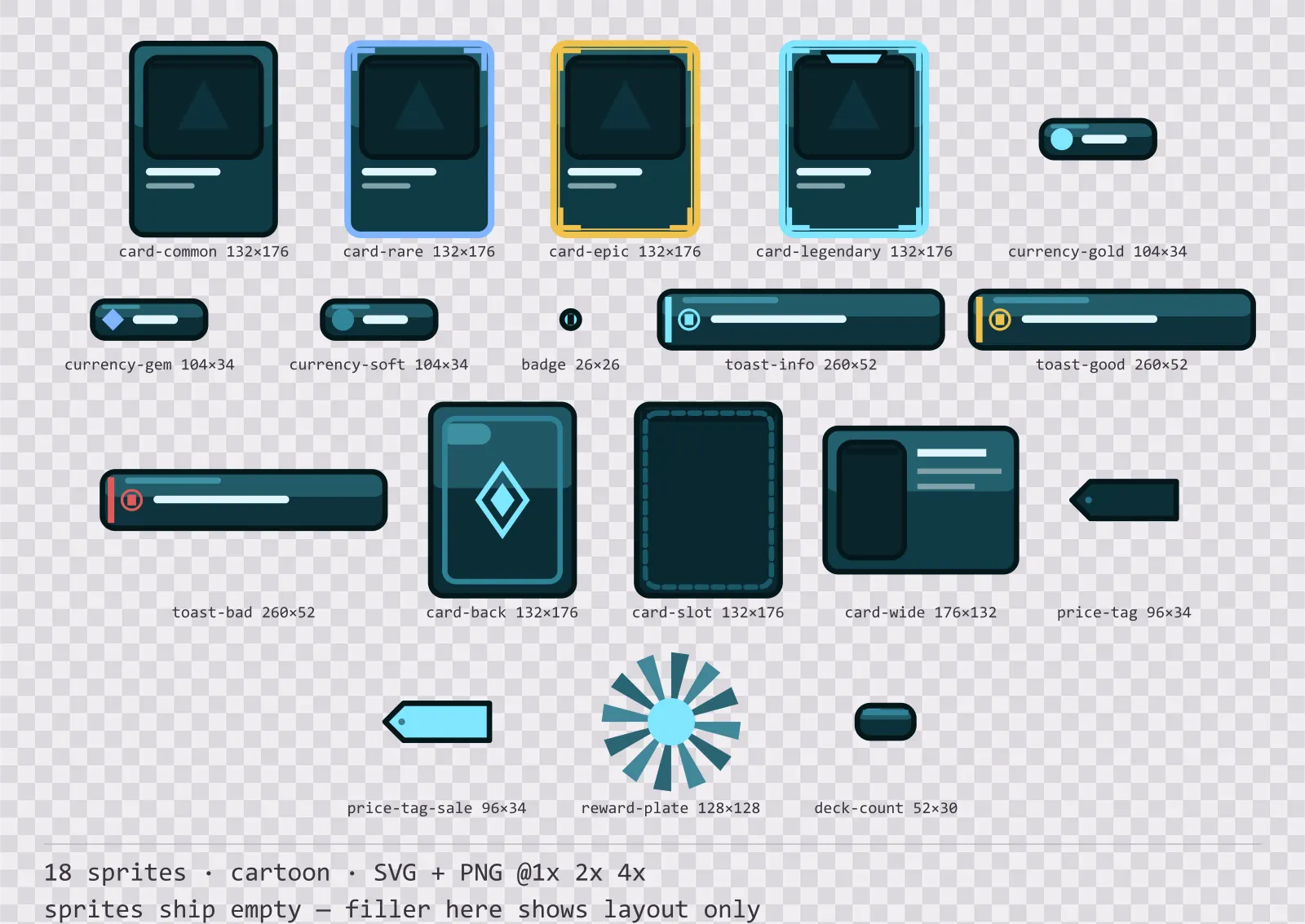
18 cartoon card, currency and notification components for dark interfaces — deep teal with ice blue accents. SVG plus transparent PNG at 1x, 2x and 4x.
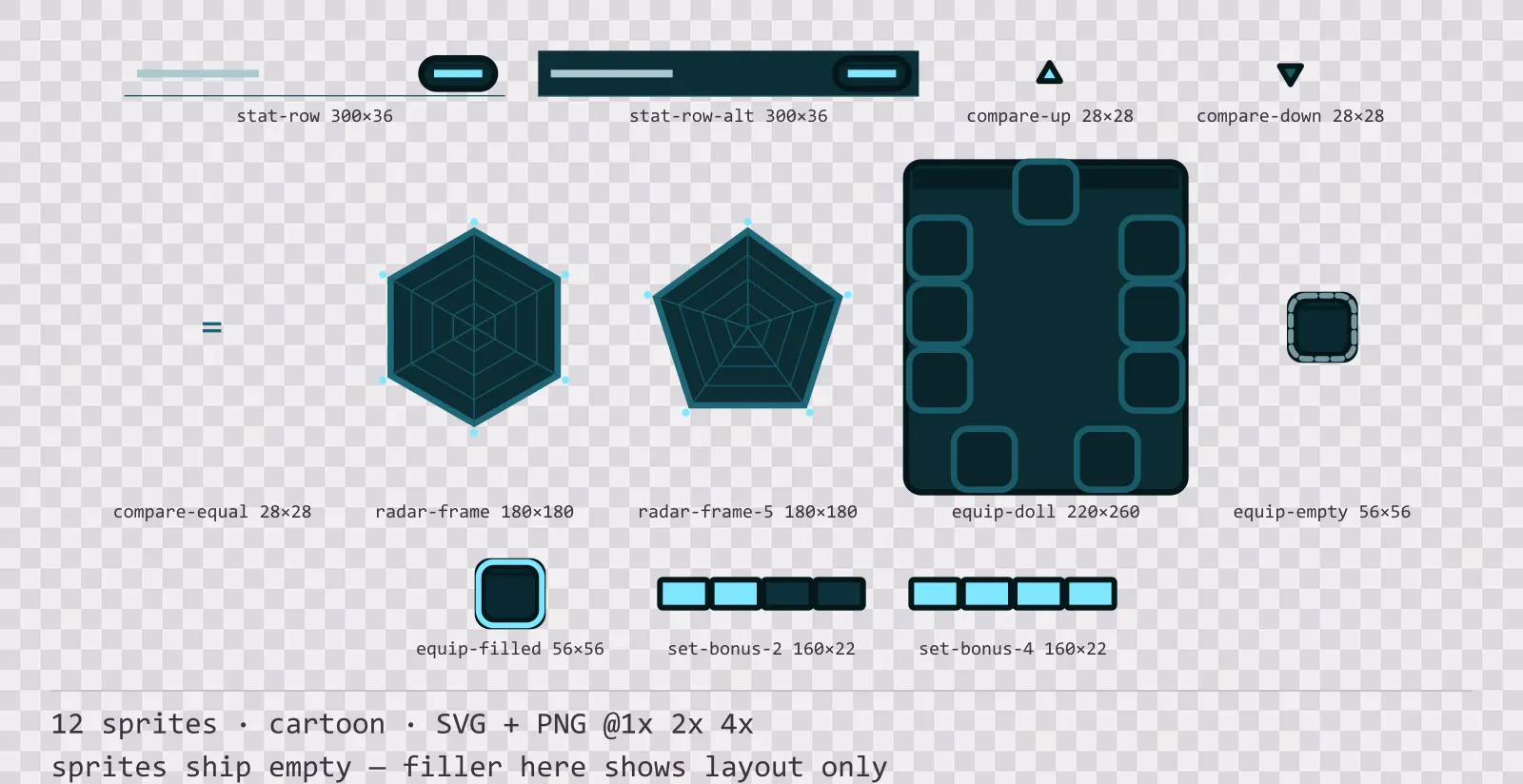
Aqua Character Sheet
12 cartoon character sheet and stat widgets for dark interfaces — deep teal with ice blue accents. SVG plus transparent PNG at 1x, 2x and 4x.
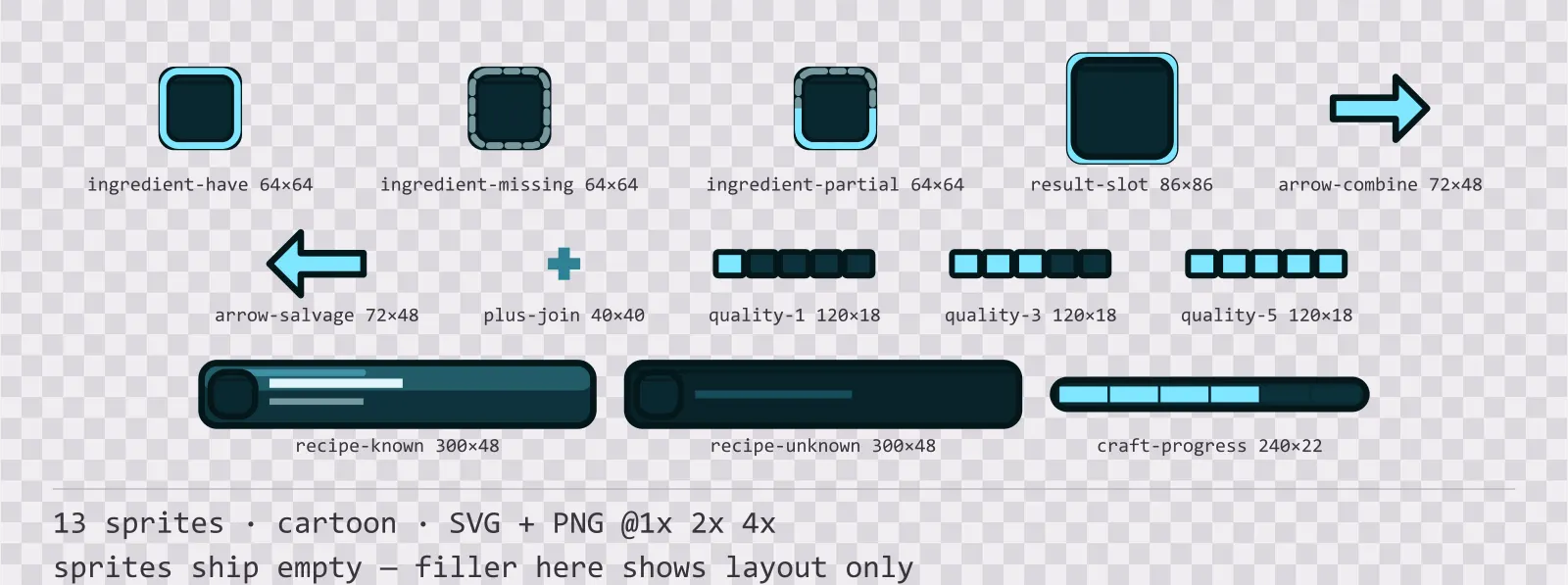
Aqua Crafting UI
13 cartoon crafting and recipe widgets for dark interfaces — deep teal with ice blue accents. SVG plus transparent PNG at 1x, 2x and 4x.
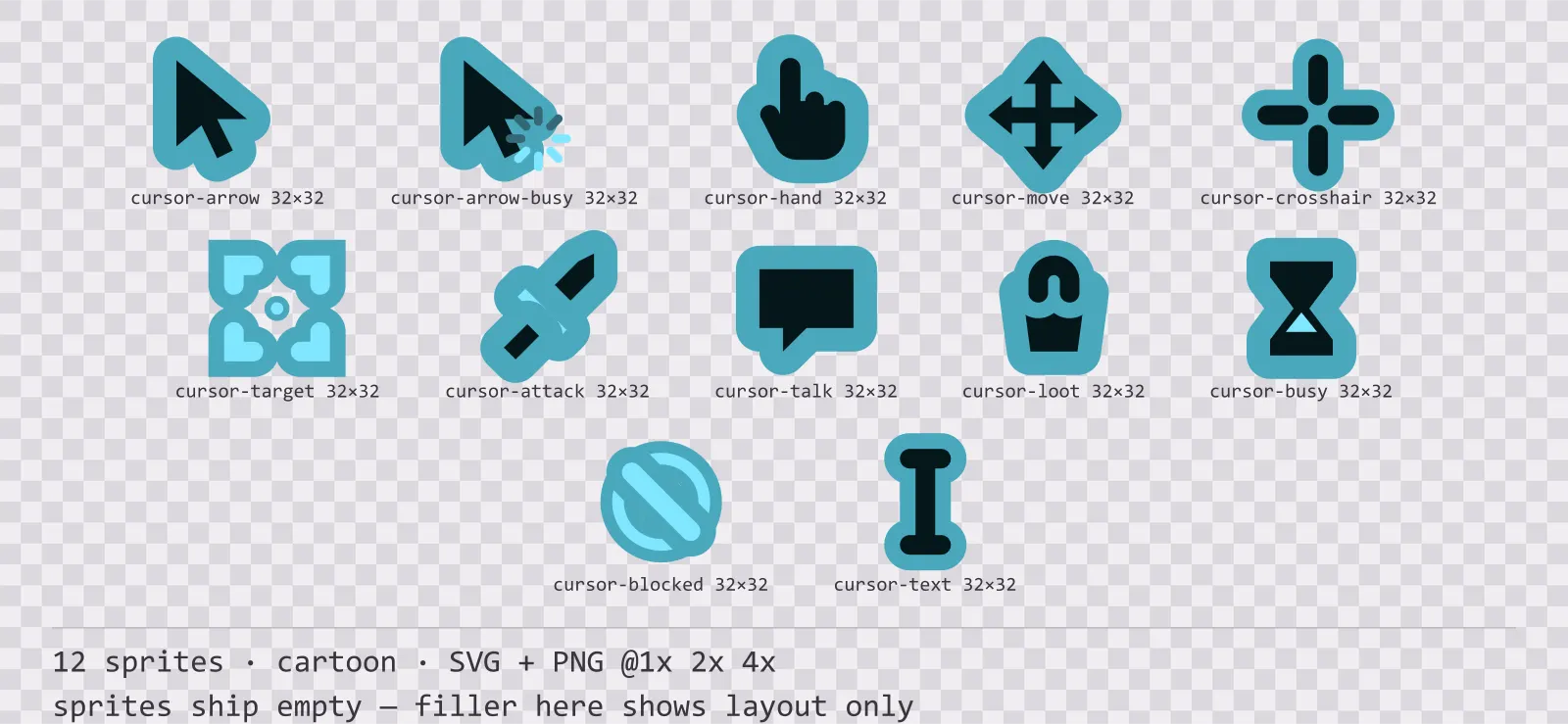
Aqua Cursors
12 cartoon mouse cursors for dark interfaces — deep teal with ice blue accents. SVG plus transparent PNG at 1x, 2x and 4x.
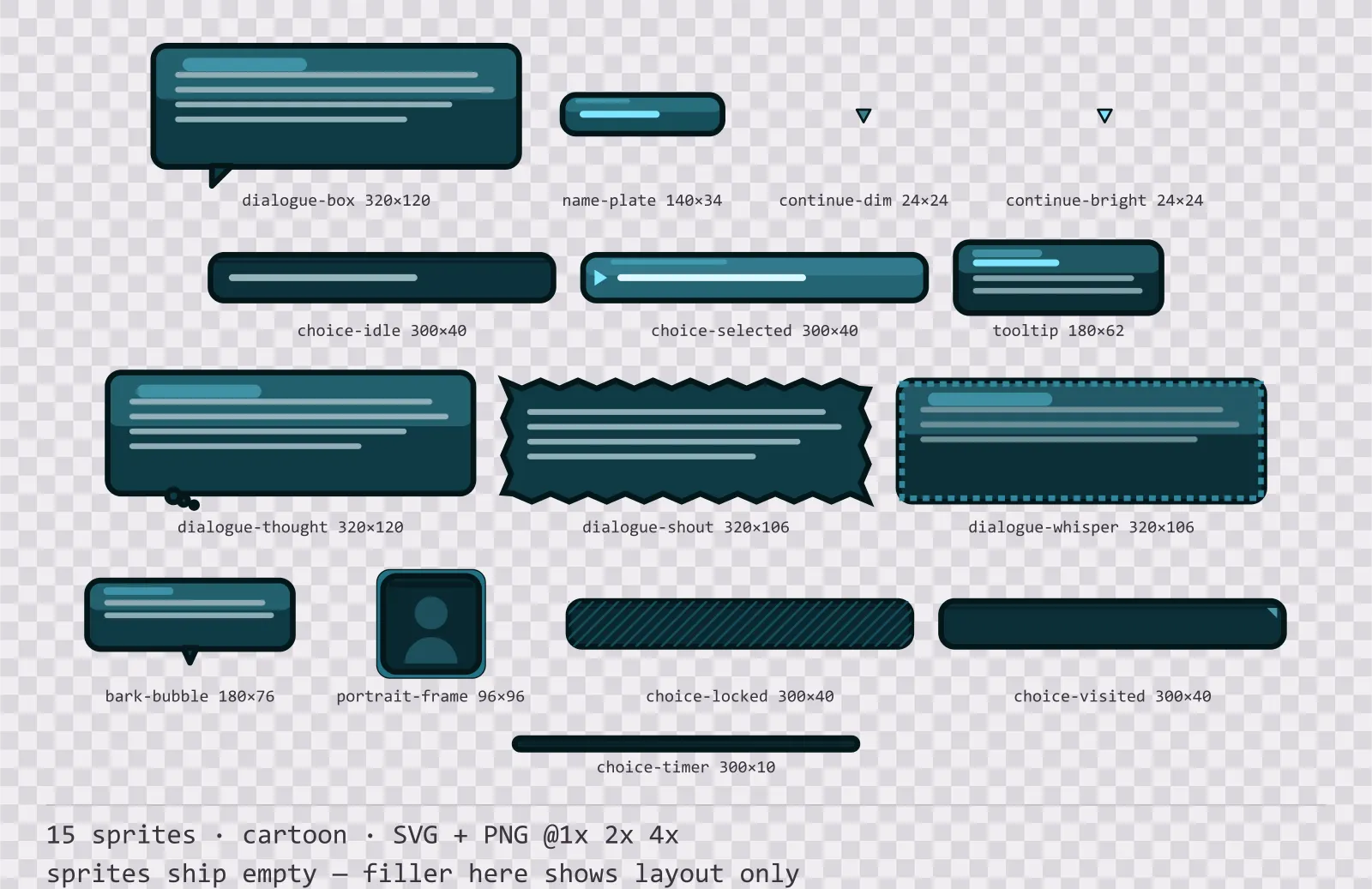
Aqua Dialogue Kit
15 cartoon dialogue components for dark interfaces — deep teal with ice blue accents. SVG plus transparent PNG at 1x, 2x and 4x.
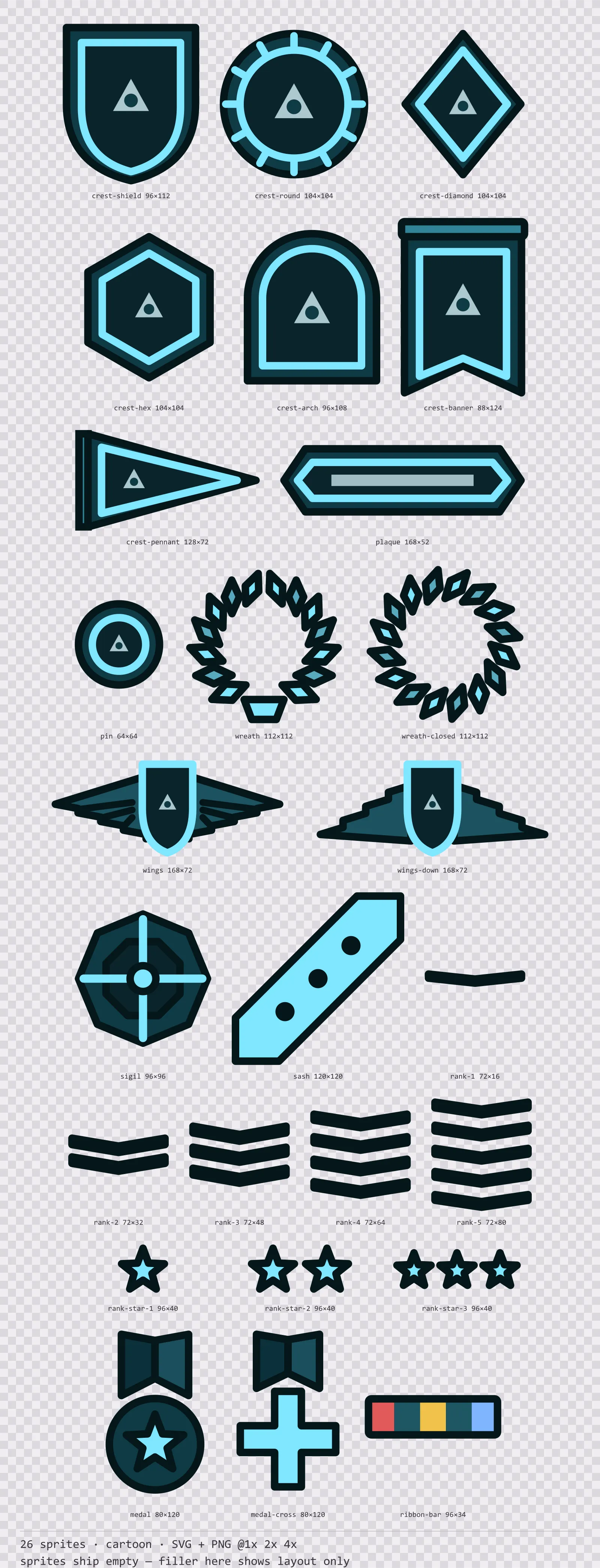
Aqua Emblems
26 cartoon crests, insignia and rank marks for dark interfaces — deep teal with ice blue accents. SVG plus transparent PNG at 1x, 2x and 4x.
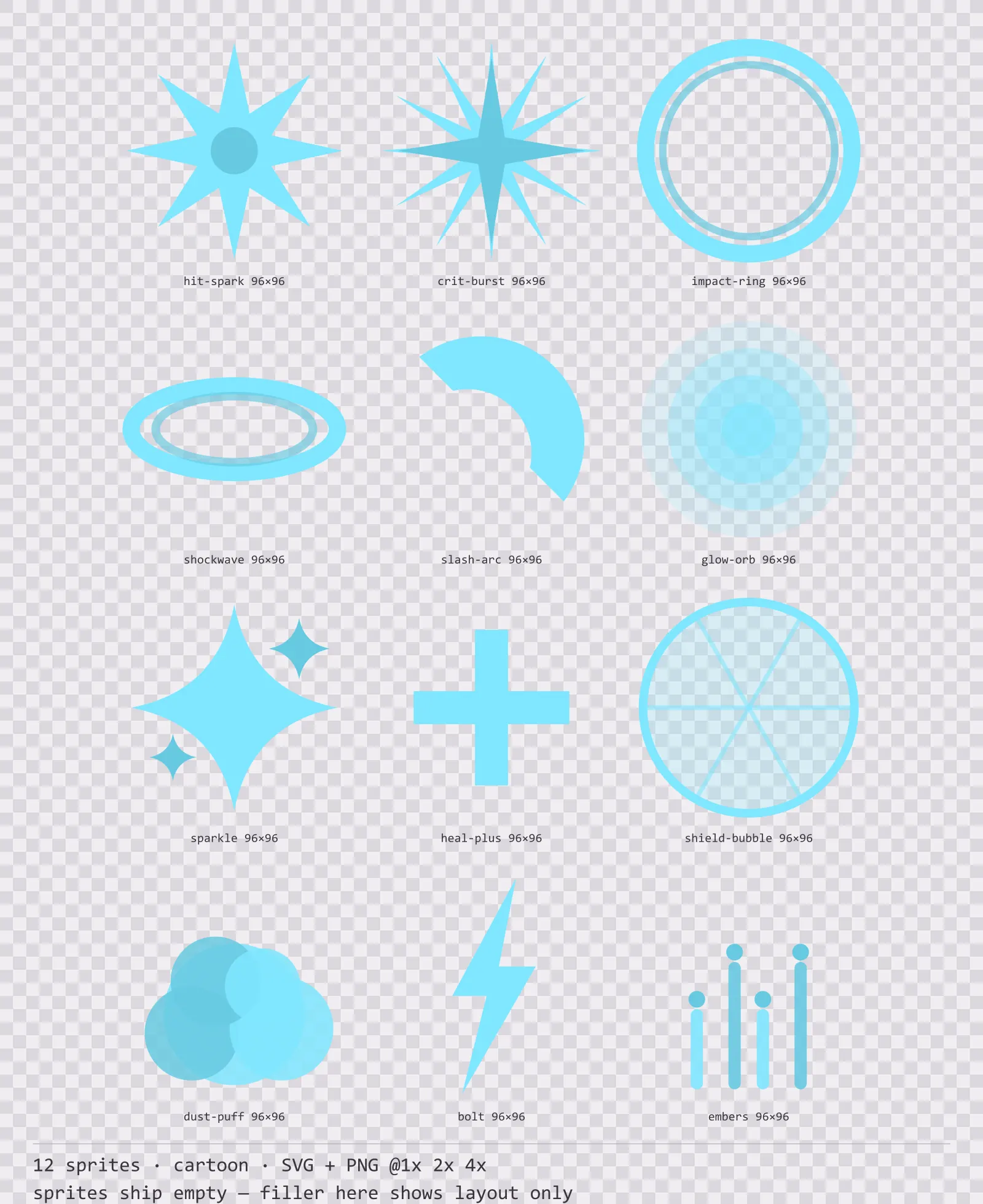
Aqua Hit Effects
12 cartoon impact and effect sprites for dark interfaces — deep teal with ice blue accents. SVG plus transparent PNG at 1x, 2x and 4x.
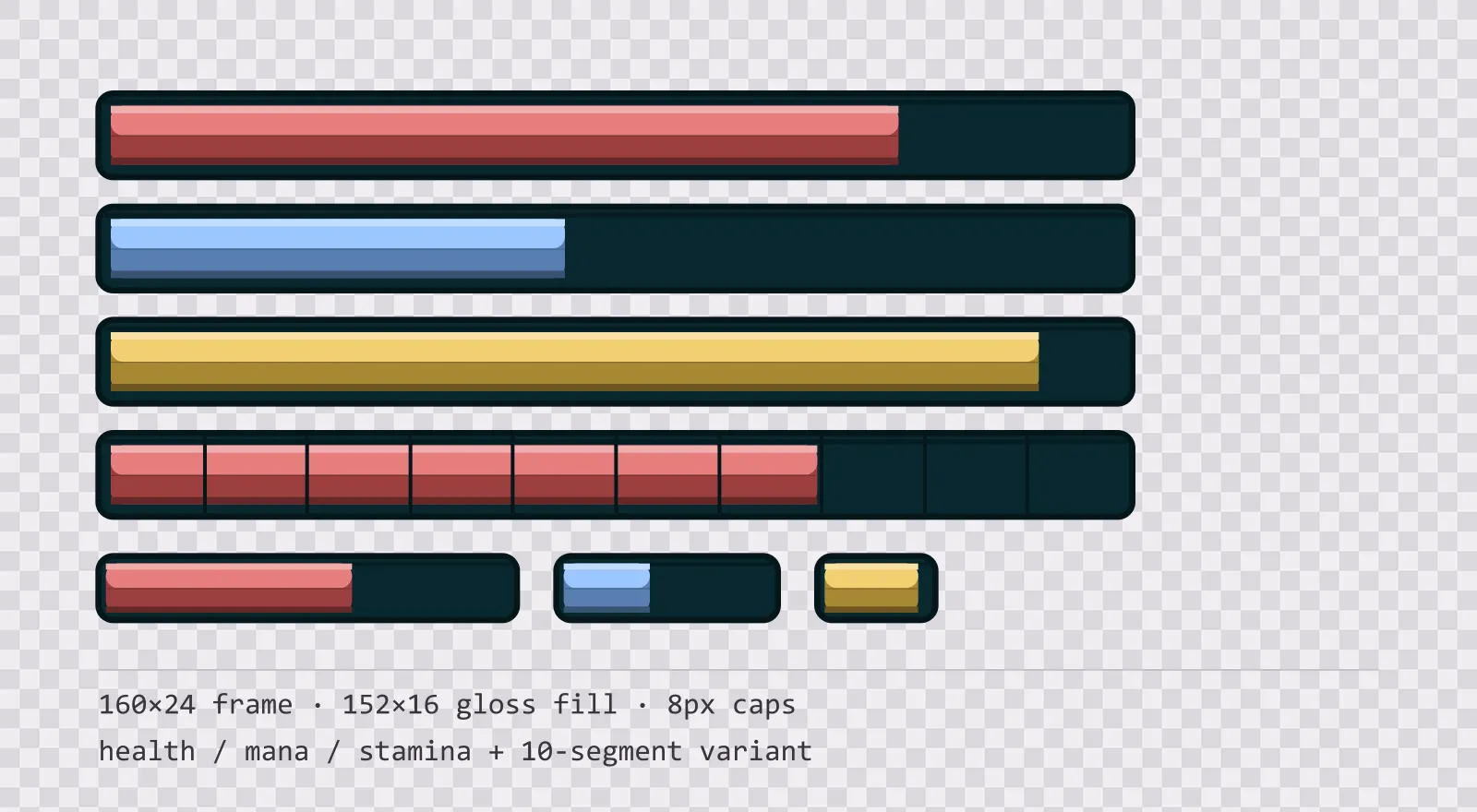
Aqua HUD Bars — health, mana and stamina
16 glassy teal HUD bar sprites: standard, slim and vertical frames, three glossy fills in each, plus segmented, ghost and shield variants. SVG plus transparent PNG.
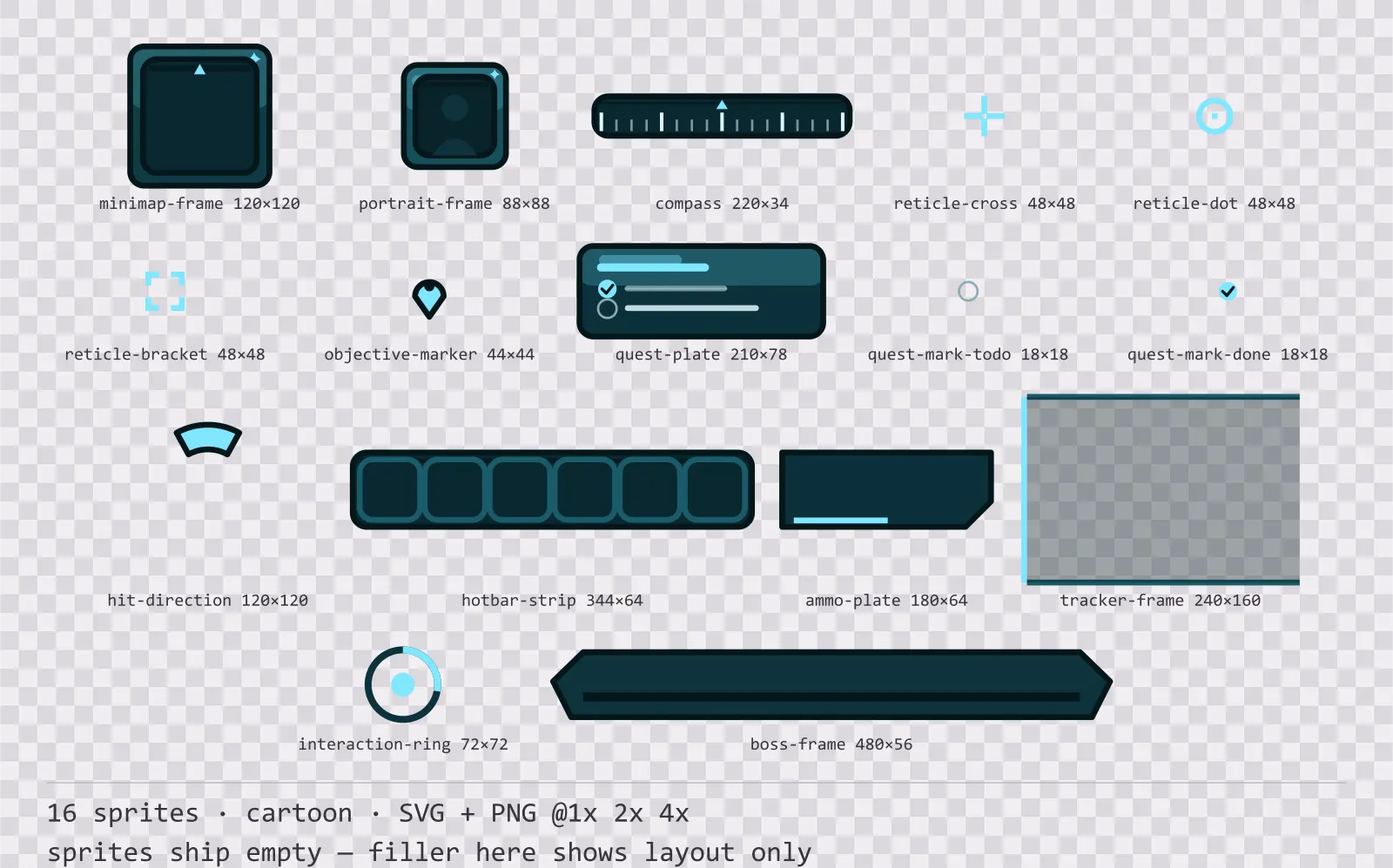
Aqua HUD Frames
16 cartoon heads-up display frames for dark interfaces — deep teal with ice blue accents. SVG plus transparent PNG at 1x, 2x and 4x.
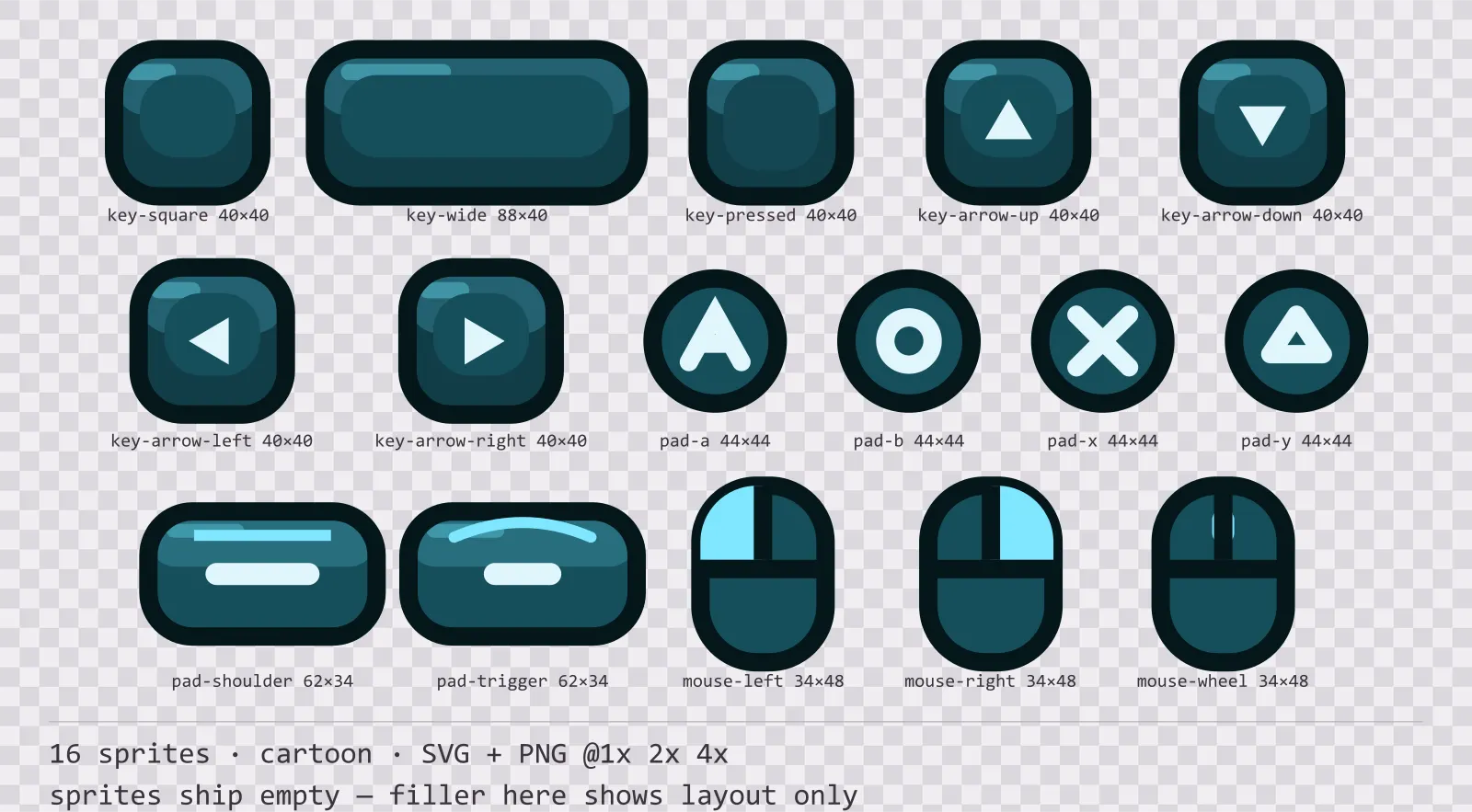
Aqua Input Prompts
16 cartoon input prompt sprites for dark interfaces — deep teal with ice blue accents. SVG plus transparent PNG at 1x, 2x and 4x.
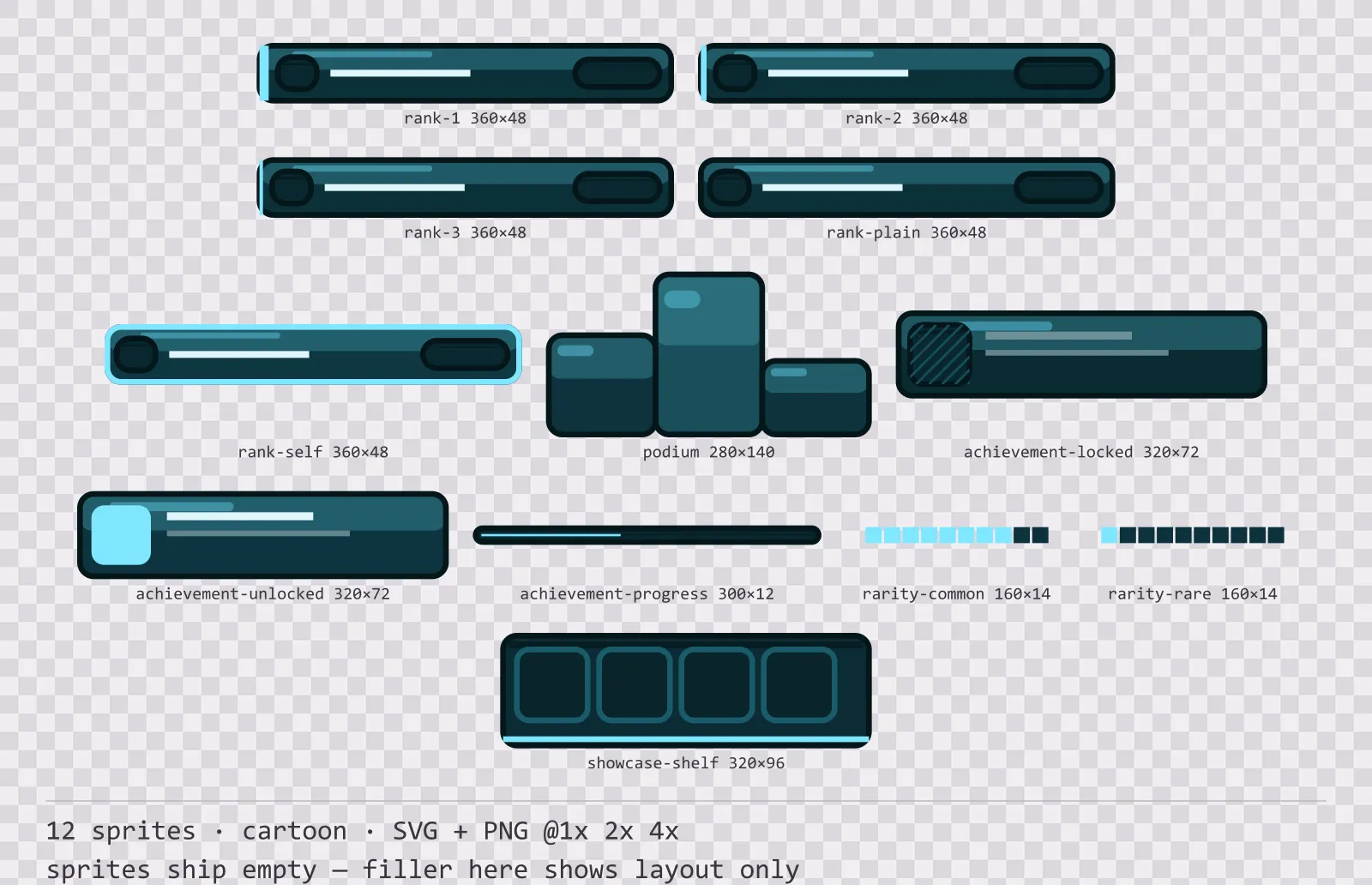
Aqua Leaderboard
12 cartoon leaderboard and achievement widgets for dark interfaces — deep teal with ice blue accents. SVG plus transparent PNG at 1x, 2x and 4x.
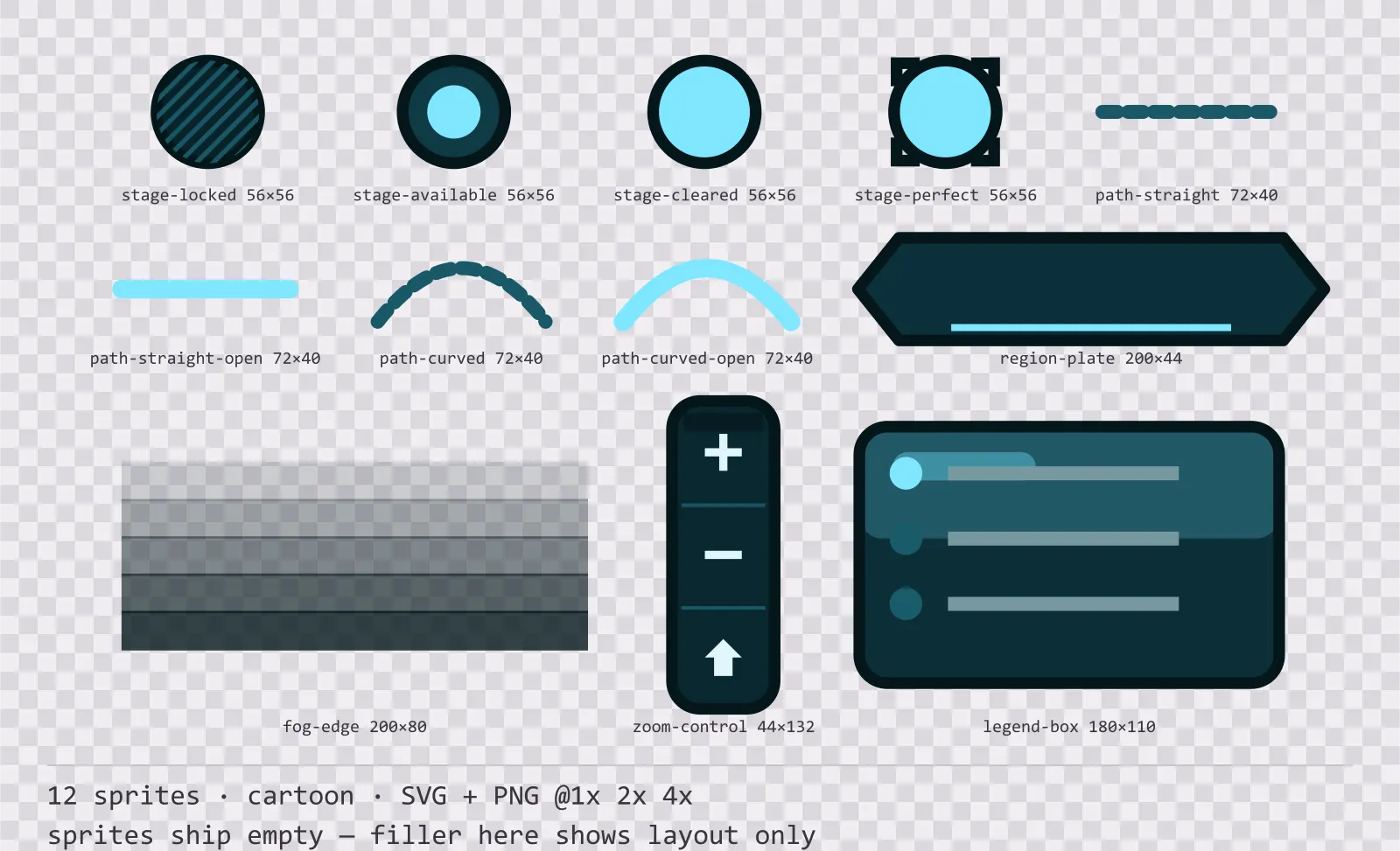
Aqua Level Select
12 cartoon level select and world map pieces for dark interfaces — deep teal with ice blue accents. SVG plus transparent PNG at 1x, 2x and 4x.
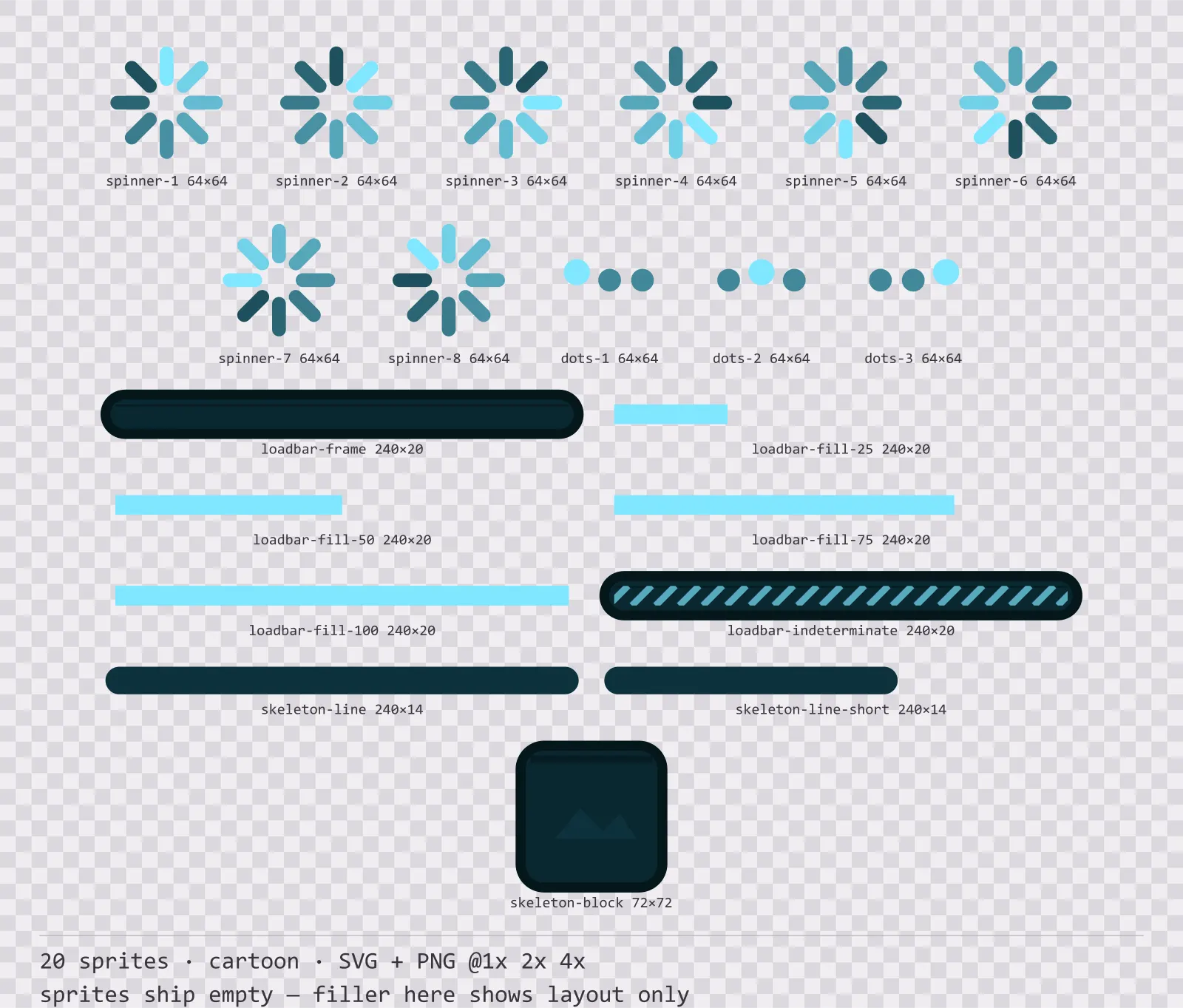
Aqua Loading
20 cartoon loading and waiting indicators for dark interfaces — deep teal with ice blue accents. SVG plus transparent PNG at 1x, 2x and 4x.
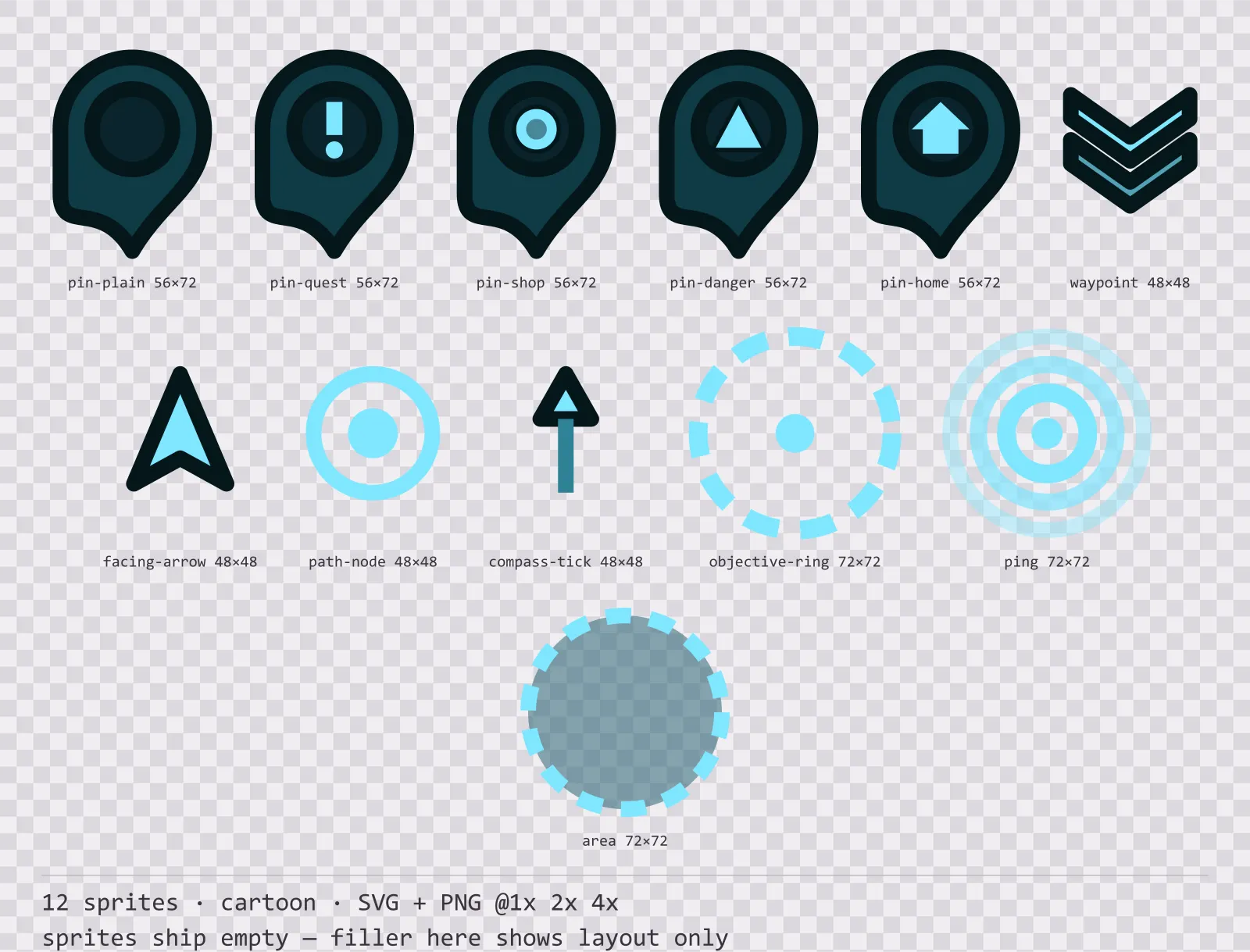
Aqua Map Markers
12 cartoon map markers and world indicators for dark interfaces — deep teal with ice blue accents. SVG plus transparent PNG at 1x, 2x and 4x.
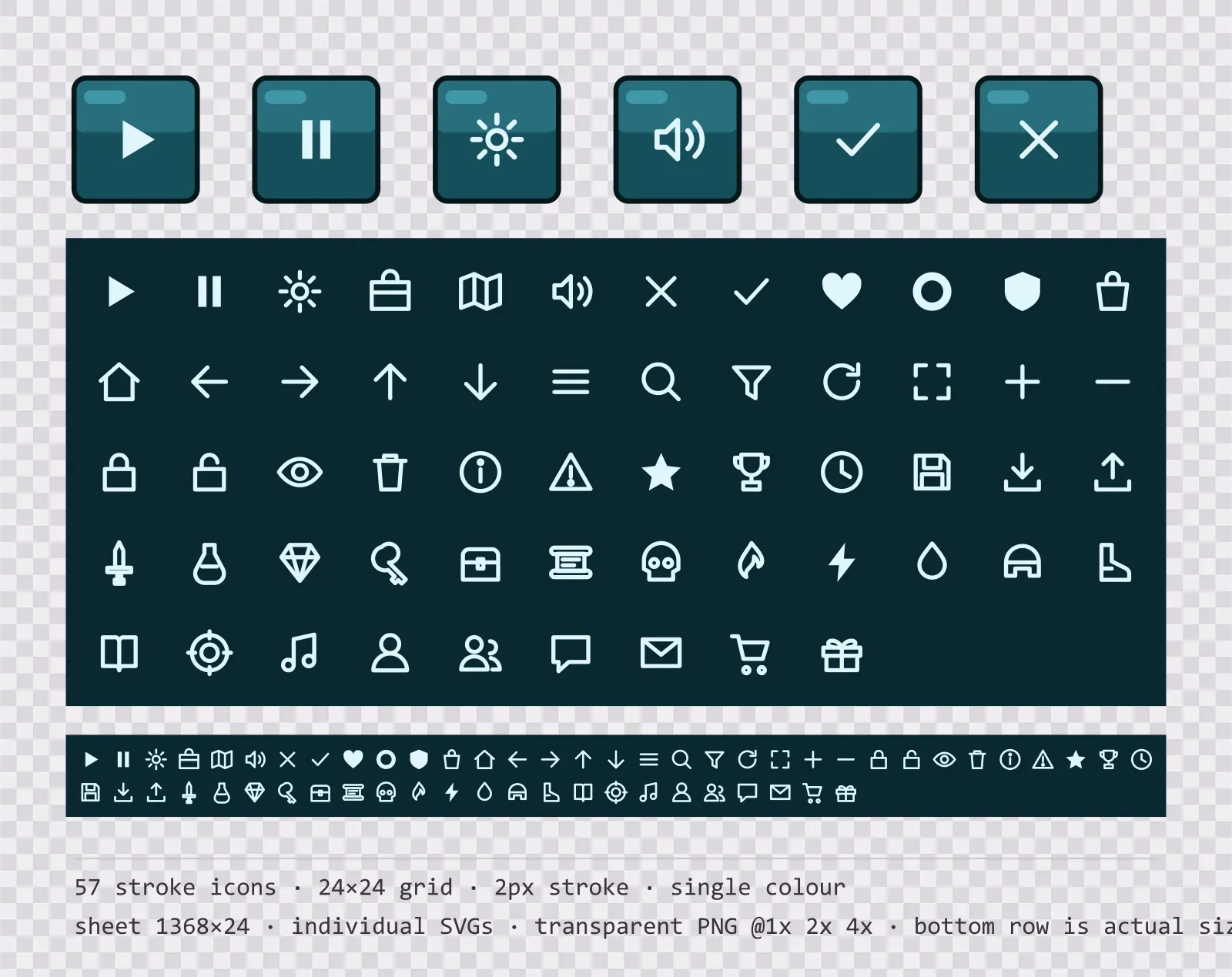
Aqua Menu Icons — 24px outlined set
57 single-colour outlined glassy teal menu icons on a 24×24 grid, including play, pause, settings and 54 more. Sheet plus individual files.
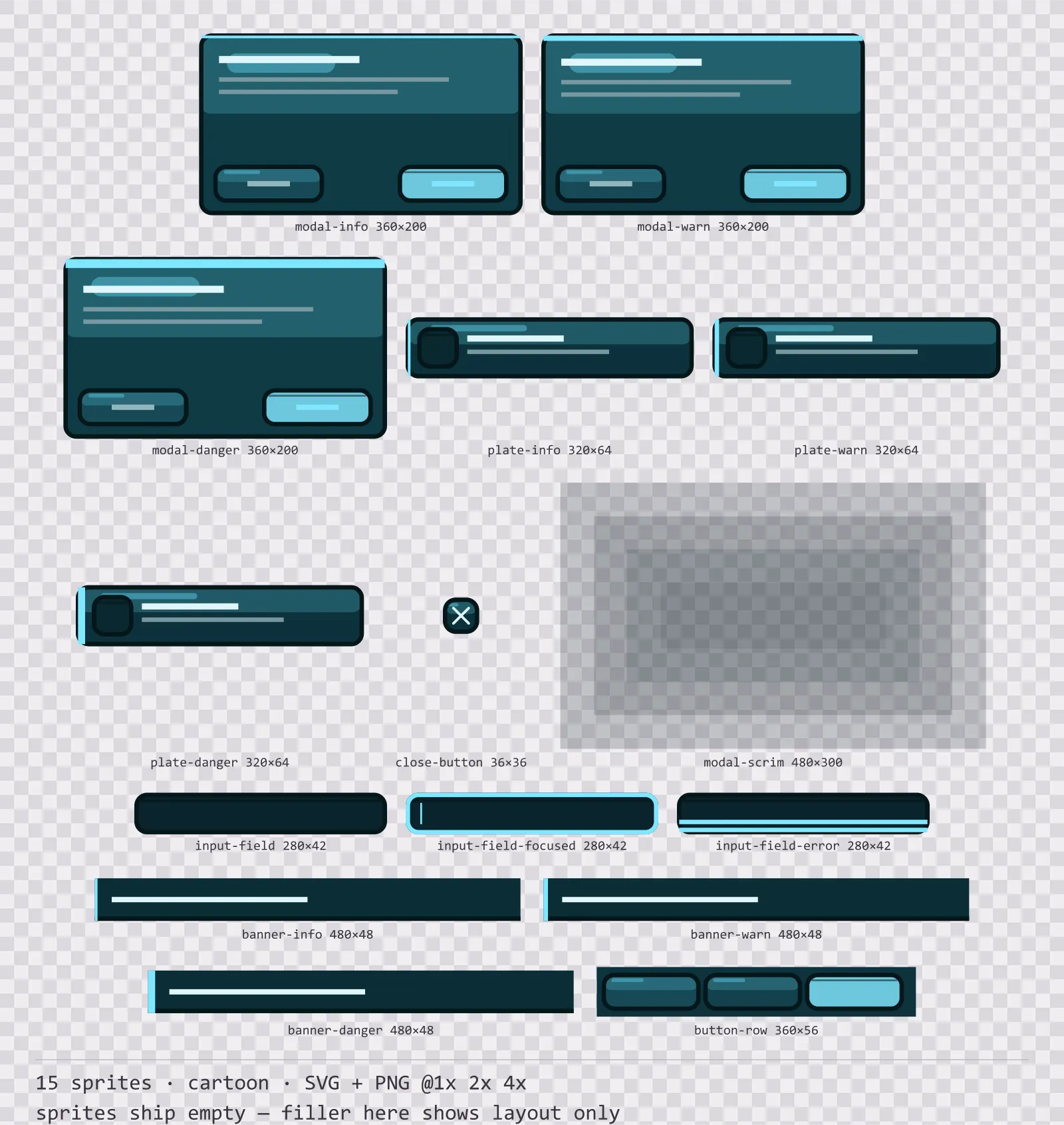
Aqua Modals
15 cartoon modal dialogs and system notices for dark interfaces — deep teal with ice blue accents. SVG plus transparent PNG at 1x, 2x and 4x.
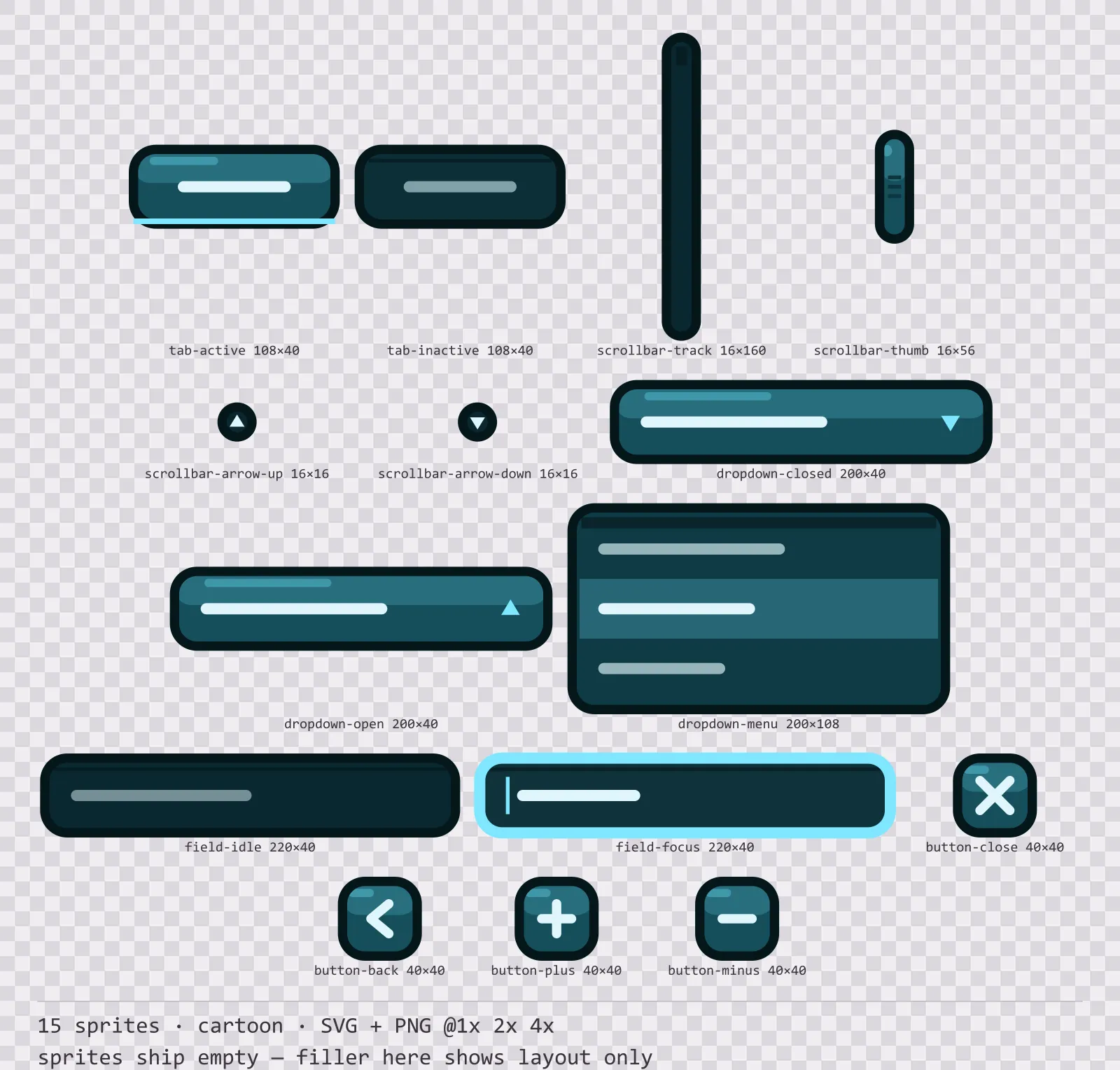
Aqua Navigation Kit
15 cartoon navigation and input components for dark interfaces — deep teal with ice blue accents. SVG plus transparent PNG at 1x, 2x and 4x.
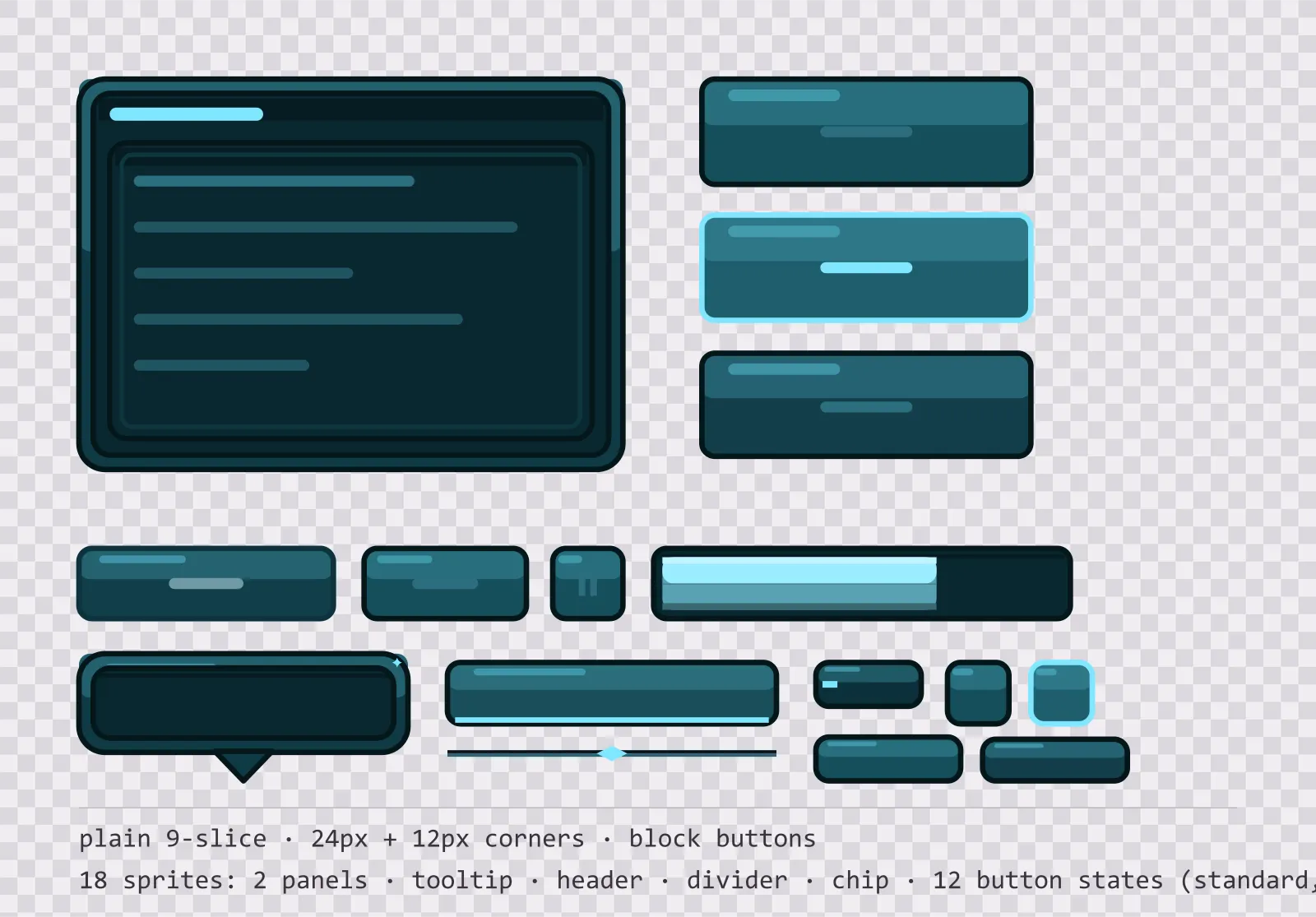
Aqua Panel UI Kit — single-framed panels and buttons
18 glassy teal interface sprites: single-framed nine-slice panels, a tooltip, a header bar, a divider, a chip and twelve square button states. SVG plus transparent PNG.
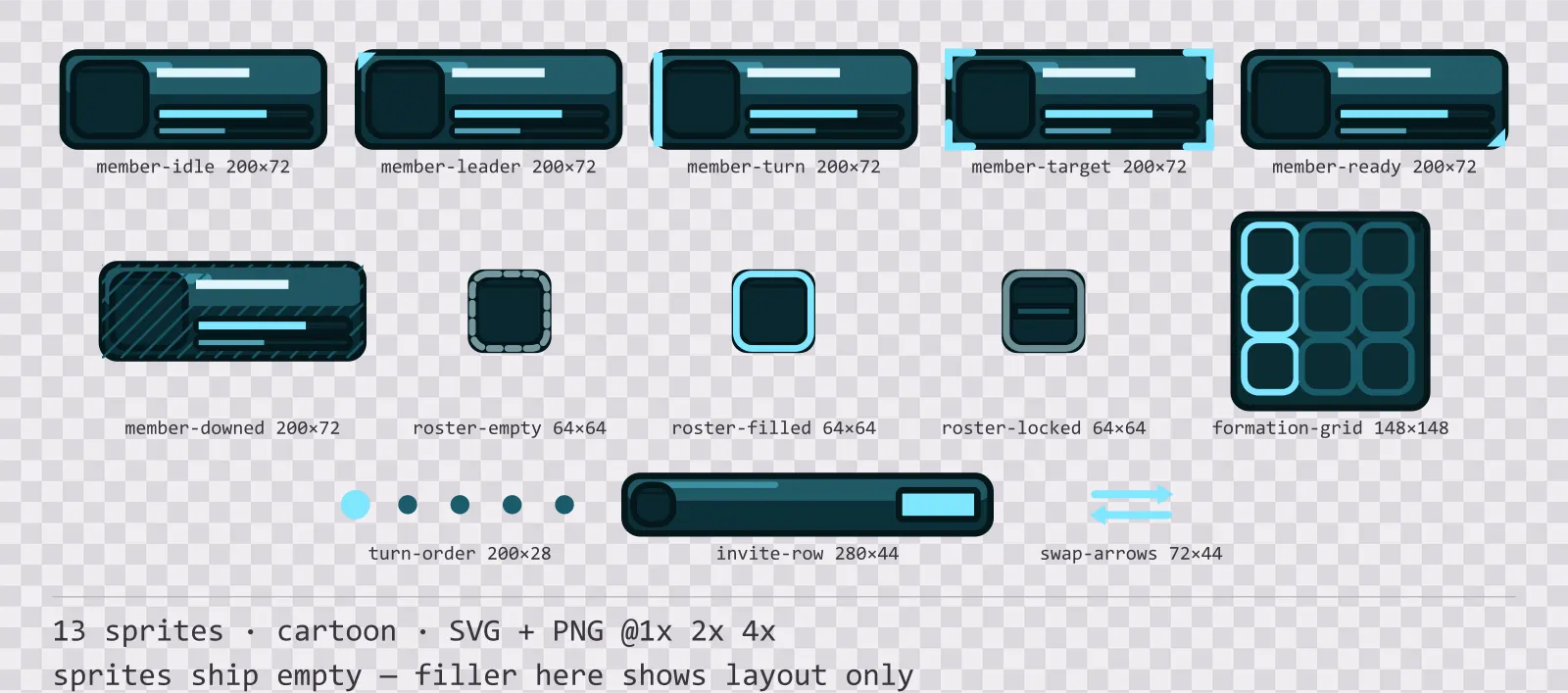
Aqua Party UI
13 cartoon party and roster widgets for dark interfaces — deep teal with ice blue accents. SVG plus transparent PNG at 1x, 2x and 4x.
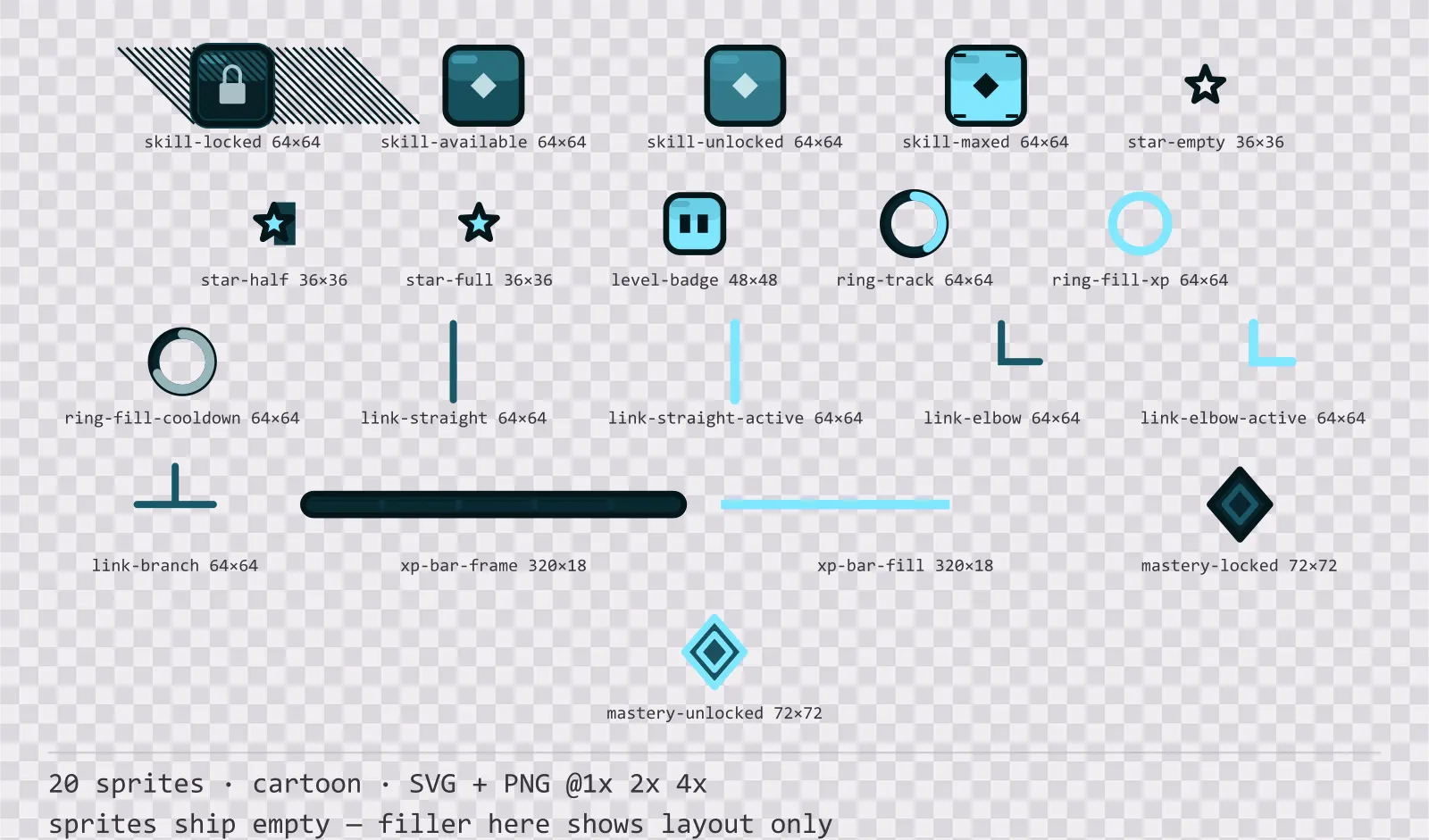
Aqua Progression Kit
20 cartoon progression and reward components for dark interfaces — deep teal with ice blue accents. SVG plus transparent PNG at 1x, 2x and 4x.
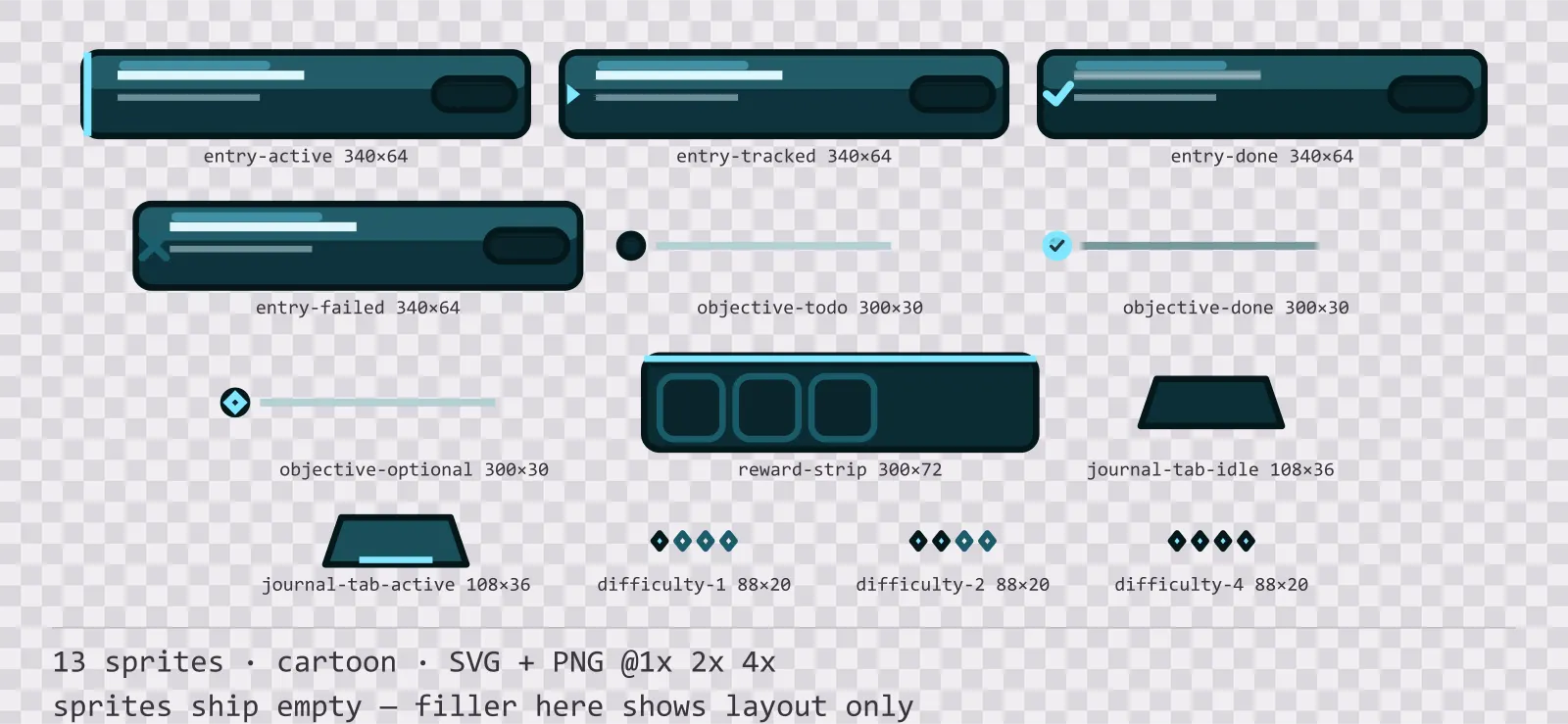
Aqua Quest Log
13 cartoon quest log and objective widgets for dark interfaces — deep teal with ice blue accents. SVG plus transparent PNG at 1x, 2x and 4x.
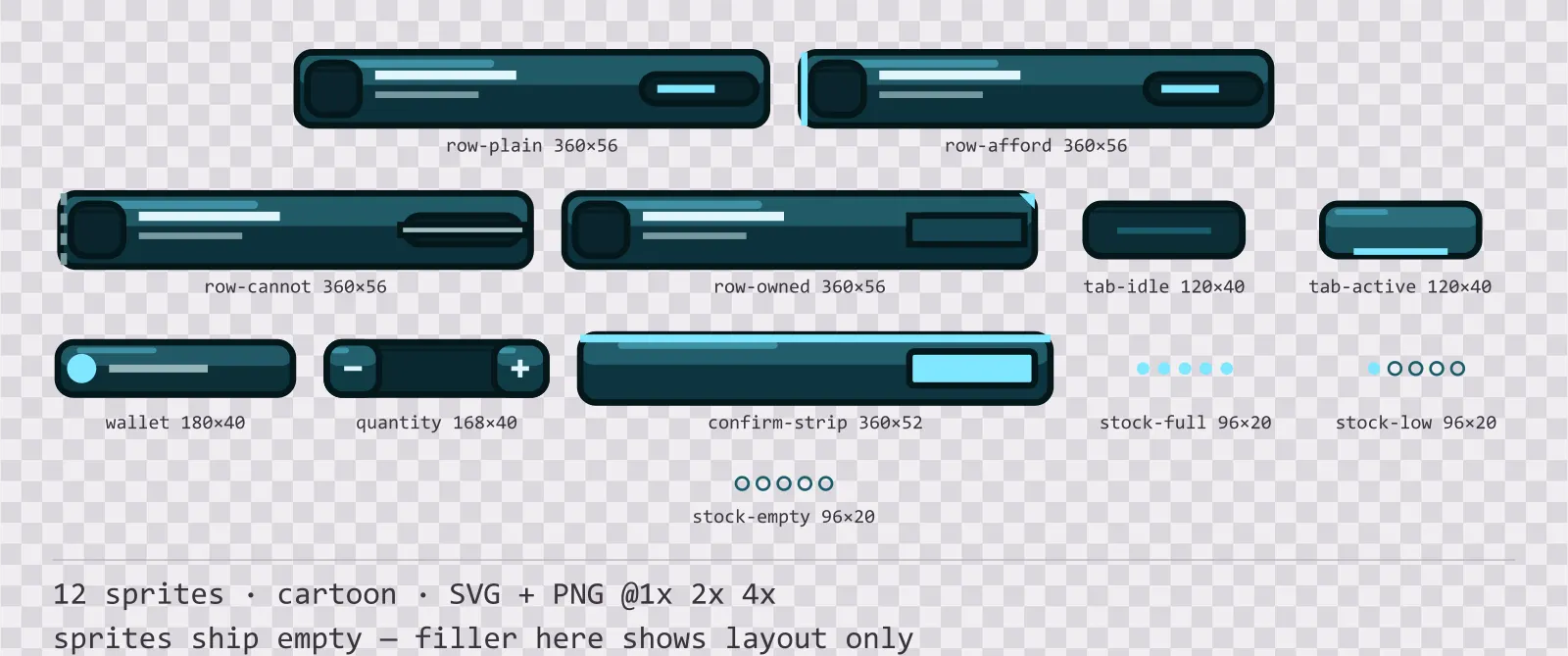
Aqua Shop UI
12 cartoon shop and economy widgets for dark interfaces — deep teal with ice blue accents. SVG plus transparent PNG at 1x, 2x and 4x.
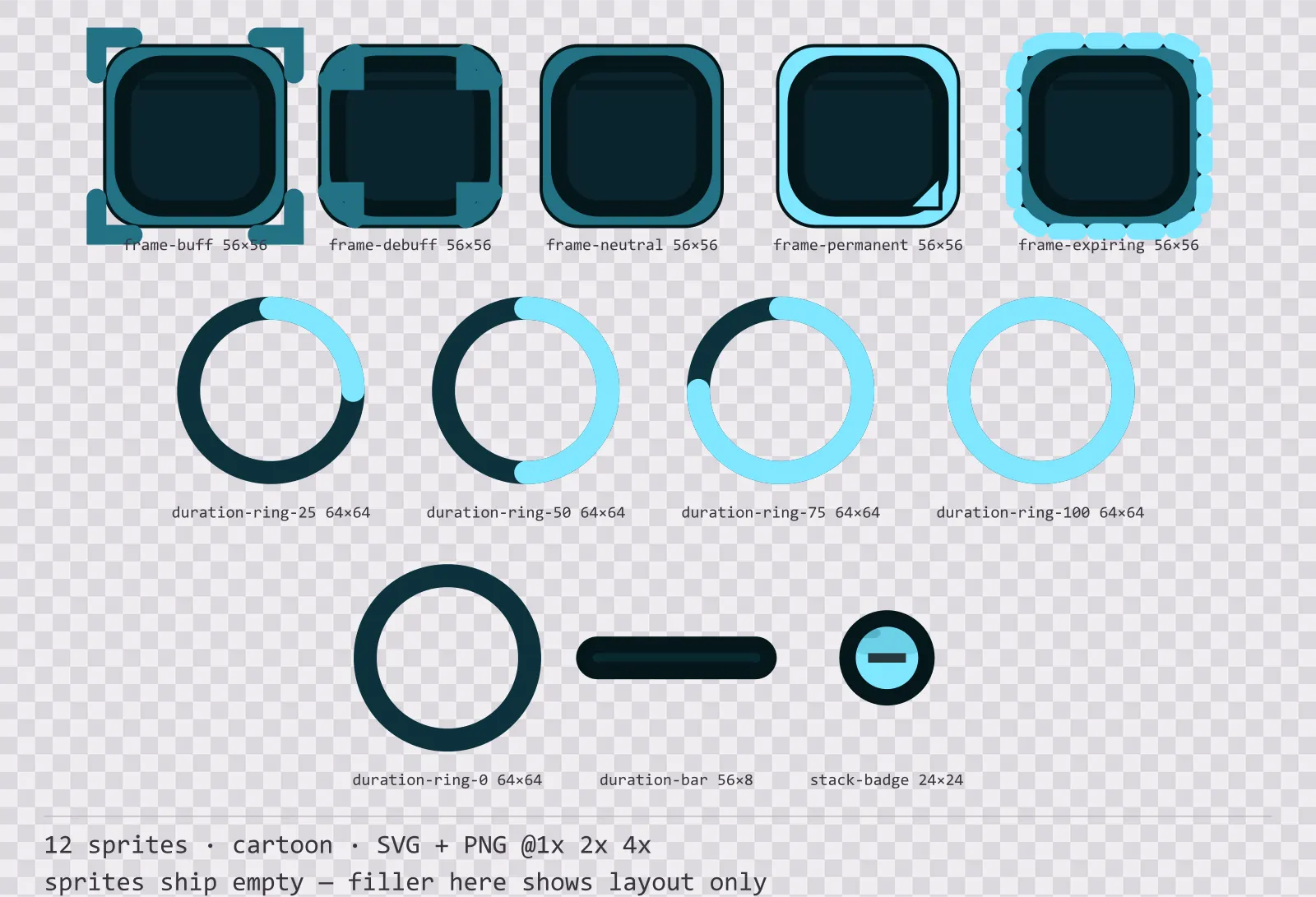
Aqua Status Effects
12 cartoon status effect frames and duration indicators for dark interfaces — deep teal with ice blue accents. SVG plus transparent PNG at 1x, 2x and 4x.
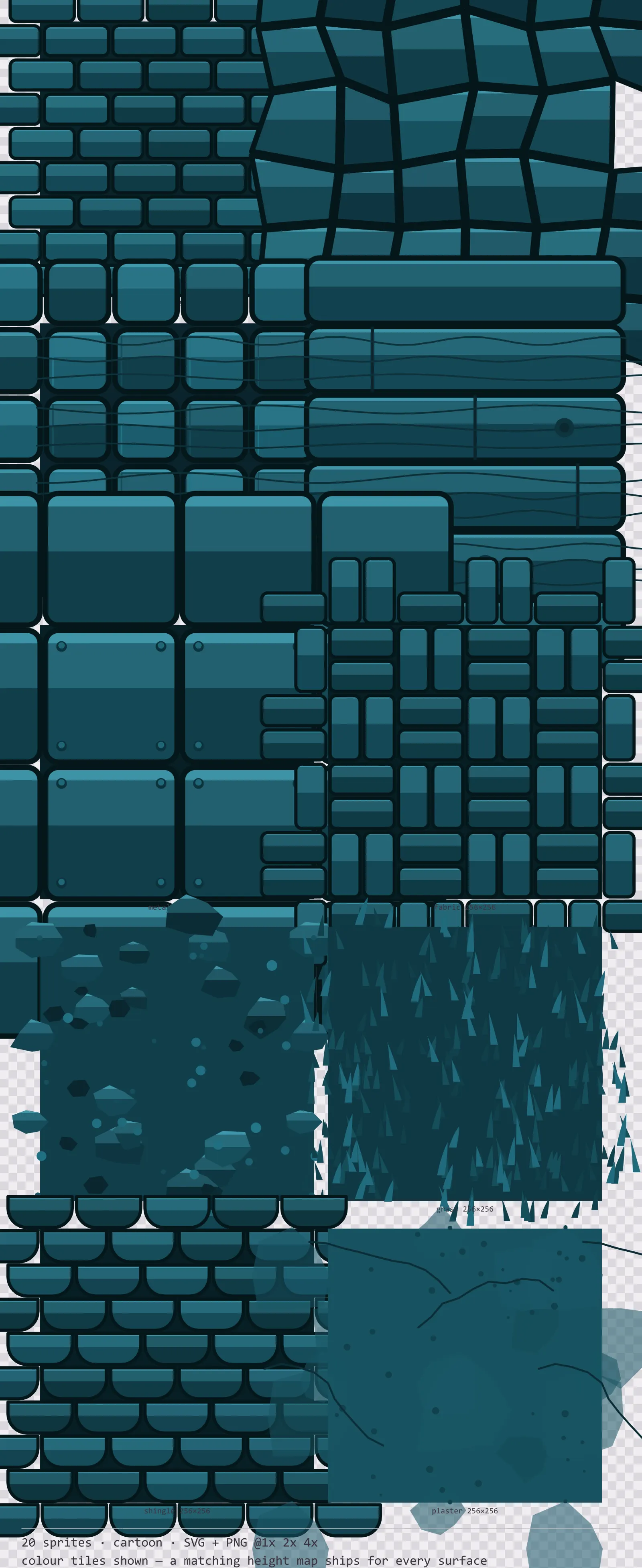
Aqua Seamless Textures
20 cartoon tiling surface textures for dark interfaces — deep teal with ice blue accents. SVG plus transparent PNG at 1x, 2x and 4x.
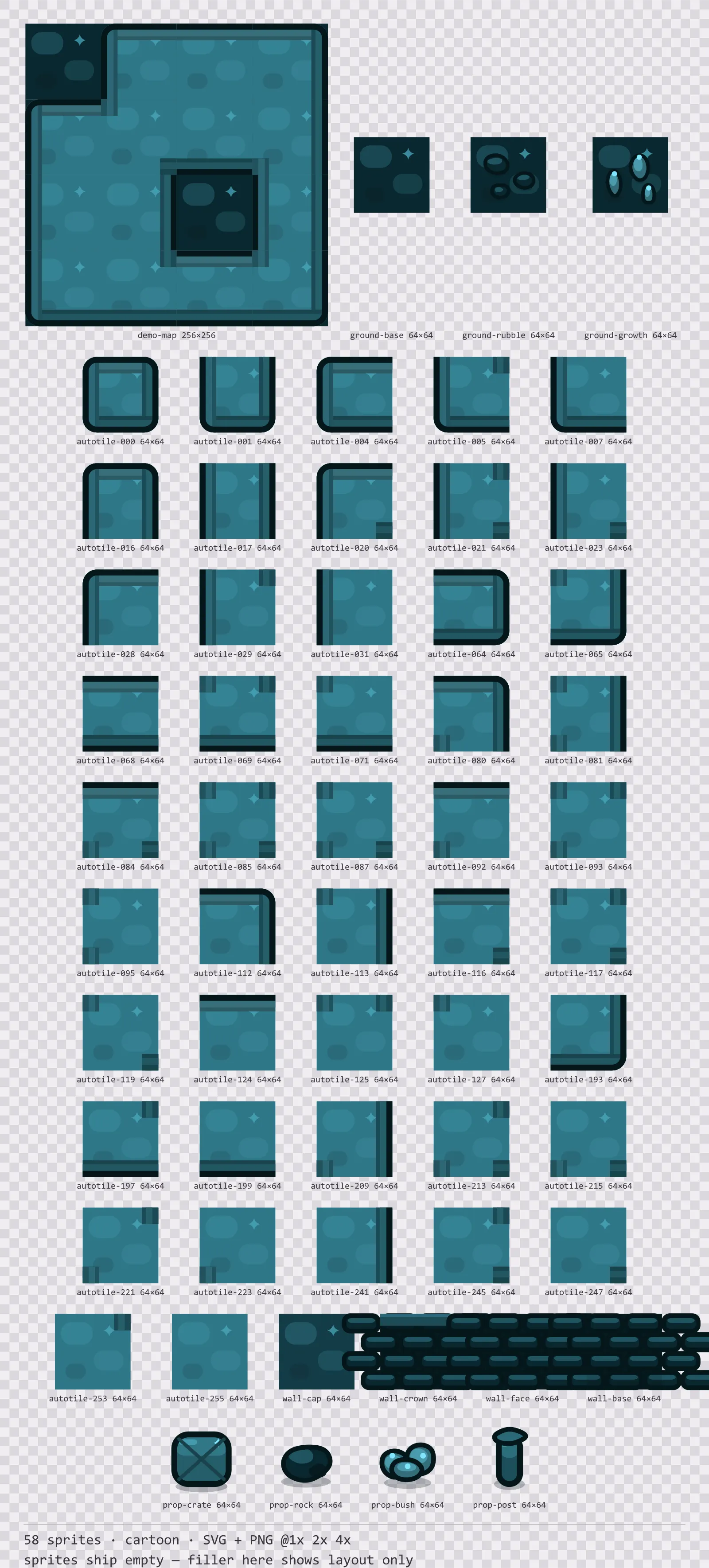
Aqua Tileset
58 cartoon tiles for dark interfaces — deep teal with ice blue accents. SVG plus transparent PNG at 1x, 2x and 4x.
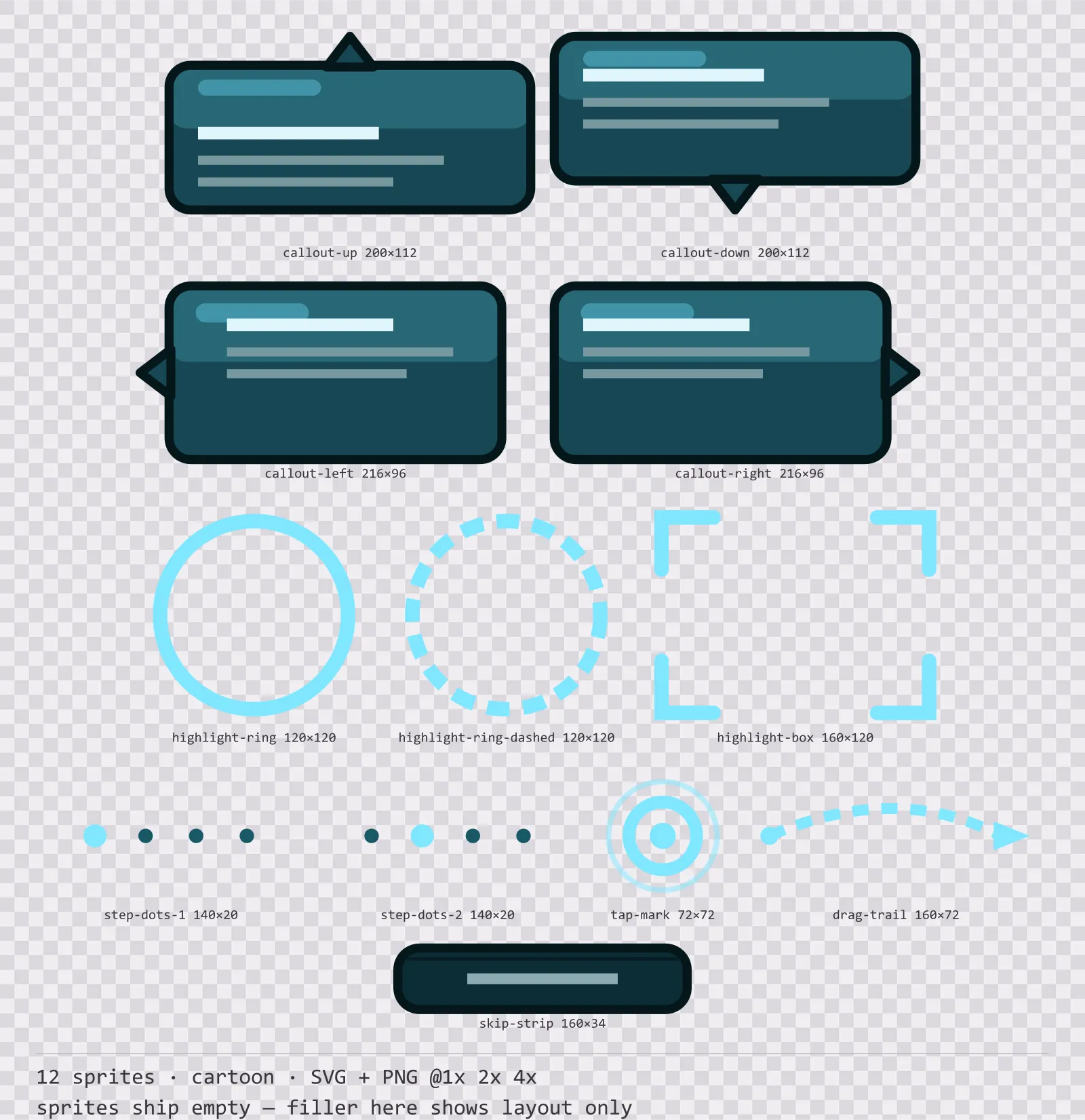
Aqua Tutorial UI
12 cartoon tutorial and onboarding markers for dark interfaces — deep teal with ice blue accents. SVG plus transparent PNG at 1x, 2x and 4x.
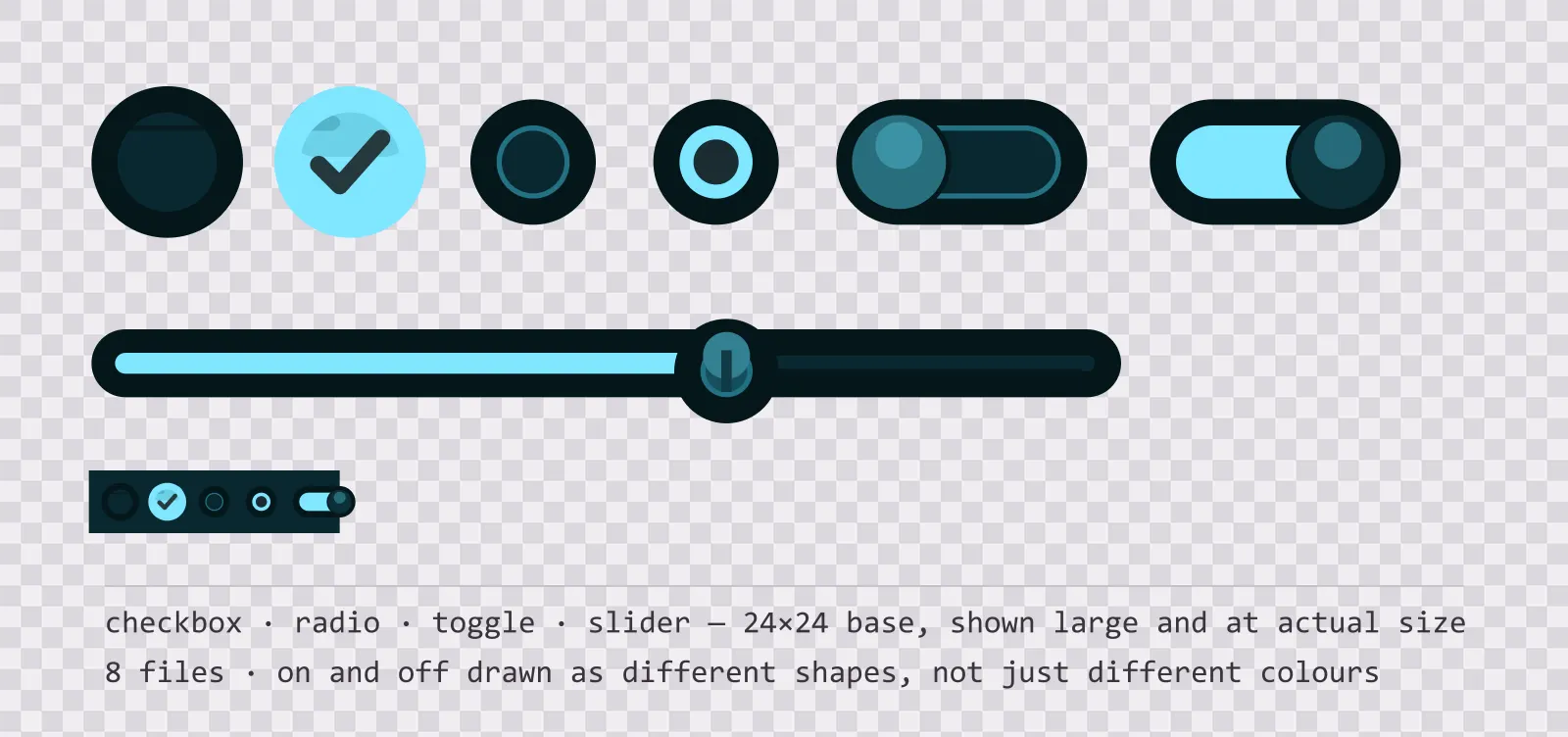
Aqua UI Controls — checkbox, toggle and slider
19 glassy teal interface controls: checkbox, radio, toggle, slider and stepper, with on, off, partial and disabled states drawn as different shapes. SVG plus PNG.
Also browse
More UI Packs
See all →
Aetherlab Backdrops
13 magitech background and overlay pieces for dark interfaces — lab navy with aether cyan accents. SVG plus transparent PNG at 1x, 2x and 4x.

Aetherlab Card Frames
18 magitech card, currency and notification components for dark interfaces — lab navy with aether cyan accents. SVG plus transparent PNG at 1x, 2x and 4x.

Aetherlab Character Sheet
12 magitech character sheet and stat widgets for dark interfaces — lab navy with aether cyan accents. SVG plus transparent PNG at 1x, 2x and 4x.

Aetherlab Crafting UI
13 magitech crafting and recipe widgets for dark interfaces — lab navy with aether cyan accents. SVG plus transparent PNG at 1x, 2x and 4x.