Emblems
Amberterm Emblems
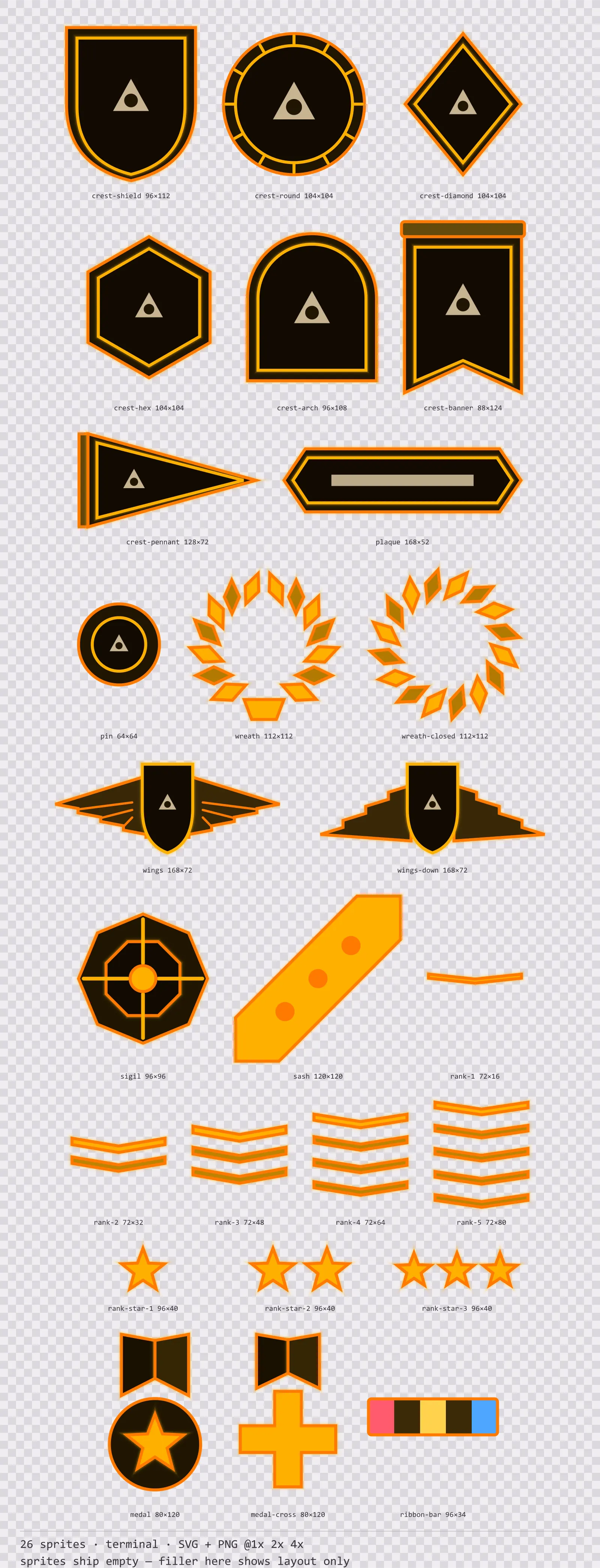
26 terminal crests, insignia and rank marks for dark interfaces — warm black with CRT amber accents. SVG plus transparent PNG at 1x, 2x and 4x.
About this pack
Amberterm Emblems is a set of 26 crests, insignia and rank marks drawn in the terminal style, where one hue at six levels and nothing else — a phosphor tube has no second colour. It contains seven crest carriers, a name plaque, a pin badge, an open and a closed wreath ring, two winged mounts, an abstract sigil, a service sash, five countable rank chevrons, three star ranks, two medals and a service ribbon.
A faction emblem has to belong to the game it is in, which is exactly what a finished emblem cannot do: put a wolf head on a guild crest and the crest belongs to that artist rather than to the player. Most of this set is therefore a carrier rather than a finished mark — the shield, the seal, the lozenge, the banner and the winged mount all ship with an empty field sized for an icon you already have.
The whole set is built from a single hue, including the trace and the marks, because a phosphor or amber CRT physically cannot show a second one. The halo is a stack of strokes at falling opacity, which is what the bloom on a real tube looks like and what a blur filter gets wrong at 4x.
Inside that style this is the Amberterm reading of it: a dark interface on a warm black palette with CRT amber accents, built around a single bordered frame, chamfered buttons at 128x46, hollow-cored bars divided into 7 segments, and two-tone icons on a 32px grid. Those measurements are why two families can share an art style without being interchangeable: the style decides how an edge is drawn, the numbers decide what the interface is for.
The seven carriers are a shield, a round seal, a lozenge, a hexagon, an arch, a hanging banner and a pennant — enough that two factions in the same grid do not have to share a silhouette. Rank is countable rather than coloured: one to five chevrons, plus a separate star series, so the tier survives a greyscale screenshot and does not collide with the faction colour the emblem is tinted with. No letters are drawn anywhere in the set — embedding a font is a licensing problem and a baked-in initial is wrong for every studio but one, so the carriers give you the frame and your engine prints the mark. The wreath ships open and closed: the gap is what makes the open one read as a wreath at thumbnail size, and the closed one is the ring a seal needs.
Every sprite ships as an editable SVG and as transparent PNG at 1x, 2x and 4x, so you can drop the PNGs straight into an engine or open the vector and change a colour. Built to the same measurements as the rest of the Amberterm family, which means this kit and the Amberterm panel kit line up without either being resized. A good fit for terminals, consoles and retro-computing interfaces.
Download
Direct link · no sign-up · no wait pageComplete set — SVG sources, PNG exports at 1x/2x/4x, licence and readme
How to use it
- Drop your own icon into the empty field of a carrier at roughly 60% of the field width; the fields are drawn with that margin so a mark does not touch the inner border.
- Tint a whole emblem by changing the two body values in the SVG rather than the accent — the accent carries the field border and the rank chevrons, and flattening it removes the structural tier signal.
- Use the rank marks by count, not by colour: one to five chevrons for the tier, or one to three stars where a second track is needed. Chevron sprites grow in height with the tier so the stripe thickness stays constant — anchor them by their top edge and the stack grows downward.
- For a faction picker, the round seal and the lozenge share a bounding box, so two factions can use different carriers in the same grid cell without any per-faction layout.
License
Creative Commons Attribution 4.0 — Free for commercial use. Credit required. Full terms · What this means in practice
"Amberterm Emblems" by Oğuzhan Girgin, licensed under CC BY 4.0 — https://www.colorosse.com/assets/2d/emblems/amberterm-emblemsAlso browse
More Emblems
See all →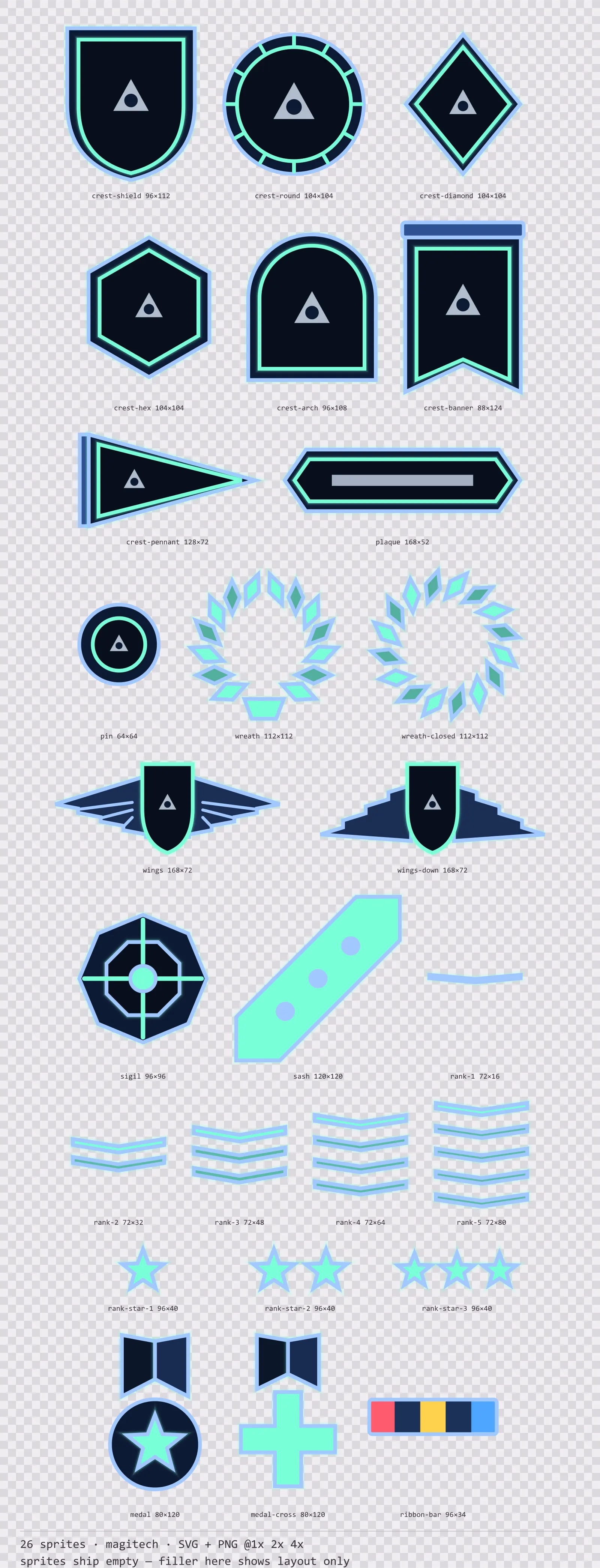
Aetherlab Emblems
26 magitech crests, insignia and rank marks for dark interfaces — lab navy with aether cyan accents. SVG plus transparent PNG at 1x, 2x and 4x.
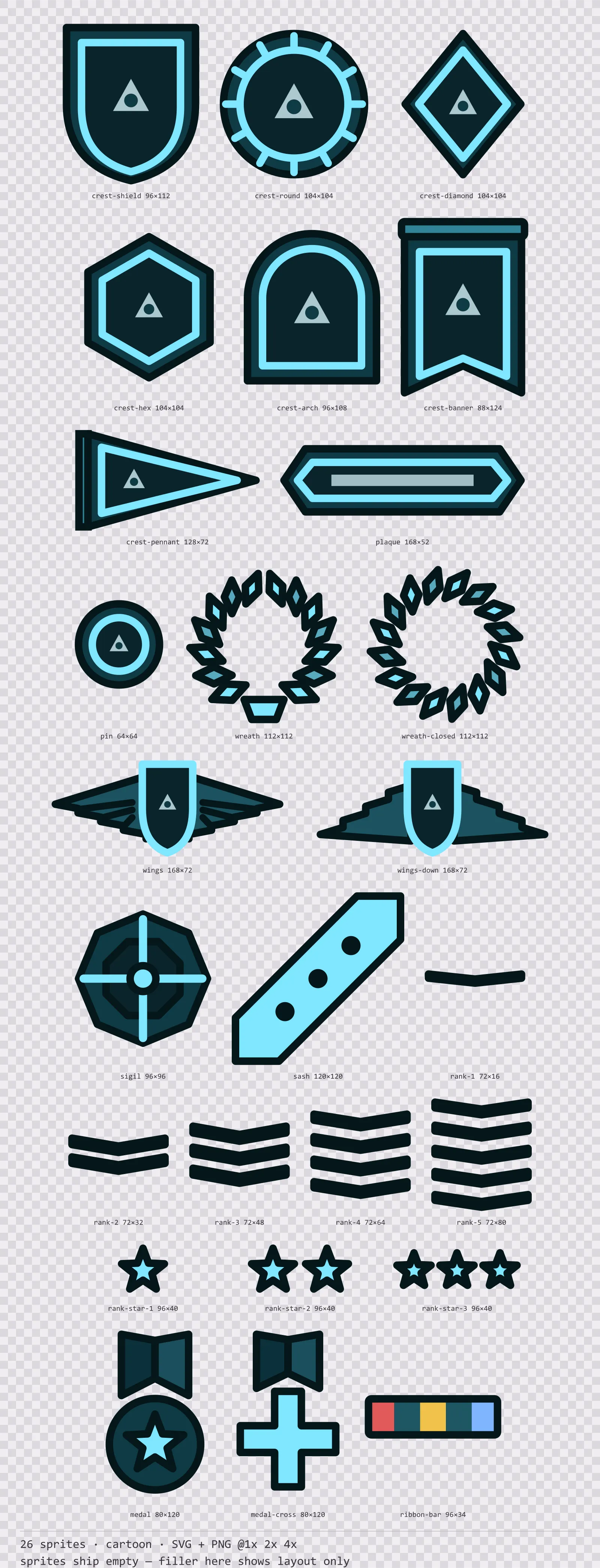
Aqua Emblems
26 cartoon crests, insignia and rank marks for dark interfaces — deep teal with ice blue accents. SVG plus transparent PNG at 1x, 2x and 4x.
Basalt Emblems
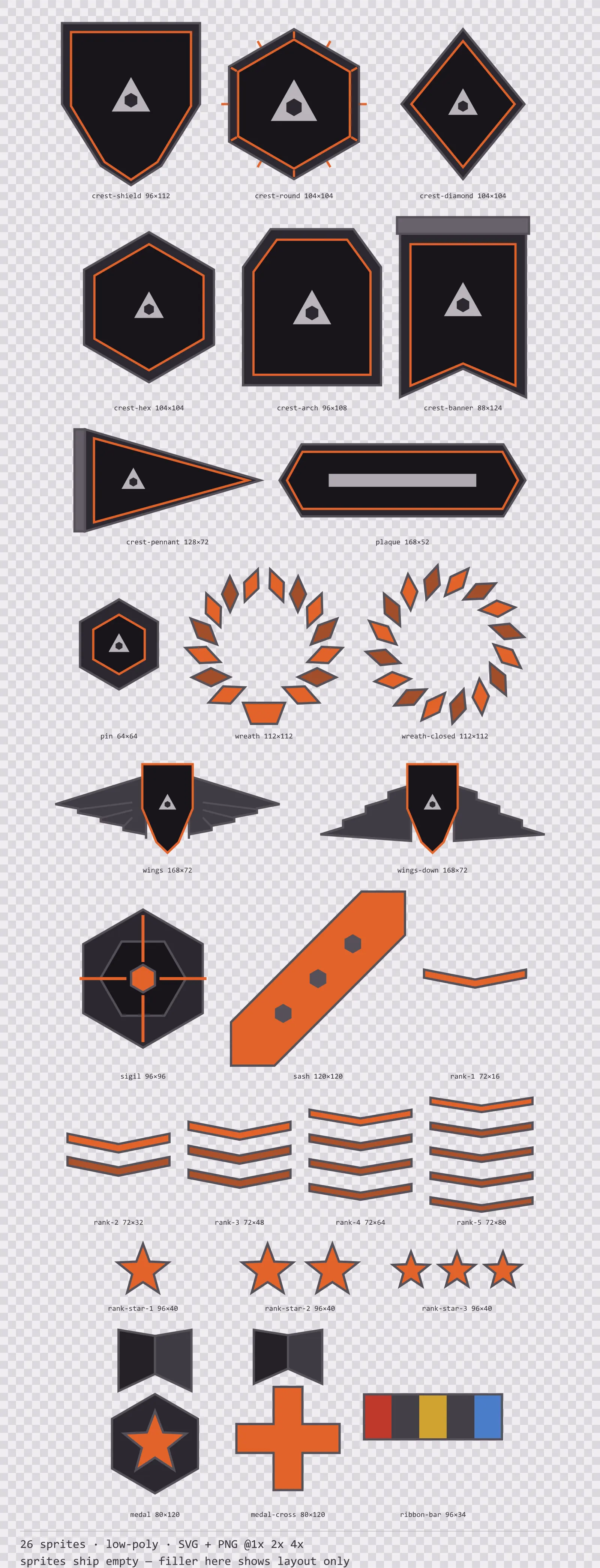
26 low-poly crests, insignia and rank marks for dark interfaces — ash grey with magma orange accents. SVG plus transparent PNG at 1x, 2x and 4x.
Bitrush Emblems
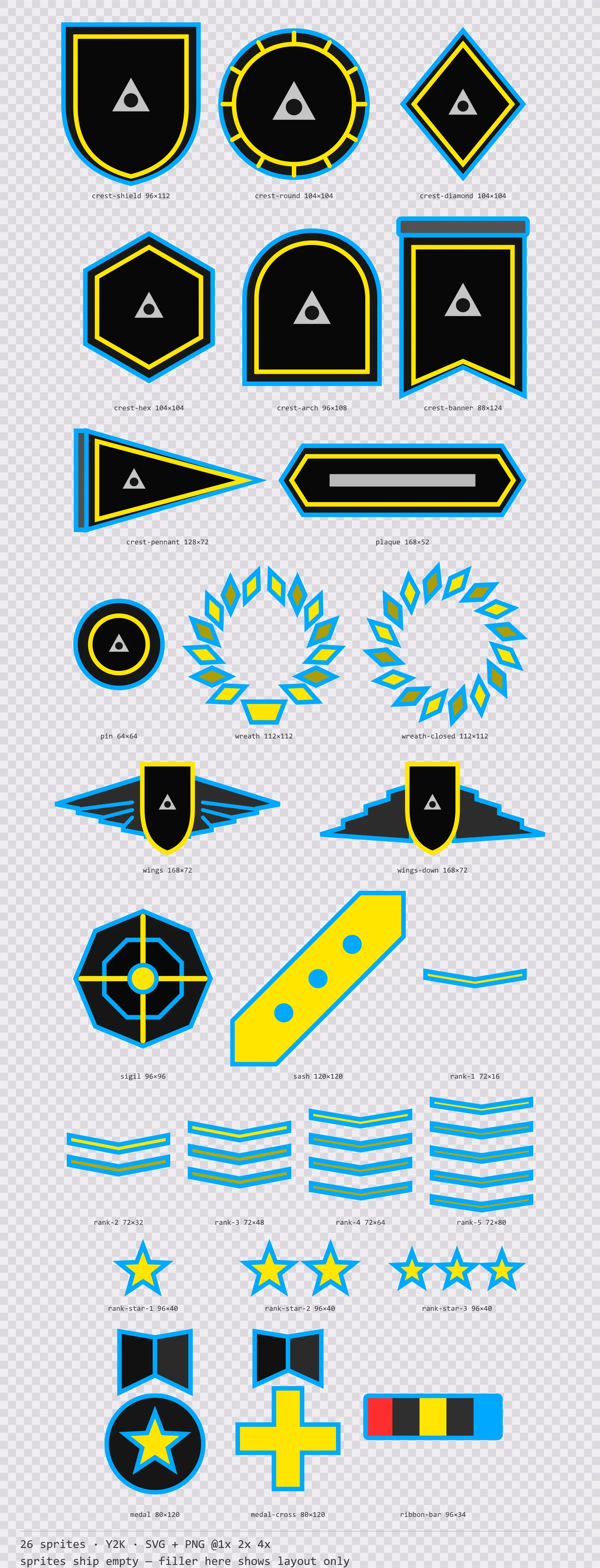
26 Y2K crests, insignia and rank marks for dark interfaces — ink black with signal yellow accents. SVG plus transparent PNG at 1x, 2x and 4x.